Santander Business Banking

Santander Business Banking Summary
Santander Business Banking is a mobile iOS app in Finance by Santander Bank. Released in Sep 2016 (9 years ago). It has 15.4K ratings with a 4.66★ (excellent) average. Based on AppGoblin estimates, it reaches roughly 152.6K monthly active users . Store metadata: updated Oct 21, 2025.
Recent activity: 68 new ratings this week View trends →
Store info: Last updated on App Store on Oct 21, 2025 .
4.66★
Ratings: 15.4K
Screenshots


App Description
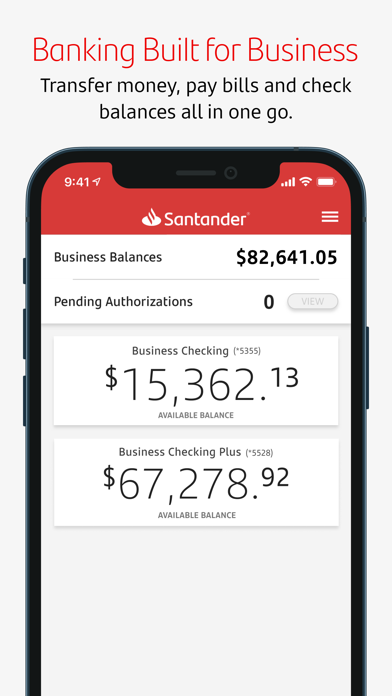
Now you can manage your money anywhere, anytime with the Santander Business Banking app. It’s fast, simple, and convenient. You can use the app to check real-time balances, make transfers between your accounts, pay bills, and deposit checks.
The app is free to Santander Bank customers in the United States with a Business Online & Mobile Banking account.
Business banking is better than ever with these enhanced app features:
Account Management
• Log in to the app using your Online Organization ID, User ID, and Password.
• Forgot your Password? No problem: Reset with the app.
• Check real-time balances without logging in with the Quick Balance feature.
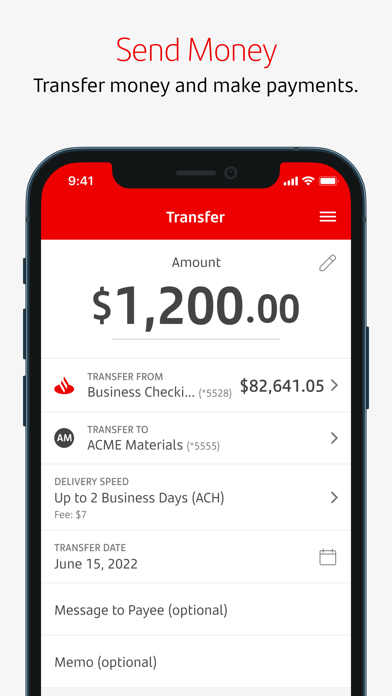
• Make transfers between your business and personal accounts. Restrictions apply. Please see the Digital Banking Agreement for Business Online and Mobile Banking for details.
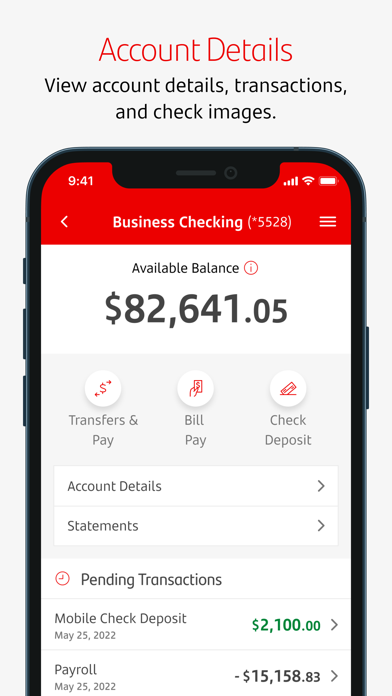
• View recent activity on your business accounts and monthly statements.
• Manage Paperless settings and modify payees.
Stay Secure
• With Touch ID® or Face ID®, log in with just your fingerprint or facial recognition. If you share your device with others, please note that any fingerprints stored on your device may be used to log in to Santander Business Mobile Banking and access your account.
Deposit Checks
• Deposit checks in a snap, with simplified check deposit flow, camera enhancements, and step-by-step instructions. Mobile deposits are subject to limits and other restrictions. Please see the Digital Banking Agreement for Business Online and Mobile Banking for details.
Pay Bills
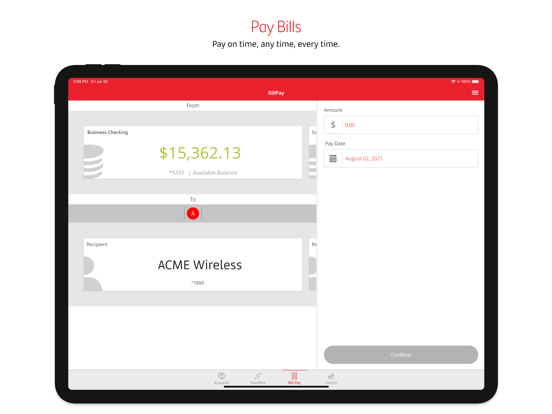
• Schedule and authorize payments.
• Pay eBills.
Contact Us
• Contact Santander Customer Service with one-touch calling.
• Get directions to the nearest Santander branch or ATM.
To use the Business Banking app, you’ll need to enroll first by contacting Santander. Message and data rates may apply.
iPhone, iPad, Touch ID, and Face ID are registered trademarks of Apple Inc.
Santander Bank N.A., Member FDIC
©2022 Santander Bank, N.A. All rights reserved.