My-Zong

My-Zong Summary
My-Zong is a free iOS app in Tools by Zong China Mobile Company Pakistan. Released in Sep 2016 (9 years ago). It has 8.6K ratings with a 4.62★ (excellent) average. Based on AppGoblin estimates, it reaches roughly 22K monthly active users . Store last updated Aug 12, 2026
Recent activity: 3.00 new ratings this week View trends →
My-Zong SDKs Summary
App not yet scanned for SDKs.
4.62★
Ratings: 8.6K
Screenshots
App Description
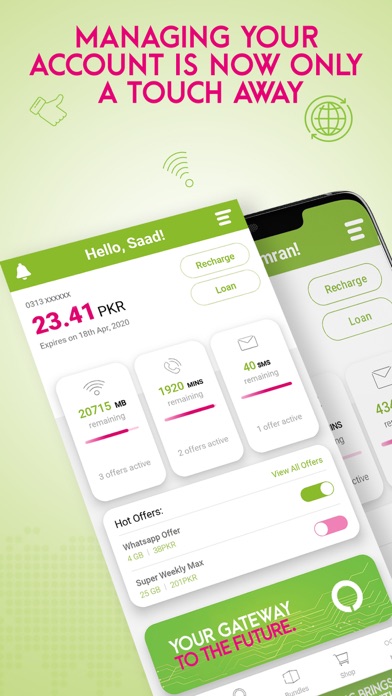
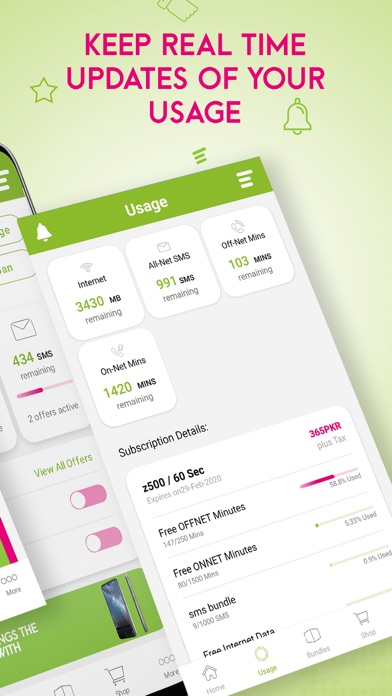
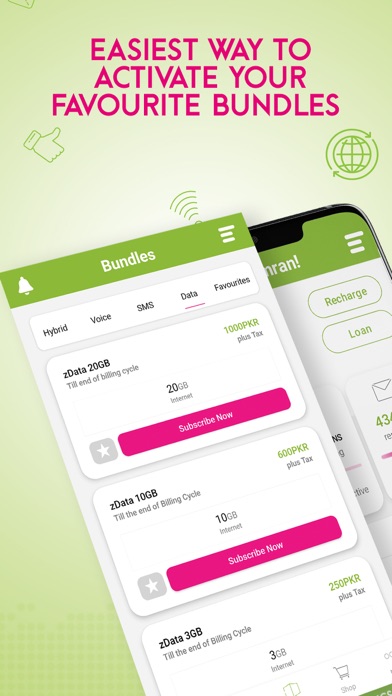
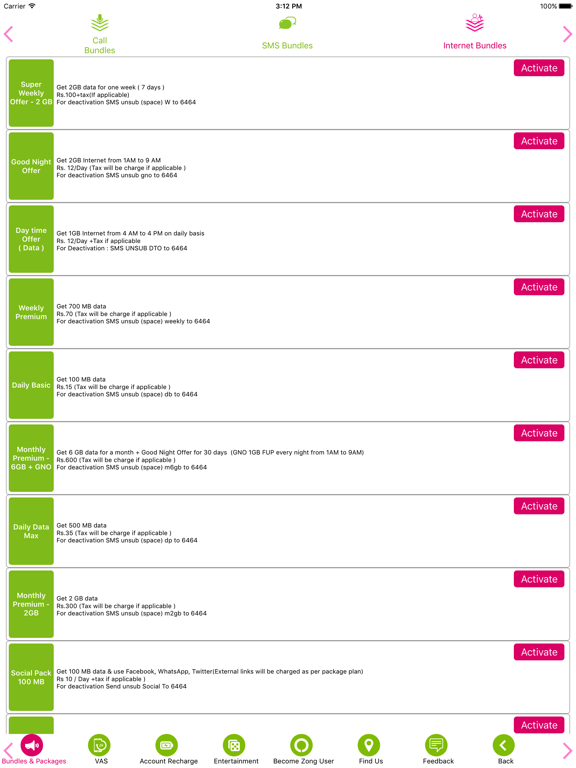
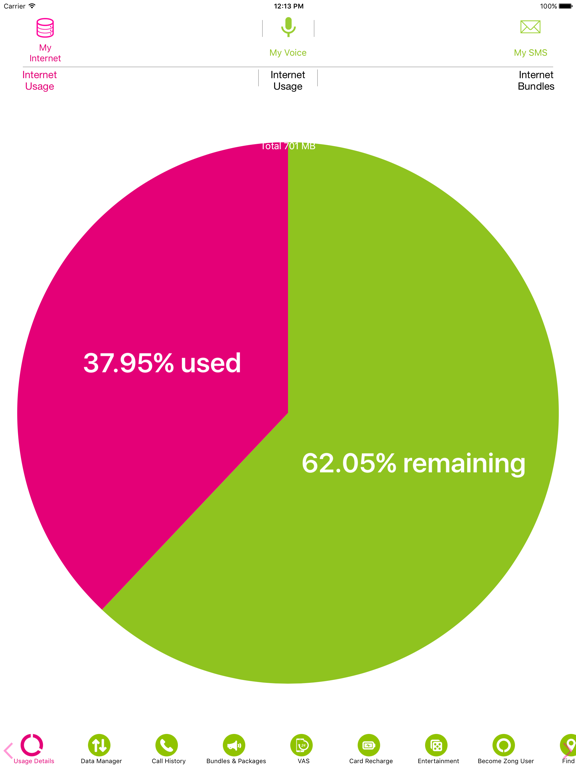
My Zong App offers a number of services ranging from creating your very own profile, to browsing a number of bundles and packages categorized as ‘Call,’ ‘SMS,’ and ‘Hybrid’ to help you find what you’re searching for! You can now activate and deactivate your bundles, recharge online if you’ve run out of credit, and get a loan in your time of need with just a click of a button! You’ll come back to the App time and again to check your usage details that are further divided into ‘internet,’ ‘social media,’ ‘on-net mins,’ ‘off-net mins’ and more, keep track of your resources and usage history as well as be aware of which bundles are trending all over Pakistan! My Zong App not only caters to your needs, but offers a great deal in the Entertainment section, and you’ll always be notified when something new and exciting is happening!
Here’s a list of all the services and features available on the App
• Create and manage your own Profile
• Choose language: English, Urdu and Chinese
• Check your current balance and its expiry date
• Keep track of bundles you have activated and their usage details
• Recharge and Get a Loan
• Activate from a range of bundles for Prepaid and Postpaid customers
• Activate from a range of bundles for MBB devices and Internet SIMs
• Check Usage history
• Get updates on new bundles that can be accessed through the Notification Tab
• Shop online for 4G mobiles & MBB devices
• Access Entertainment including Online TV, Theatre & and Games
• Fill out a range of Feedback surveys catered to your needs
• Customer support channels e.g. Facebook, Twitter and Live Chat 24/7
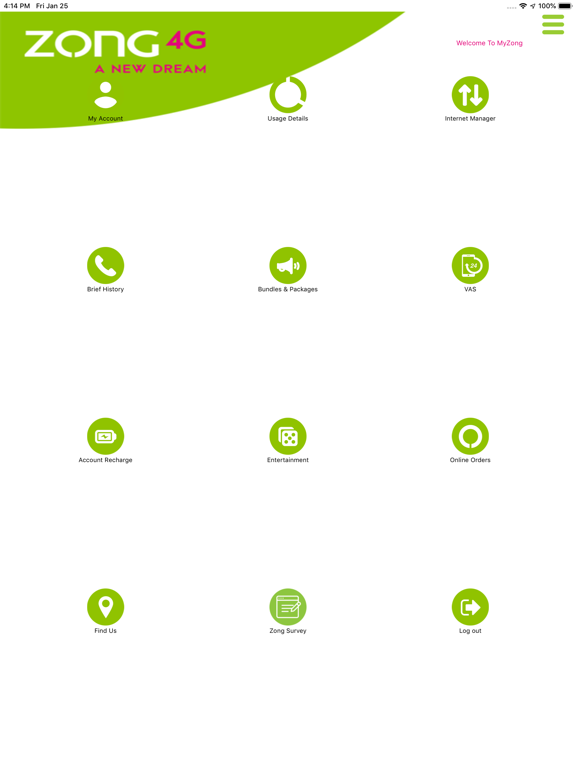
• Video tutorials, FAQs and Zong Helpline