Callblock

Callblock Summary
Callblock is a with in-app purchases iOS app in Productivity by Rocketship Apps. Released in Sep 2016 (9 years ago). It has 58 ratings with a 3.33★ (mixed) average. Based on AppGoblin estimates, it reaches roughly 229 monthly active users and generates around $<10K monthly revenue (100% IAP / 0% ads). Store metadata: updated Oct 7, 2019.
Store info: Last updated on App Store on Oct 7, 2019 .
3.33★
Ratings: 58
Screenshots
App Description
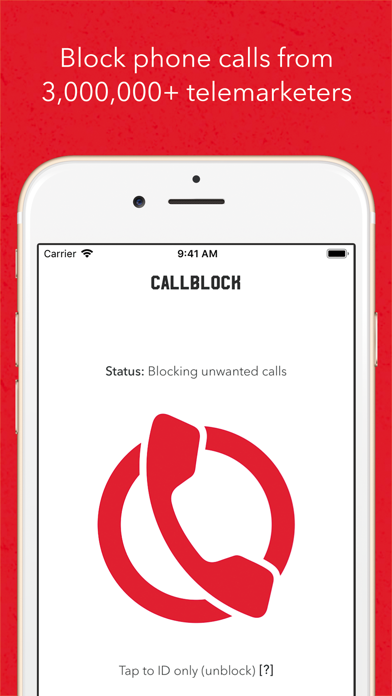
Callblock is the first app that lets you stop telemarketing phone calls in iOS (https://techcrunch.com/2016/09/07/callblocks-new-ios-app-will-block-calls-from-over-2-million-telemarketers/), with the world’s biggest directory of telemarketers – now over 3,000,000 classified entries from over 100 countries!
The app identifies 86.7 percent of telemarketing calls correctly with a false-positive rate of only 1.7 percent on average.
Note: Callblock *cannot* block calls with no caller ID – this is an iOS limitation, but most telemarketers don’t block their caller IDs. The app is free to try for one month then will renew automatically using your Apple account for $1.99 monthly or $19.99 yearly afterwards – you can cancel anytime by going to your account settings in iOS or iTunes. See Callblock’s terms of use at https://callblockapp.com/terms and privacy policy at https://www.iubenda.com/privacy-policy/7907565.
You love your iPhone – except sometimes the phone part and, in particular, the telemarketers often on the other end of the line. Telemarketers make 148 million annoying, time-wasting calls per day according to consumer-group Private Citizen and do-not-call lists (where available) do not work (and weren’t even meant to for many types of telemarketers) according to governments themselves. Callblock helps prevent these calls.
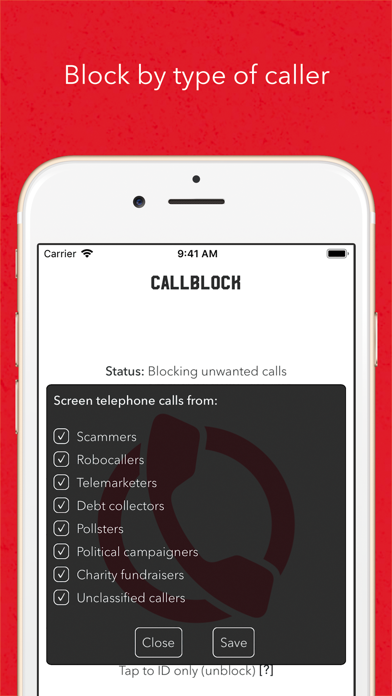
The app blocks unwanted telephone calls not iMessage, SMS, or MMS messages. To enable Callblock to block calls:
1. tap the “Settings” app,
2. tap “Phone” > “Call Blocking & Identification”, then
3. toggle the “Callblock” switch on.
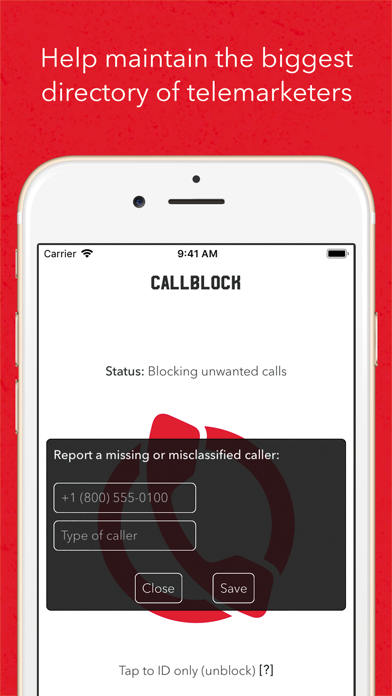
To unblock calls, go to the “Callblock” app. To add, remove, or reclassify a missing or misclassified caller, tap the “Add caller” button.
Enabling Callblock or making changes in the app may require up to a minute to take effect.
If you have questions or comments, follow and message us:
• https://www.facebook.com/callblockapp
• https://www.instagram.com/callblockapp/
• https://twitter.com/callblockapp
•••
Callblock was created and is maintained by Rocketship, an award-winning app studio whose mission is to design and develop the finest mobile and web experiences.