PicMov - Slideshow Editor

PicMov - Slideshow Editor Summary
PicMov - Slideshow Editor is a free, ad-supported, with in-app purchases iOS app in Photo And Video by REAFO CO., LTD.. Released in Sep 2016 (10 years ago). It has 7.00 ratings with a 3.57★ (average) average. Based on AppGoblin estimates, it reaches roughly 3.00 monthly active users and generates around $<10K monthly revenue (27% IAP / 73% ads). Store last updated Oct 2, 2026
PicMov - Slideshow Editor SDKs Summary
App not yet scanned for SDKs.
3.57★
Ratings: 7.00
Screenshots

App Description
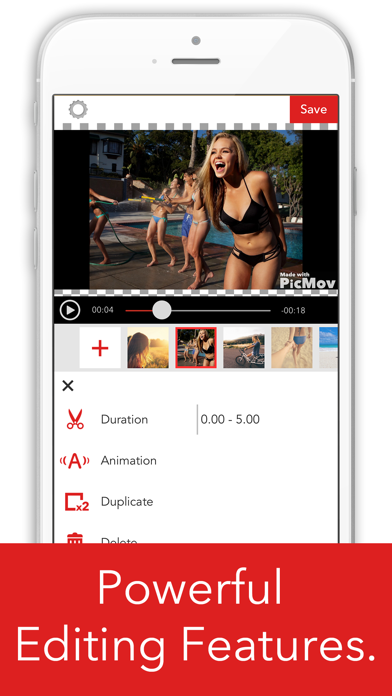
PicMov is an app that allows you to create captivating movies with ease by connecting together with your images and videos. Incredibly easy to use; just select images and videos from your camera roll, then simply select what music you like. Movies will look even more amazing by adding subtitles or selecting animations.
Unlimited possibilities for its use, from weddings to recording your child’s growth to creating a cartoon flip book!
It is also great for when you want to record birthday videos or even just everyday events.
[Main Features]
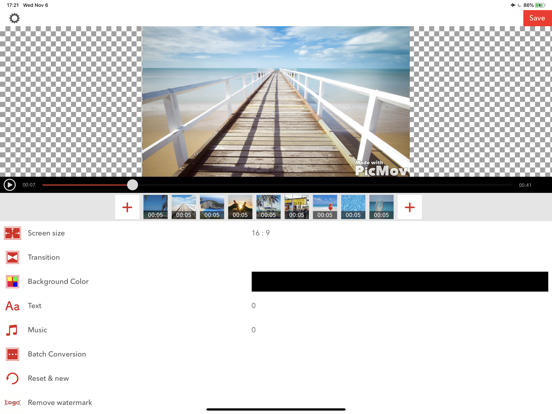
■Export Movie Size
- Change the size of exported movie to your liking.
- The size can by changed to your liking at any time during editing.
- Selectable sizes are listed below.
- Square: 1:1
- Landscape: 16:9, 4:3
- Portrait: 9:16, 3:4
■Image Import
- Select your favorite images and load them as video.
- The same image can be added multiple times.
■Burst Photo Import
- Burst photos can be imported as video by selecting the start and end photo and playback speed.
■Video Import
- You can select your preferred span of the video.
- The same video can be loaded multiple times.
- The volume can be adjusted.
■ Color Panel
- Select your favorite color and load as video.
- Perfect to add titles and between each video.
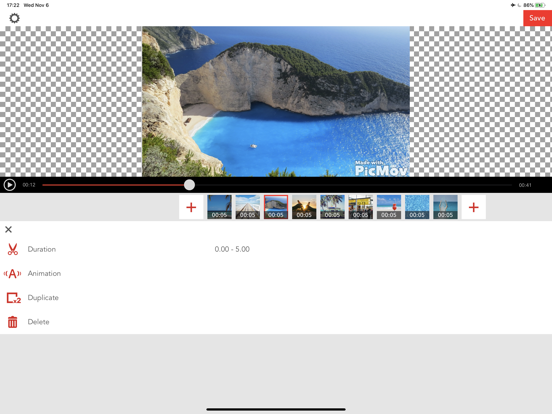
■Video Rearrange Function
- Long press on the video cell to and simply drag it to the location you want it to go to rearrange the videos.
■Animation
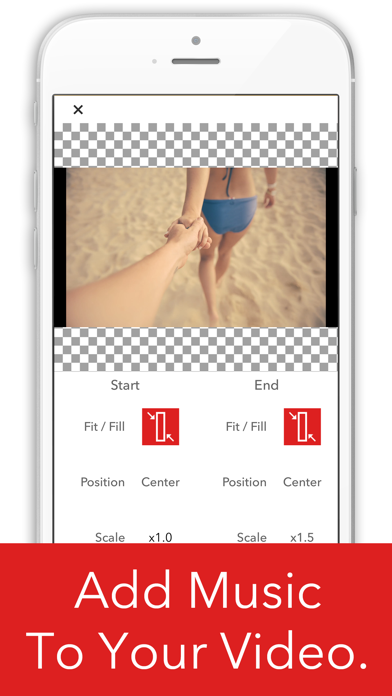
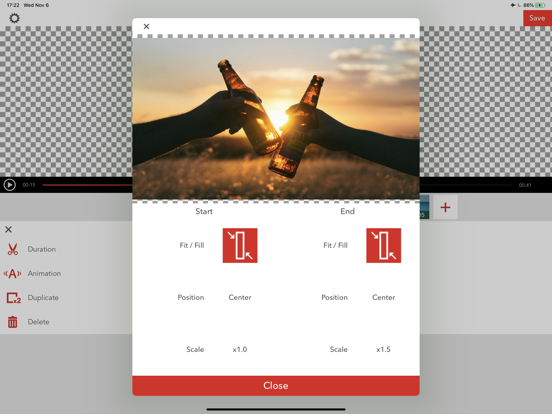
- You can change the video location and size and add your favorite animations.
■Transitions
- Three transitions effects are available.
- The duration of the effect can be selected, from 0.5 to 2.0 seconds.
- A convenient editing function allows all transitions to be modified at once.
■Add Subtitles & Text
- You can add text to video for whichever period of time you like.
- You can set the text position where you like, top, middle, bottom, left, right, or center justified.
- The font, text color, shadows, and background color can all be adjusted.
- You can select from fade in and fade out animations.
■Batch Editing
- A convenient editing function allows you to change transitions, movie animations, subtitle fonts, and font sizes all at once.
■Music
- Your favorite music can be used as background music by selecting it from your iPod or iTunes.
- The audio from your videos can be used as background music.
- Multiple songs c