Firestorm for Hue

Firestorm for Hue Summary
Firestorm for Hue is a mobile iOS app in Entertainment by Scott Dodson. Released in Sep 2016 (10 years ago). Based on AppGoblin estimates, it reaches roughly 8.00 monthly active users . Store last updated Oct 3, 2026
Firestorm for Hue SDKs Summary
App not yet scanned for SDKs.
0★
Ratings: 0
Screenshots
App Description
Set the mood using your Philips Hue lights. Watch your lights glow and flicker to the sounds of a fire.*
*Hue Bridge or Hue Bridge Pro required
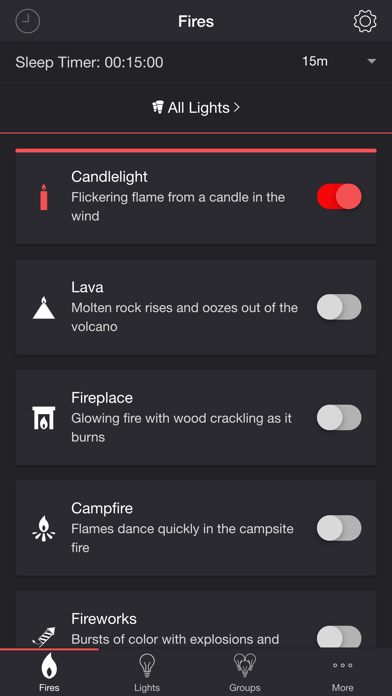
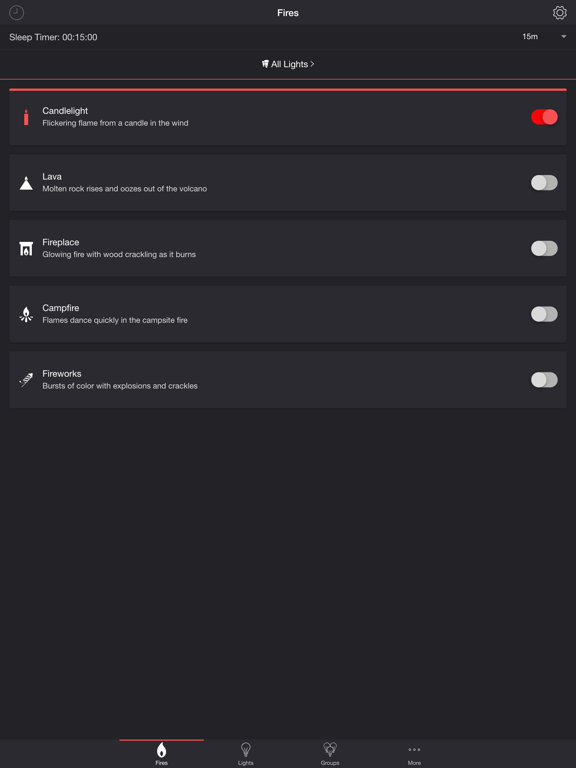
FIRES
• Candlelight — Flickering flame from a candle in the wind
• Lava — Molten rock rises and oozes out of the volcano
• Fireplace — Glowing fire with wood crackling as it burns
• Campfire — Flames dance quickly in the campsite fire
• Fireworks — Bursts of color with explosions and crackles
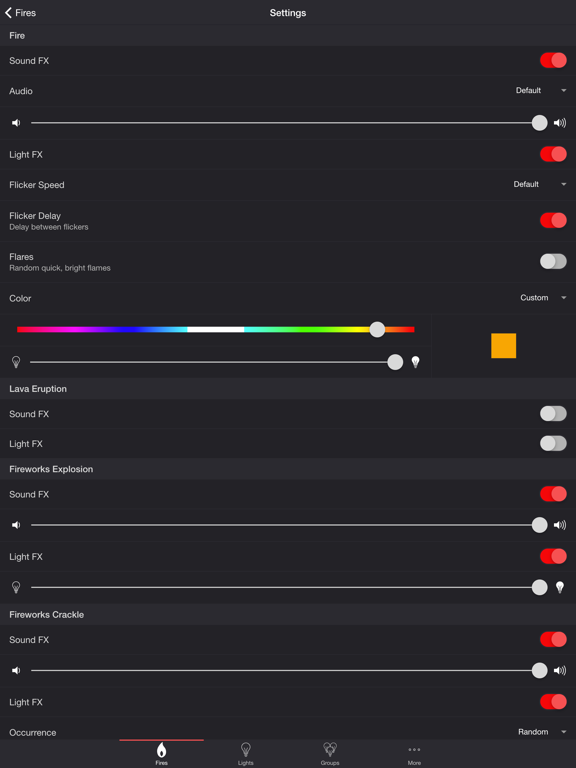
SETTINGS
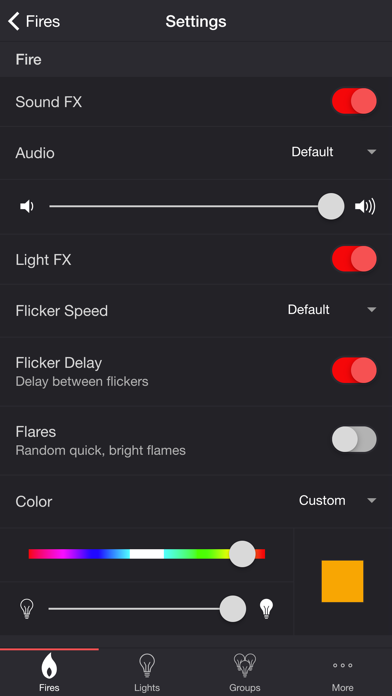
Fire
• Toggle fire sound effects
• Change fire audio: Default, Lava, Fireplace, Campfire
• Change fire volume
• Toggle fire light effects
• Change flicker speed: Default, Very Slow, Slow, Medium, Fast
• Toggle flicker delay (Delay between flickers)
• Toggle flares (Random quick, bright flames)
• Change color and brightness of fire light effects
Lava Eruption
• Toggle eruption sound effects
• Change eruption volume
• Toggle eruption light effects
• Change eruption interval
• Change color and brightness of eruption light effects
Fireworks Explosion
• Toggle explosion sound effects
• Change explosion volume
• Toggle explosion light effects
• Change brightness of explosion light effects
Fireworks Crackle
• Toggle crackle sound effects
• Change crackle volume
• Toggle crackle light effects
• Change occurrence: Random, Never, Always
• Change brightness of crackle light effects
Background Sounds
• Toggle background sounds: Birds, Cicadas, Crickets, Frogs
• Change background sounds volume
General
• Delay Light FX (Wireless audio delay offset)
• Change default end state: On, Off, Revert
• Change sleep end state: On, Off, Revert
• Select mode to automatically start when app opens
• Choose time to automatically stop selected mode
• Choose time to automatically restart selected mode when sleep timer ends, enabling recurring cycle
LIGHTS / GROUPS
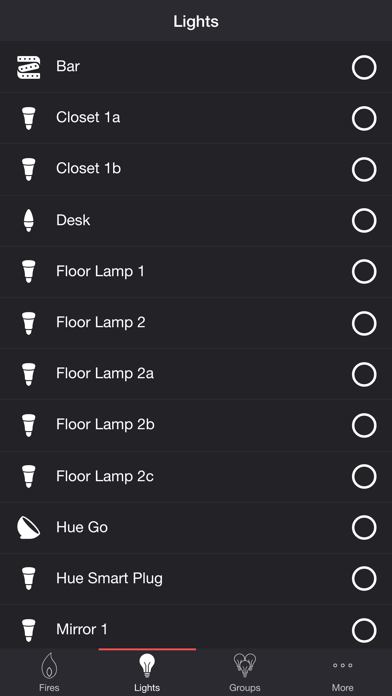
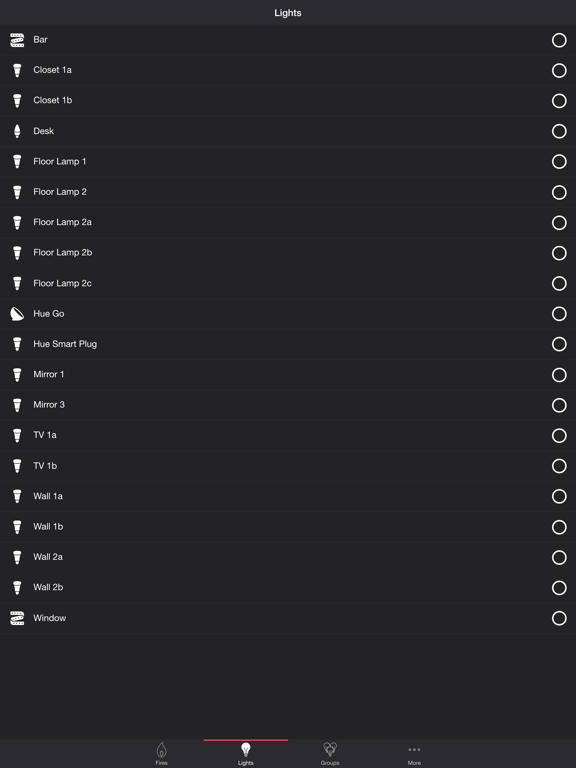
Select one or more lights for your fire light show on the Lights/Groups tab. Choose a group that you set up using the Philips Hue app, or create a new zone in the Firestorm for Hue app. To edit a zone in the list, swipe the item to the left and tap the pencil icon. When you add, remove, or change lights, pull down the list to refresh.
ADDITIONAL FEATURES
• Sleep Timer — Set a timer complemented with an audio fade-out feature. Choose the state of your lights after the timer ends with the Sleep E