OmniOutliner 3

OmniOutliner 3 Summary
OmniOutliner 3 is a free, with in-app purchases iOS app in Productivity by The Omni Group. Released in Feb 2018 (8 years ago). Store last updated Oct 28, 2025
OmniOutliner 3 SDKs Summary
App not yet scanned for SDKs.
0★
Ratings:
Screenshots


App Description
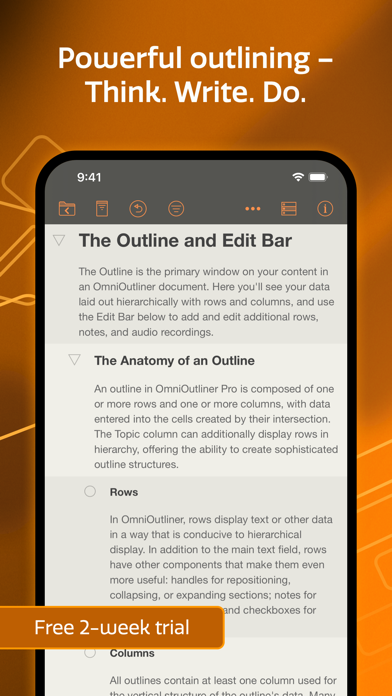
OmniOutliner 3 for iOS brings structured writing to a wider audience with the introduction of OmniOutliner Essentials and adds highly anticipated features to OmniOutliner Pro. Try out both for free!
FREE TRIAL
With the free two week trial, you can try all of the features of Essentials and Pro. After the trial, you can continue to use OmniOutliner to view documents for free.
ESSENTIALS EDITION FEATURES (Available via In-App Purchase)
- Dark Mode: OmniOutliner’s UI automatically adjusts to correspond to the display mode of iOS.
- File Browser: OmniOutliner now uses Apple’s file browser giving you more flexibility with where you store your documents and how they sync.
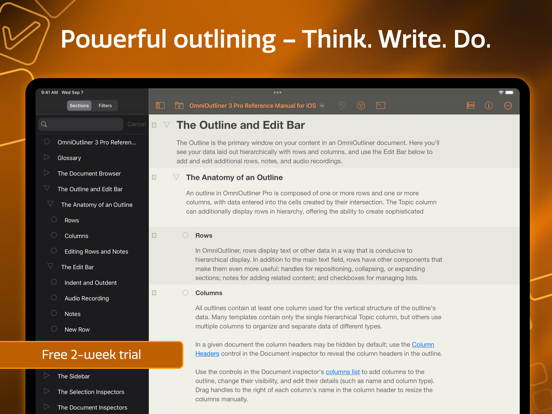
- Multiple Windows: Increase your productivity on iPadOS by working with two documents at the same time.
- Drag and Drop: Text can be dragged to documents. Rows can be dragged between documents or to other apps.
- Keyword Filtering: Filter the outline by a keyword via the new Filter icon in the toolbar.
- Simplified Inspector: Access simple document and text styling options via the redesigned Essentials Inspector.
- Improved Outline View: Row handles and Status Checkboxes now follow the row indentation level.
- Recent Documents: View recently edited documents all in one place, regardless of whether they're saved locally or synced via another service like OmniPresence or iCloud.
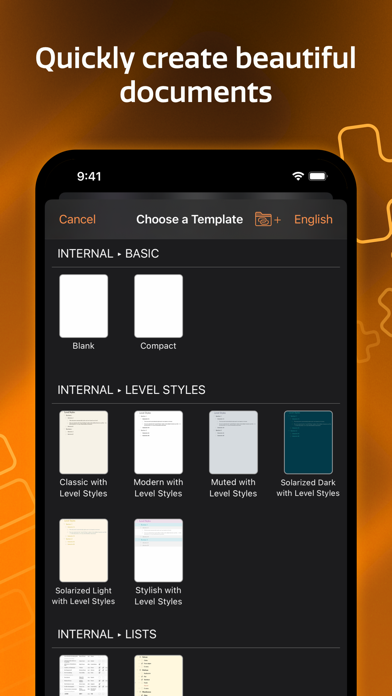
- Templates: Choose a template or apply a theme to an existing document using OmniOutliner's new Template Picker.
- Printing: Documents can now be printed via the new Print option in the Share menu.
- PDF: Send a PDF copy of your document using the new PDF format option.
- New File Format: OmniOutliner 3 for iOS adopts the new .ooutline format introduced by OmniOutliner 5 for Mac: a flat (zipped) file that is more compatible with third-party cloud sync platforms.
- OPML Mode: When editing OPML files, features not supported by the file format are hidden or disabled.
- Pro Document Compatibility: Documents containing Pro features are fully viewable in Essentials, along with an option to import a copy that removes all Pro content.
PRO EDITION FEATURES (Available via In-App Purchase)
OmniOutliner Pro 3 includes all of Essentials’ great new features, everything from OmniOutliner 2, plus all this:
- Omni Automation: Cross-platform scripting with JavaScript.
- Focusing: A Section List has been added to give you an ov