TOR Browser: OrNET Onion + VPN

TOR Browser: OrNET Onion + VPN Summary
TOR Browser: OrNET Onion + VPN is a free, with in-app purchases iOS app in Productivity by Stronger Apps. Released in Dec 2016 (9 years ago). It has 143K ratings with a 4.51★ (excellent) average. Based on AppGoblin estimates, it reaches roughly 367K monthly active users and generates around $10K+ monthly revenue (100% IAP / 0% ads). Store last updated Oct 21, 2026
Recent activity: 223 new ratings this week View trends →
SDK intelligence: AppGoblin detected 5 development tools(e.g. Sentry.io) integrated into TOR Browser: OrNET Onion + VPN. View full SDK list →
TOR Browser: OrNET Onion + VPN SDKs Summary
TOR Browser: OrNET Onion + VPN was last scanned for SDKs on 2026-10-23. Below is the overview of third-party companies detected in the app. The full list of SDKs, permissions and unknowns is available here.
 Sentry.io
 Airbnb Engineering
 MongoDB
 SDWebImage
4.51★
Ratings: 143K
Screenshots
App Description
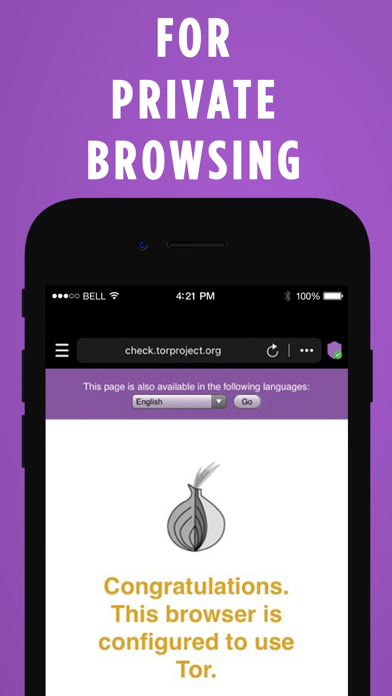
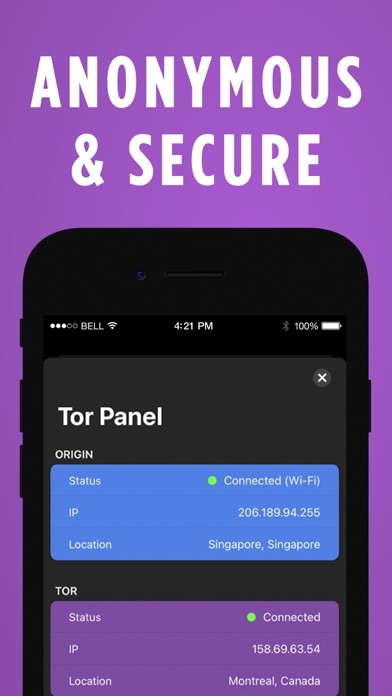
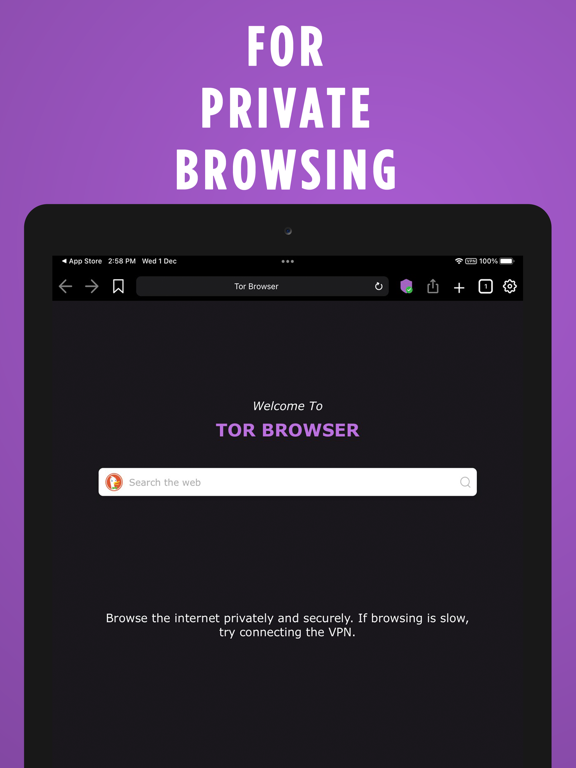
OrNET Browser is the best app featuring a high performance Deep Web browser. It is a secure web browsing app that allows users to access the deep and dark web without leaving any fingerprints.
Features you get in the app
- Securely Browsing the Internet.
-Protection of your online activity.
-Unlimited session time and high bandwidth tunneling.
-Secure your traffic from unsafe wireless networks and ISPs.
-Ads-Free experience..
-Regular updates of the app and new exciting features.
How to Use?
1-Download and launch the application.
2-Sit back, relax and enjoy a safe internet browsing section.
Note:
This product is produced independently from the Tor® anonymity software and carries no guarantee from The Tor Project about quality, suitability or anything else.
======================================================
Subscription Details:
Price can vary from region to region.
Payment will be charged to the iTunes account within 24-hours earlier to the end of the free trial period.
Note: You can cancel your subscription at any time during the trial period without any charges.
Renewal
Renewal: subscription automatically renews unless auto-renew is turned off at least 24-hours before the end of the current period.
Payment will be charged to iTunes account within 24-hours prior to the end of the free trial period.
The account will be charged for renewal within 24-hours prior to the end of the current period.
To manage your subscriptions or turn off auto-renewal:
Go to settings > iTunes & App Store;
Tap your Apple ID at the top of the screen;
Tap View Apple ID. You might need to sign in or use Touch ID;
Tap Subscriptions;
Tap the subscription you want to manage;
Use the options to manage your subscription.
No cancellation of the current subscription is allowed during the active subscription period.
Any unused portion of a free trial period, will be forfeited if you purchase a subscription to that publication.
Subscription Policy : https://strongerapps.com/app/privatebrowser/subscription.html
Privacy Policy : https://strongerapps.com/app/privatebrowser/privacy.html
Terms of Use : https://strongerapps.com/app/privatebrowser/terms.html