Scan to PDF: Converter Scanner

Scan to PDF: Converter Scanner Summary
Scan to PDF: Converter Scanner is a free, with in-app purchases iOS app in Business by Must Have Apps. Released in Dec 2016 (9 years ago). It has 27K ratings with a 4.72★ (excellent) average. Based on AppGoblin estimates, it reaches roughly 120K monthly active users and generates around $<10K monthly revenue (100% IAP / 0% ads). Store last updated Oct 14, 2026
Recent activity: 12 new ratings this week View trends →
SDK intelligence: AppGoblin detected 3 development tools(e.g. Google), 2 ad networks, 2 analytics: attribution, 2 analytics: product,and 1 business tools integrated into Scan to PDF: Converter Scanner. View full SDK list →
Scan to PDF: Converter Scanner SDKs Summary
Scan to PDF: Converter Scanner was last scanned for SDKs on 2026-09-12. Below is the overview of third-party companies detected in the app. The full list of SDKs, permissions and unknowns is available here.
 Google
 nanopb
 OpenID
 Facebook
 One Signal
 AppsFlyer
 Adjust
 Firebase
 Amplitude
 RevenueCat
4.72★
Ratings: 27K
Screenshots
App Description
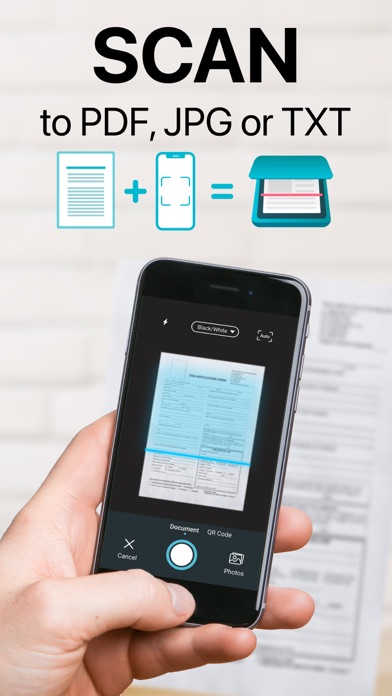
● Download Easy Scanner for free and turn your phone into powerful PDF scanner & converter in a second!
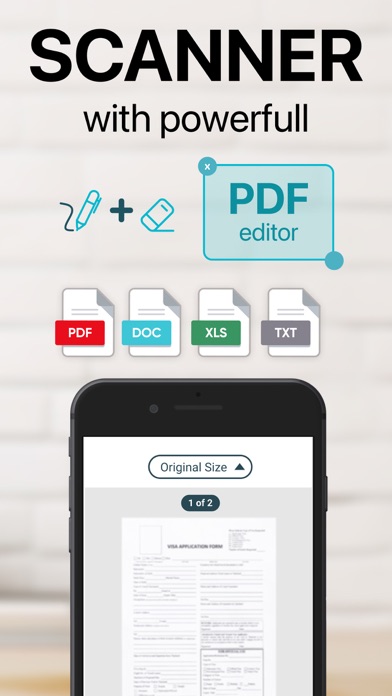
Easily scan your documents, receipts, photos, business cards, QR Codes, and more on the go, and save them as multi-page, high-quality PDF, JPEG, or TXT files
Scanned documents can be emailed, printed, faxed, exported to camera roll or uploaded to cloud services like Dropbox, Evernote, Google Drive, iCloud.
Easy Scanner's built-in advanced scanning algorithm automatically detects borders of the page, corrects perspective and distortion, eliminates shadows and sets a perfect contrast for text - black on white.
Easy Scanner FEATURES:
● Automatic document edge detection and perspective correction
● Advanced image processing with enhancement and color correction, noise removing and more
● Multipage scanning(Batch mode) and document managing
● Document naming, storage inside the app, and smart search
● Document sorting by date and name
● Adding or reordering pages in a document
● Page size options for PDF (Letter, Legal, A4, A5, Business Card)
● Email the scans as PDF, JPEG, TXT or save to Camera Roll
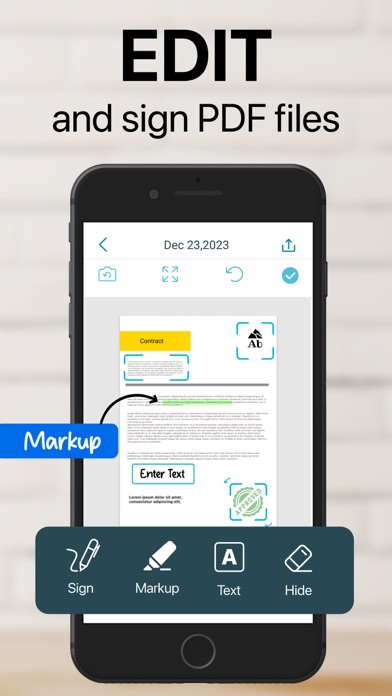
● Add signatures to scans
● Extract text from documents with OCR
● Upload the scans to cloud services like Dropbox, Evernote, Google Drive and more
● Fax scans to 30 countries with one tap
● Printing via AirPrint
● Lock documents or PDF files with password
Documents are processed on the phone without an internet connection. Your scans remain fully private always and not sent to a third-party server.
We are constantly improving Easy Scanner to create the best scanner app and help you digitize your documents easier and faster than ever. If you want to send us your feedback or have a problem with Easy Scanner, please contact us at support@easyscanner.co before submitting a comment to the App Store. Remember, we can't reply to your reviews on the App Store.
Payment will be charged to iTunes Account at confirmation of purchase. Subscription automatically renews unless auto-renew is turned off at least 24-Hours before the end of the current period. Account will be charged for renewal within 24-hours prior to the end of the current period, and identify the cost of the renewal. Subscriptions may be managed by the user and auto-renewal may be turned off by going to the user’s account settings after purchase
By u