MWeb - Markdown Writing, Notes

MWeb - Markdown Writing, Notes Summary
MWeb - Markdown Writing, Notes is a with in-app purchases iOS app in Productivity by 禄海 区. Released in Jan 2017 (9 years ago). It has 183 ratings with a 4.57★ (excellent) average. Based on AppGoblin estimates, it reaches roughly 738 monthly active users and generates around $<10K monthly revenue (100% IAP / 0% ads). Store metadata: updated May 3, 2026.
Store info: Last updated on App Store on May 3, 2026 .
4.57★
Ratings: 183
Screenshots
App Description
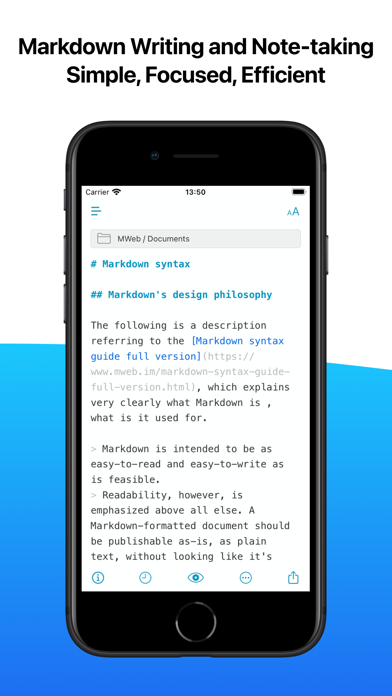
MWeb was born in 2015. It is a writing, note-taking and publishing app focusing on Markdown. If you like Markdown or text writing, We highly recommend you try MWeb.
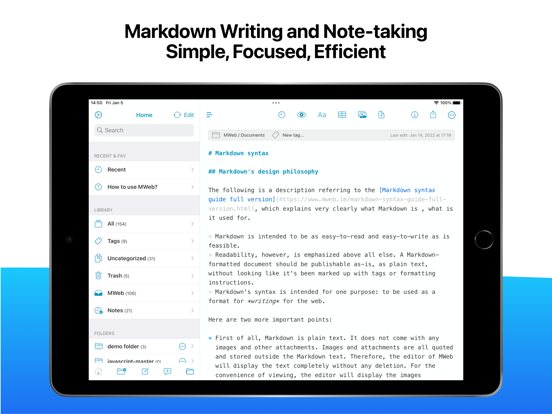
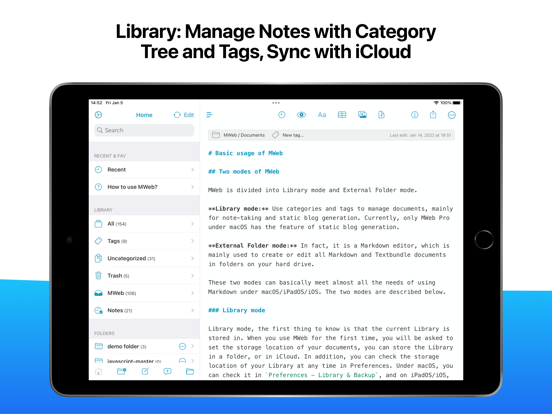
MWeb is composed of a complete and stable editor, a Folders mode for managing documents, a Library mode specifically for notes, and a document publishing and sharing function set, with a total of four modules. The feature of MWeb's software is that it chooses platform-native technology for each platform. It is built using AppKit on macOS and UIKit on iOS/iPadOS. The following is a brief introduction to these four modules. If you are interested, you can continue reading.
## Editor features
Here are some of the key features of an editor:
* Base on CommonMark syntax and GitHub Flavored Markdown (GFM) extended syntax, supporting TOC, tables, code blocks, math formulas, task lists, footnotes, etc.
* Display the text of the Markdown document completely without any deletion.
* Images can be displayed directly in the Editor, supporting jpg, png, gif, webP, HEIC and etc.
* Math formulas, mermaid and Echarts drawings can be previewed in the editor.
* You can set your favorite font or multiple fonts for writing.
* You can choose from 11 light themes and 21 dark themes, and also support custom themes.
* There is a menu to facilitate the input of Markdown syntax, and a special Markdown syntax keyboard is also provided in iOS.
* Convenient tools for generating and formatting Markdown table syntax.
* You can view the outline and word count of Markdown documents.
* Markdown documents can be previewed and support Editor & Preview mode.
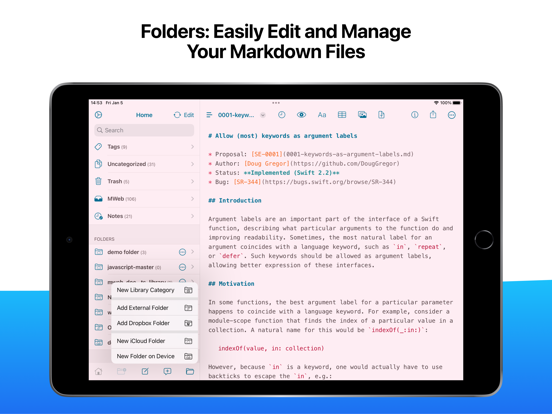
## Folders mode
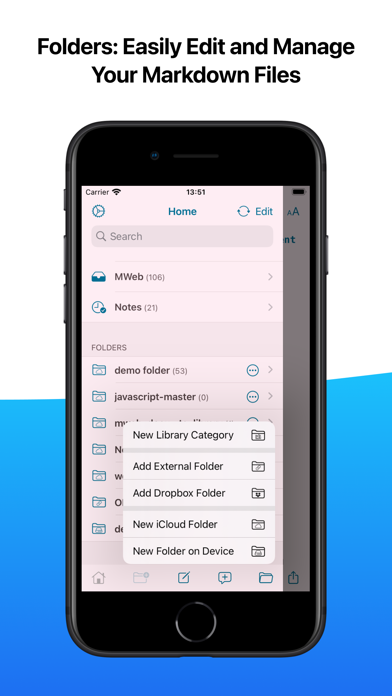
The first requirement of Markdown is to create and edit Markdown documents, and MWeb's Folders mode does this. It supports the following features:
* Create Markdown, Textbundle documents, or simply open them for editing.
* Introduce a folder with Markdown documents into the Folders mode of MWeb. MWeb will provide practical functions such as management of Markdown documents, full-text search, copy and paste to insert images, and unified storage of referenced images.
* iPadOS/iOS version supports Dropbox folders.
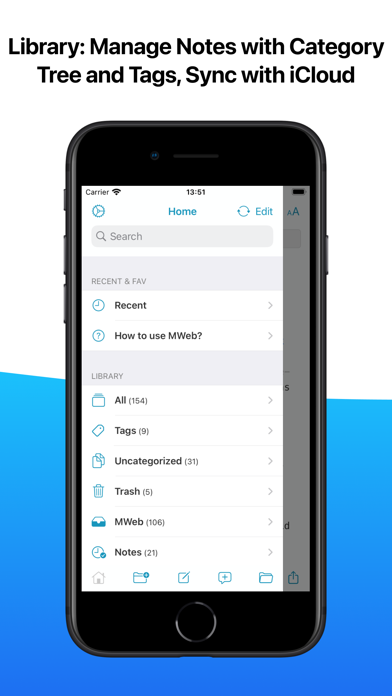
## Library mode
Markdown is so easy to use, so taking notes is also in great demand. Of course, you can use Folders mode and introduce a folder to take notes, which is also very nice and easy to share. So why do we still create a separate Library mod