Pixelable - Pixel Art Editor

Pixelable - Pixel Art Editor Summary
Pixelable - Pixel Art Editor is a free, ad-supported, with in-app purchases iOS app in Entertainment by Yosuke Seki. Released in Dec 2016 (9 years ago). It has 11K ratings with a 4.74★ (excellent) average. Based on AppGoblin estimates, it reaches roughly 22K monthly active users and generates around $<10K monthly revenue (24% IAP / 76% ads). Store last updated Jan 21, 2024
Recent activity: 1.00 new ratings this week View trends →
Pixelable - Pixel Art Editor SDKs Summary
App not yet scanned for SDKs.
4.74★
Ratings: 11K
Screenshots
App Description
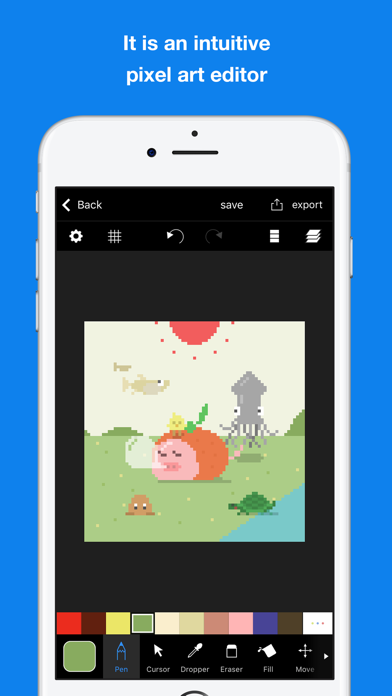
Here is a pleasant pixel art editor!
This is an app which pursue the stress-free and intuitively drawing of pixel art.
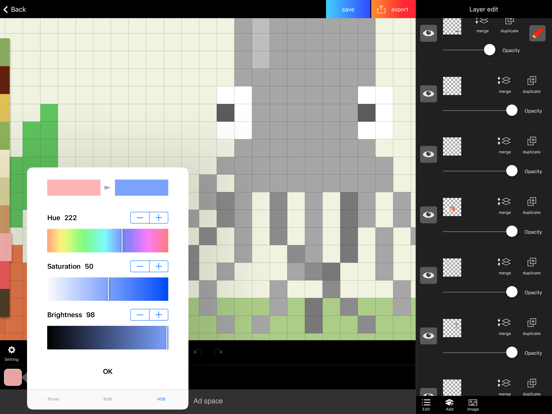
The app has genuine functions, like layer editing, color making, and various tools. Also, you can operate intuitively. For example you can enlarge and reduce the canvas by pinch in or pinch out.
Main functions are below.
- Layer editing
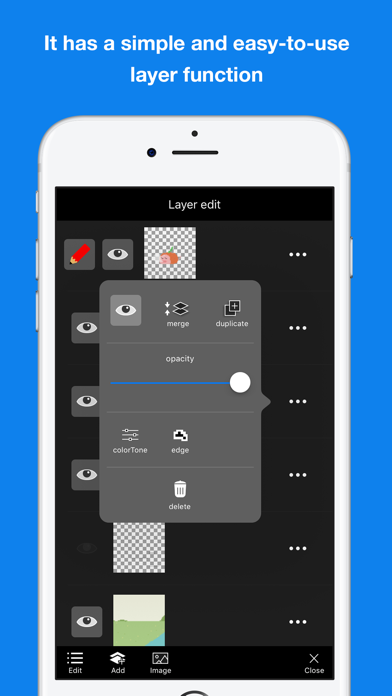
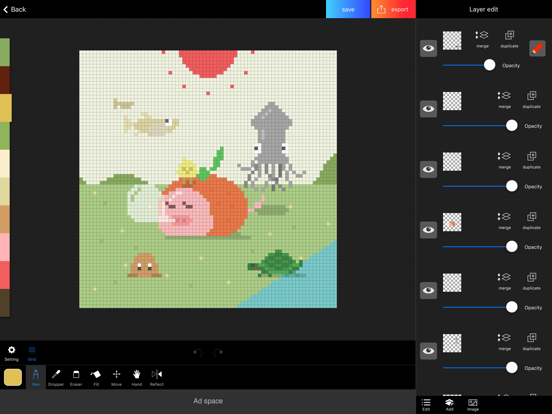
You can add and erase, and copy layers. Also, you can select display or non-display mode, change the order of layers, and make a layer transparent.
- Tools
The app has basic tools to draw pixel arts. (For example, pen, spuit, filling and transfer)
・Undo and redo
You can cancel drawing.
- Animated GIF export
Each layer is going to be one frame.
- Color making
You can make your favorite color easily.
You can save 150 colors in maximum by a work.
- Pinch in and pinch out
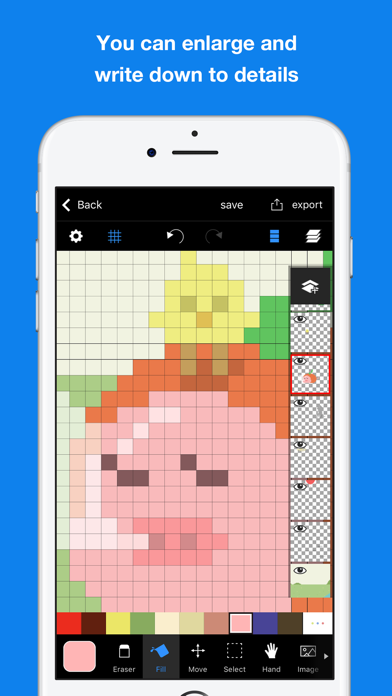
You can enlarge and reduce the canvas by pinch in and out. It enables you to draw more details.
- Saving multiple pictures
You can save several projects, so that you can edit other projects later.
- Setting canvas size
You can select the size of canvas from 5*5 to 256*256.
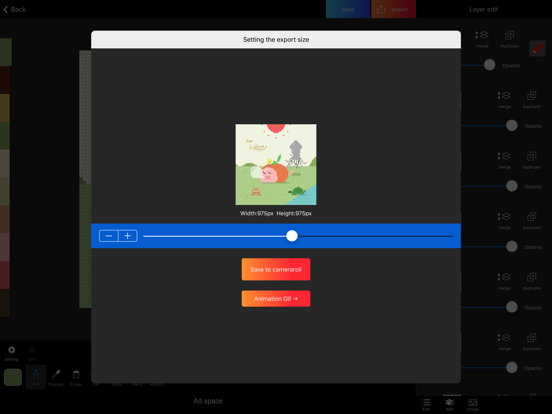
- Setting a exporting pixel size
You can select exporting size. Pictures will be saved to camera roll as a png file.
- Reflection function
You can reflect the selected layer vertical and horizontal.
※There is another flunked app, ‘Dottable’.
※To prevent a crash, you need more than 150MB of free space to make a new project. Sorry for the inconvenience.