After Selfie
After Selfie Summary
After Selfie is a mobile iOS app in Photo And Video by HIROFUMI MARUO. Released in Jan 2017 (9 years ago). Store metadata: updated Dec 3, 2021.
Store info: Last updated on App Store on Dec 3, 2021 .
0★
Ratings: 0
Screenshots


App Description
The use of the self shot stick causes an inconvenience to others and it is dangerous, so we created this application that makes the self-shooting stick unnecessary.
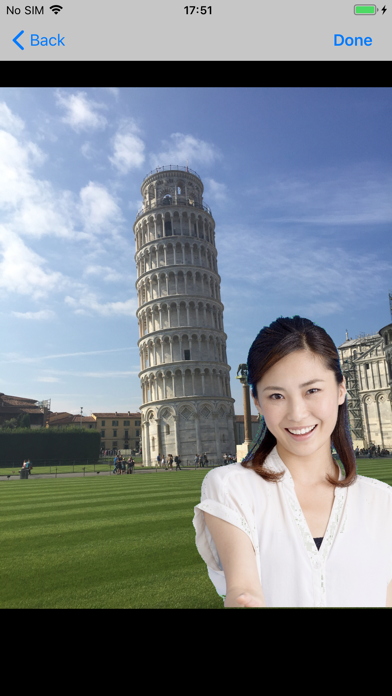
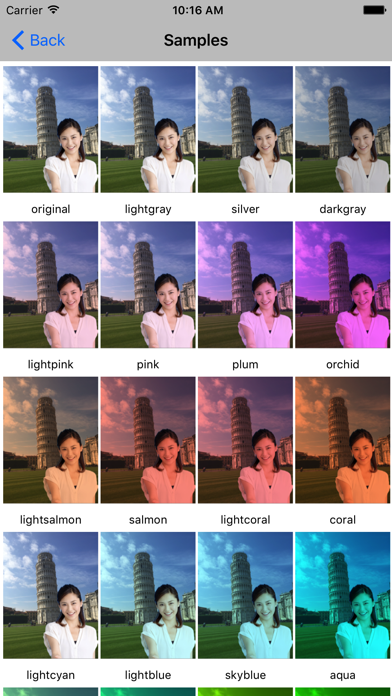
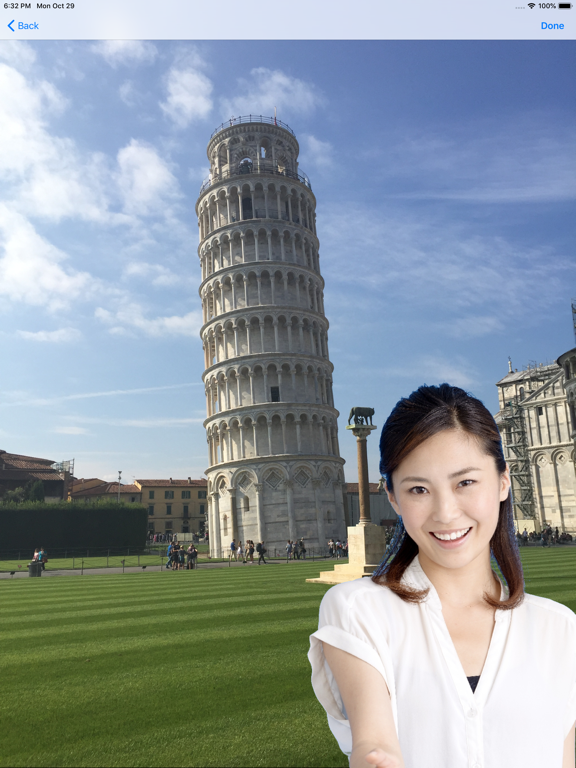
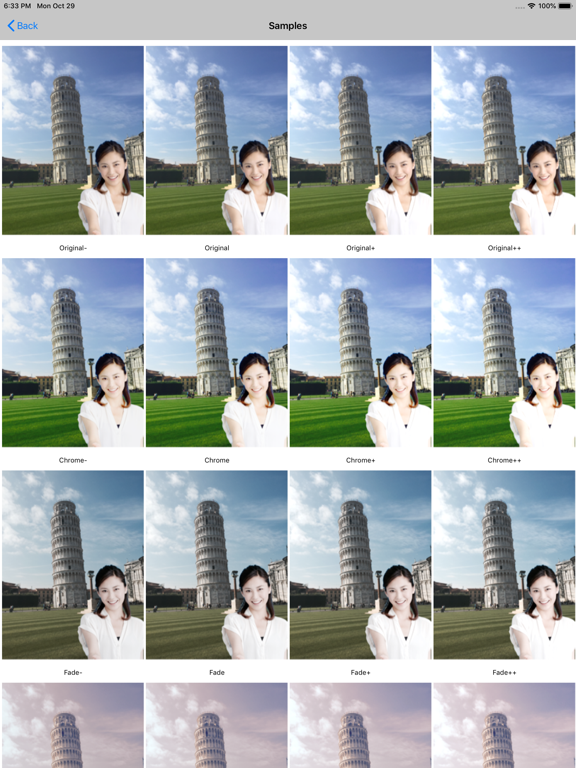
This application can paste self-portrait easily on landscape photograph later.
When you paste your self-portrait, you can make the background of self-portrait transparent as follows.
· Take self-portrait with blue or green background. (Blue or green parts become transparent.) Even if the background is nothing else, you can make the background transparent by transparency operation.
· Touch the background to make it transparent. (Because the screen can be expanded, the background can be easily and finely erased.)
Landscape pictures can be taken with the high-function camera installed in this application, or can be imported from a library such as camera roll.
Specific functions:
(1) Landscape photography
On the initial screen, tap the "Capture Landscape Photo" button to display a list of photos that will be background candidates (They aren’t displayed before shooting with the camera or importing the photos from the camera roll).
You can take scenery with a high-performance camera and import photos from the camera roll. You can choose from these as background candidates.
(2) Self-portrait photography / editing
Tap "Capture/Edit Self-portrait" button on the initial screen to display a list of photos that will be your own picture candidates (They aren’t displayed before taking pictures with the camera or importing photos from the camera roll). As in the case of landscape photography, you can select your own picture which is the foreground of 'self-portrait landscape', take with camera, take in from camera roll and delete multiple photos at once.
(a) Chroma key synthesis:
You can make self-portrait landscape photos using Chroma key composition function.
· You can select a blue or green background frame .
· Each background color can be selected with blue or green select button.
The selected color part becomes transparent after shooting.
(b) Background transparency:
When you tap the thumbnail in the photo list, self-portrait picture of the full screen is displayed. If you tap "Edit" button, it transits to "Trace to clear" screen to make background transparent. The method of transparency is just tracing with your finger.
· Finger size: You can choose a finger size of eraser from "large", "medium" or "small".
· Offset: When tracing with your finger, a marker is displayed at the upper left of 50 points from the position of the finger. When you tilt the terminal, the marker is displayed tilted above.
· Zoom/move: By tapping the "zoom" button,