ScytheKick

ScytheKick Summary
ScytheKick is a with in-app purchases iOS app in Games by Timothy Cherna. Released in Jan 2017 (9 years ago). It has 148 ratings with a 4.47★ (good) average. Based on AppGoblin estimates, it reaches roughly 182 monthly active users and generates around $<10K monthly revenue (100% IAP / 0% ads). Store metadata: updated May 28, 2021.
Store info: Last updated on App Store on May 28, 2021 .
4.47★
Ratings: 148
Screenshots


App Description
Anna, Gunter, Zehra et al. all have companions, so why shouldn't you? ScytheKick is your sidekick for Scythe, the award winning board game from Stonemaier games (http://stonemaiergames.com/games/scythe/).
ScytheKick lets you configure a Scythe game, optionally manage Automa players and then score the game, by navigating through a series of screens using the left and right facing Character Buttons along the bottom.
To start, you select the total player count as well as the Automa count, which expansions to include and if you are playing a single match or a match as part of the Rise of Fenris Campaign (requires an additional in-app purchase). You can access the app Settings sheet from the Mech Menu Button in the upper left corner.
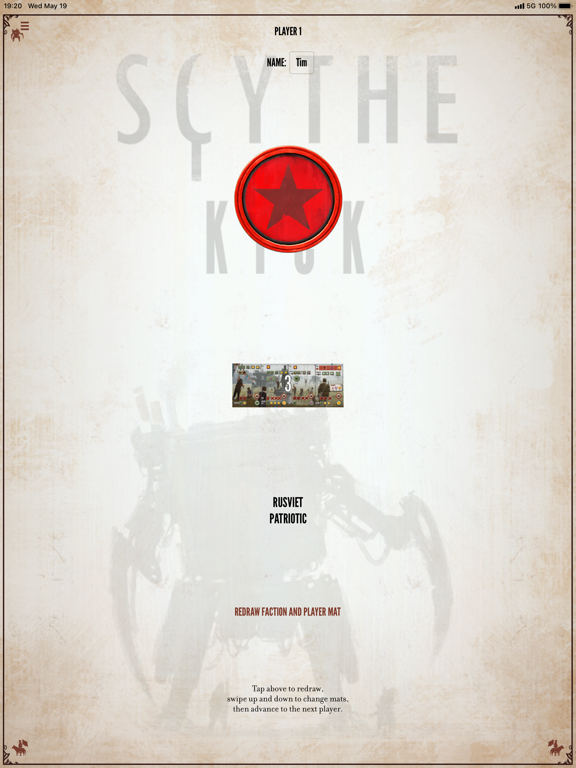
Navigate right to select the player factions and mats. The Draw Button randomly picks the mats, and allows for random repicking, or the individual mats can be selected by swiping up and down on their images. You can also enter the player names. The free version of the app lets you have two players from the base game. Additional players can be unlocked with the Premium upgrade, and Invaders from Afar factions are unlocked with the Invaders from Afar upgrade.
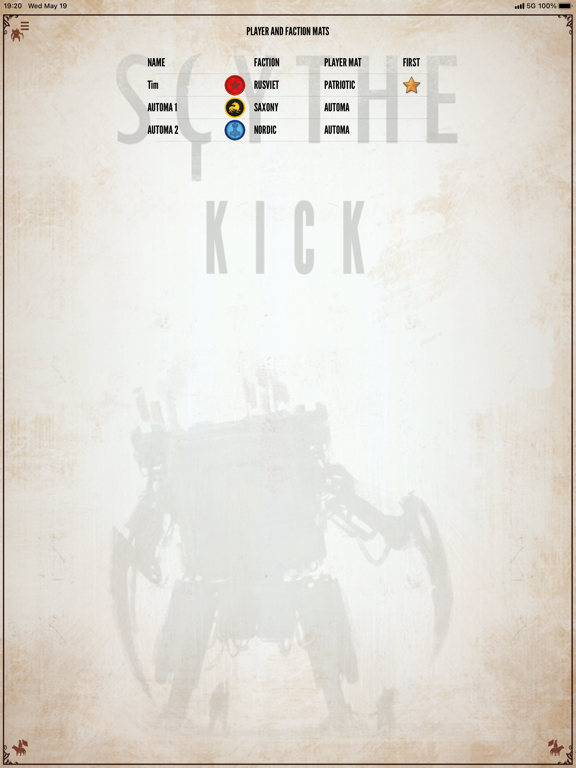
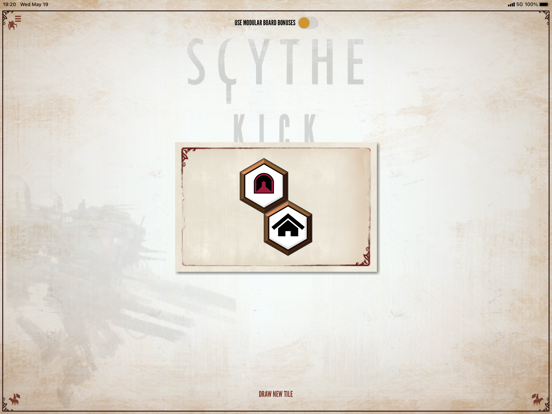
After showing a summary of the players (including who goes first), you can draw (or pick) the Structure Bonus Tiles. Additional modules (Extra Bonus Tiles from the Modular Board, Resolution and Airship Tiles from the Wind Gambit and modules from the Rise of Fenris) can be unlocked via in-app purchases.
Navigate to the scoring screens to enter the points per category (popularity, stars, etc.) per player, and ScytheKick will automatically calculate the scores. The final screen is a summary of the scores for all players, which can be shared.
If playing with Automa, after selecting the modules, you navigate to the Automa screen, which has a page for each player (human and Automa). The faction tabs indicate the current player, and there is a button to advance to the next player's turn. The Automa player page lets you draw Automa turn cards and combat cards, and will automatically track the position on the Automa's star tracker, shuffle and flip from Scheme I to Scheme II as you discard cards. If playing with the Automa Helper upgrade, a map can be called up which tracks the automa unit positions (you need to update human player units) and will solve the Automa movement rules for