Secure Calculator Vault

Secure Calculator Vault Summary
Secure Calculator Vault is a with in-app purchases iOS app in Tools by Dignaben Sakariya. Released in Feb 2019 (7 years ago). It has 13 ratings with a 1.54★ (poor) average. Based on AppGoblin estimates, it reaches roughly 31 monthly active users and generates around $<10K monthly revenue (100% IAP / 0% ads). Store metadata: updated Oct 1, 2024.
Store info: Last updated on App Store on Oct 1, 2024 .
1.54★
Ratings: 13
Screenshots

App Description
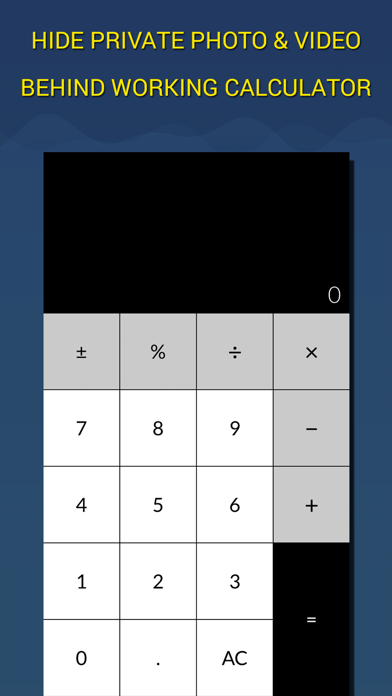
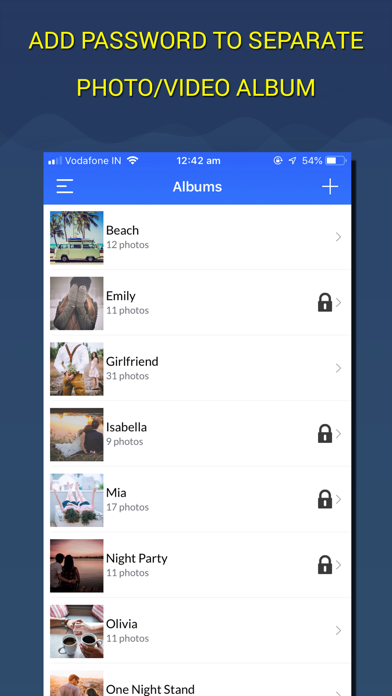
Hide your private pictures and videos in your personal secret photo vault. Secure Calculator Vault app which you can protect photos, videos, passwords , contacts. There is Private Browser as well.
People can use Secret Folder for:
- Preserving special memories
- Storing family photos
- Protecting copies of driver’s license, ID cards, and credit cards
Some of features:
- Import Photo/Video from library
- Take Photo/Video from Camera Roll
- Full functional photo/video viewer
- Browse the internet without any trace
- Save contacts you don't want in your address book and call them up from the app
- Save all your passwords in one place
Secure Vault subscription
- Subscriptions are from $12.99 USD monthly and $9.99 USD annually*
- Payment will be charged to iTunes Account at confirmation of purchase
- Subscription automatically renews for the same price and duration period as the original "one month"/"one year" package unless auto-renew is turned off at least 24-hours before the end of the current period
- Account will be charged for renewal within 24-hours prior to the end of the current period at the cost of the chosen package (monthly or yearly package)
- Subscriptions may be managed by the user and auto-renewal may be turned off by going to the user's iTunes Account Settings after purchase
- No cancellation of the current subscription is allowed during active subscription period
- You may cancel a subscription during its free trial period via the subscription setting through your iTunes account. This must be done 24 hours before the end of the subscription period to avoid being charged.
- You may turn off the auto-renewal of your subscription via your iTunes Account Settings. However, you are not able to cancel the current subscription during its active period
Links to our Terms of Service and Privacy Policy can be found below
Privacy Policy: http://bit.ly/2DY3tZZ
Terms of Use: http://bit.ly/2DY3tZZ