Nova Scanner-Scan PDF Document

Nova Scanner-Scan PDF Document Summary
Nova Scanner-Scan PDF Document is a free, with in-app purchases iOS app in Business by Beesoft Apps. Released in Apr 2017 (9 years ago). It has 1.1K ratings with a 4.56★ (excellent) average. Based on AppGoblin estimates, it reaches roughly 5.1K monthly active users and generates around $<10K monthly revenue (100% IAP / 0% ads). Store last updated Jan 14, 2026
Recent activity: 1.00 new ratings this week View trends →
Nova Scanner-Scan PDF Document SDKs Summary
App not yet scanned for SDKs.
4.56★
Ratings: 1.1K
Screenshots
App Description
Want a scanner in your pocket?
SOLUTION: Scanner Now - extracts all the features of a real scanner into your iPhone.
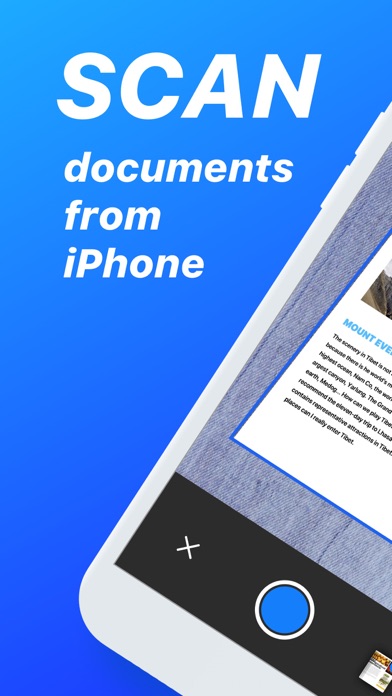
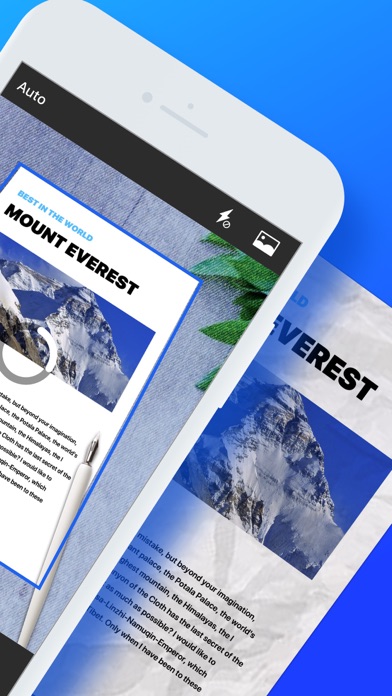
With Scanner Now, all you need to do is just take photos of your pages, documents, receipts, whiteboard, anything page like, leave the rest to the app, and have a coffee!
Scanner Now is a handy scanner app that will turn your iOS device into a powerful mobile scanner. Easily scan, save, and share any documents in PDF or JPEG.
More than just a PDF scanner. Use Scanner Now to turn anything — receipts, notes, documents, photos, business cards, whiteboards — into PDF with text you can reuse from each PDF and photo scan. Designed and developed by polycents!
APP FEATURES:
Scanner document
- Multipage scanning
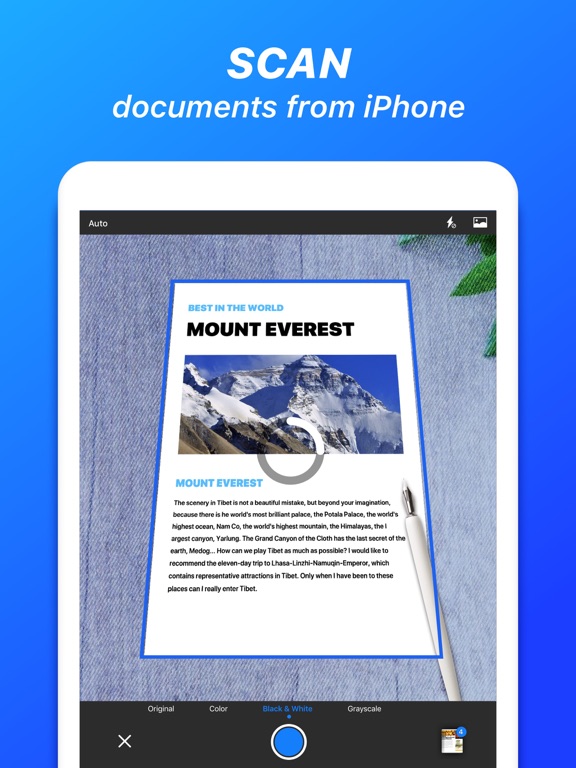
- 3 pre-set page effect, black & white(thresholding), grayscale, colored.
- 3-page enhancements - color correction, noise removing, white balance
- Page finding - auto-detect border of a page.
- Page rotating.
Fax document
- Cheap fax service
- Send fax quickly
- Fax history can be queried
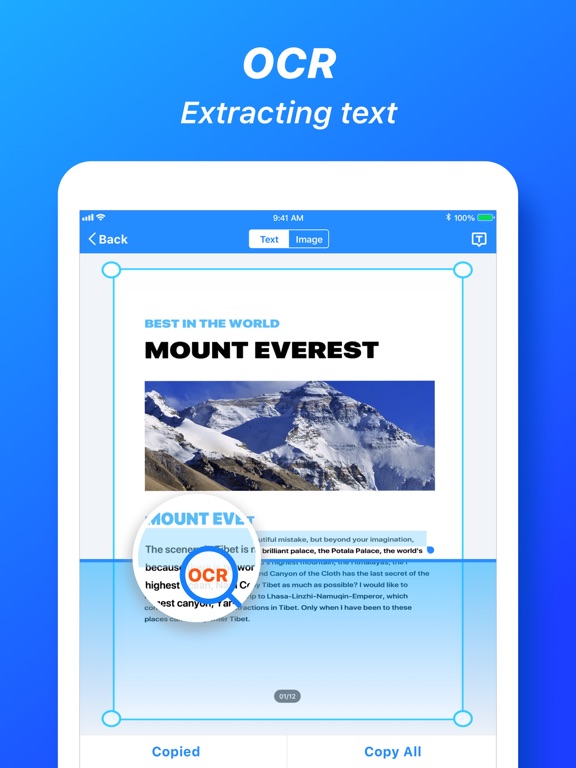
OCR document
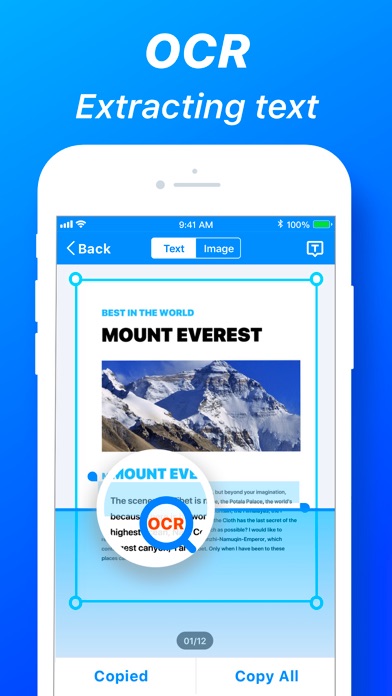
- Easily turn an image to text with the OCR function.
- Extract text from a scanned document and then edit it as you wish.
- Text scanner recognizes all popular languages and can even detect multiple languages within one document.
Sign document
- Easily sign in any document
- Save each of your signatures
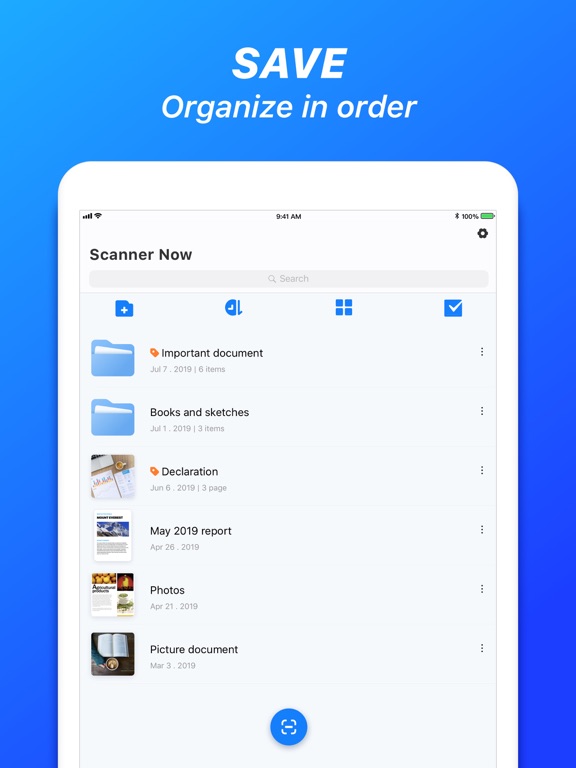
Documents Management
- Docs are arranged by the timeline.
- OCR
- Grid and list view.
- Edit, share, rename, merge, delete documents, and pages.
- Pictures from the camera roll, album.
- Files from iCloud, Google Drive, Dropbox, OneDrive, Box, Evernote, One Note
Documents Share
- System based sharing menu.
- Export as PDF, JPEG, PNG.
- Fax, Email, Printer.
Misc
- Passcode when launching.
- File transferring via Wi-Fi.
# Subscription Details #
- A free trial period is provided.
- Payment will be charged to your iTunes account at confirmation of purchase.
- Your subscription will automatically renew unless auto-renew is disabled at least 24 hours before the end of the current subscription period.
- Automatic renewals will be charged at the same price you were originally charged for the subscription.
- Subscriptions may be managed by the user and auto-renewal may be turned off by going to the user's Account Settings after purchase
- Any unused portion of the free trial will be forfeited when the user purchases a subscription
The follo