Technical Camera

Technical Camera Summary
Technical Camera is a mobile iOS app in Photo And Video by DIRE Studio. Released in Jun 2018 (7 years ago). It has 21 ratings with a 4.90★ (excellent) average. Based on AppGoblin estimates, it reaches roughly 7.00 monthly active users . Store metadata: updated Oct 19, 2025.
Store info: Last updated on App Store on Oct 19, 2025 .
4.9★
Ratings: 21
Screenshots


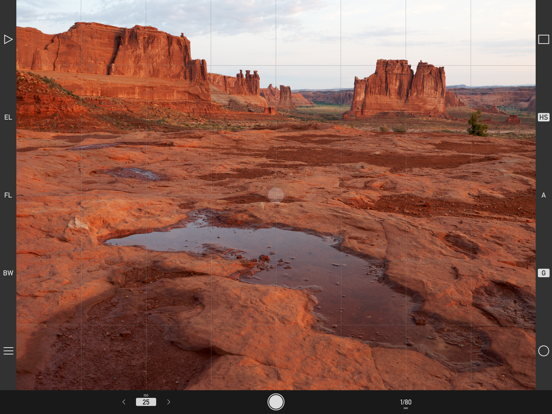
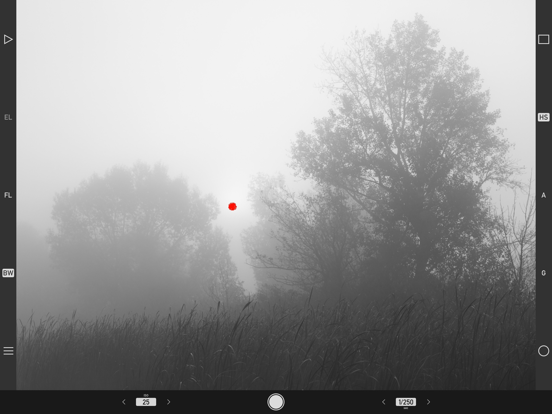
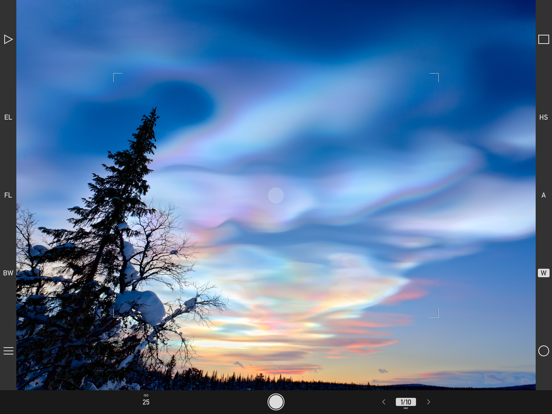
App Description
The ultimate still photo app for the conscious image maker - works equally well for serious photography as for organized visual note taking. With a handful of unique features you'll not find anywhere else.
Photos are saved to individual albums created with a specific purpose in mind. Such as different photo shoots or projects, visual shopping lists, recipes from the grandmother's cookbook, things for sale, monthly gas and electricity meter readings - the list is endless. These uses need different image qualities and sizes (you'll seldom make a large print of a meter reading, for example), so the app has:
• Album specific image quality, color space (wide color capable devices only) and geotagging settings.
• Selectable image quality with full, half, quarter, high color fidelity quarter HQ sizes and a super tiny 0.48 megapixel 800x600 JPG, as well as RAW and RAW+JPG on devices supporting RAW capture. The 800x600 JPG is up to 20 times smaller than a regular JPG, making it extremely gentle with your mobile plan's data allowance.
• Color space can be set to Display P3, Adobe RGB or sRGB for JPG files and Adobe RGB or sRGB for RAW previews.
• Home screen Quick Actions for selecting the last recently used three albums.
Unique features include:
• Framing Previsor for showing on the wide angle camera's image what the telephoto camera would see.* Also works with wide converters.
• Highlight and shadow alerts.
• Protective exposure metering.
• Auto ISO with minimum, maximum and minimum shutter speed settings.
• Real time distortion correction for wide angle converters via correction profiles, as well as a custom converter for other lenses.*
• Selectable screen frame rate to balance between fluid experience and power saving, and to avoid flicker with lighting running on 50Hz mains frequency.
• TIFF/EP compliant DNG files with support for wide color and full resolution embedded previews.
* Utilizes the time-tested precise simulation and distortion correction engines of our Mark II Artist's Viewfinder app.
Other notable features:
• Manual control for ISO and shutter speed in 1/3 stop increments.
• Manual focus with focus peaking. Selectable peaking color.
• Exposure compensation up to +/-5 stops.
• Exposure and focus lock.
• Continuous and single AF modes.
• Grid display with 2x2, 3x3 and 8x6 choices.
• Luminance only Black & Whi