Thunderstorm Simulator

Thunderstorm Simulator Summary
Thunderstorm Simulator is a mobile iOS app in Entertainment by Scott Dodson. Released in Feb 2017 (9 years ago). It has 2.00 ratings with a 4.50★ (excellent) average. Based on AppGoblin estimates, it reaches roughly 4.00 monthly active users . Store last updated Oct 7, 2026
Thunderstorm Simulator SDKs Summary
App not yet scanned for SDKs.
4.5★
Ratings: 2.00
Screenshots
App Description
Summon a thunderstorm on your mobile device. Relax and fall fast asleep to the sounds of rain and thunder. The screen or camera flashes when lightning strikes.*
*Defaults to screen for lightning light effects if camera flash is not available.
THUNDERSTORMS
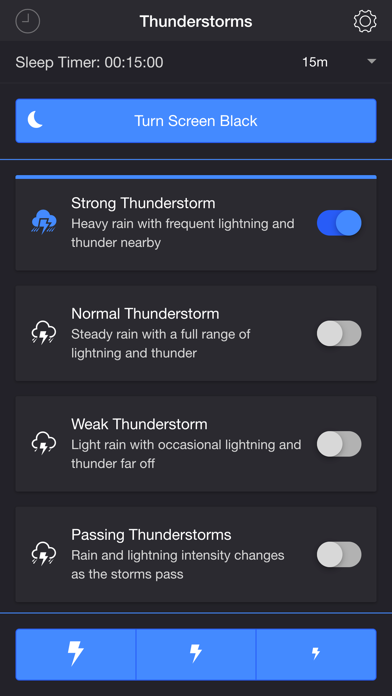
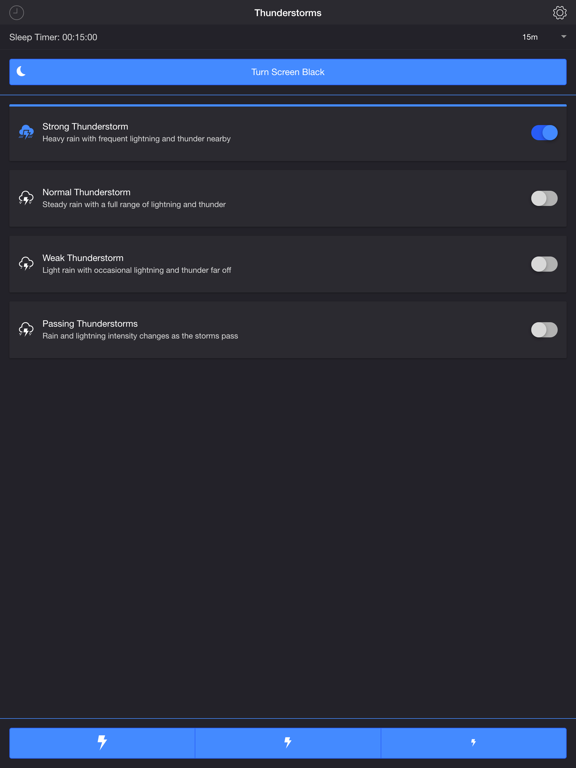
• Strong Thunderstorm — Heavy rain with frequent lightning and thunder nearby
• Normal Thunderstorm — Steady rain with a full range of lightning and thunder
• Weak Thunderstorm — Light rain with occasional lightning and thunder far off
• Passing Thunderstorms — Rain and lightning intensity changes as the storms pass
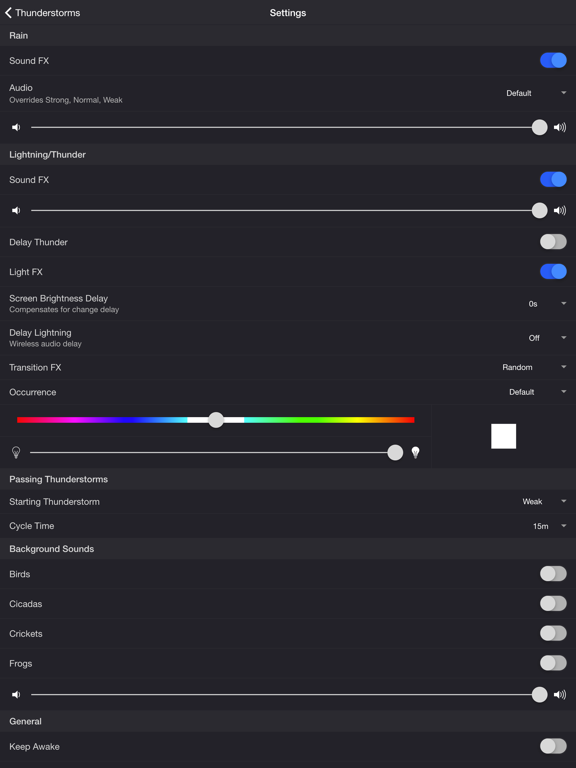
SETTINGS
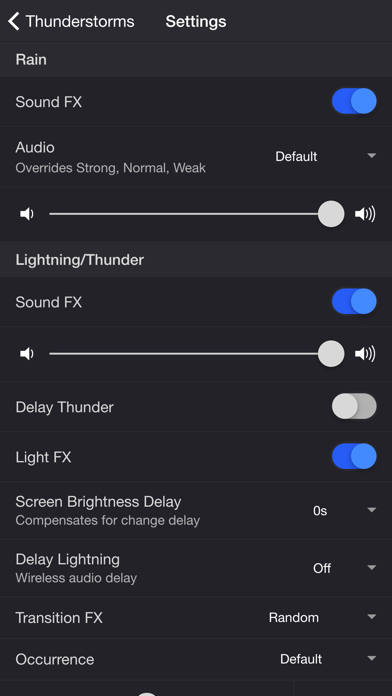
Rain
• Toggle rain sound effects
• Change rain audio: Default, Heavy, Steady, Light, On Tin Roof
• Change rain volume
Lightning/Thunder
• Toggle thunder sound effects
• Change thunder volume
• Change delay lightning (Wireless audio delay offset)
• Toggle delay thunder
• Toggle lightning light effects
• Change lightning output: Camera Flash, Screen
• Change lightning transition effects
• Change lightning/thunder occurrence: Default, Occasional, Normal, Frequent
• Change color and max brightness of lightning light effects (Screen only)
Passing Thunderstorms
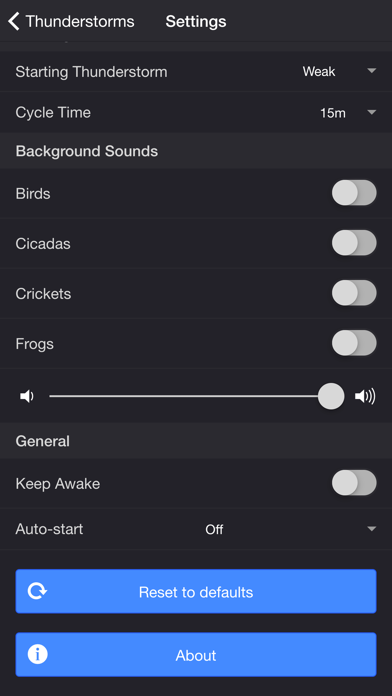
• Change starting storm for Passing Thunderstorms: Weak, Normal, Strong
• Change cycle time for Passing Thunderstorms: 15m, 30m, 60m
Background Sounds
• Toggle background sounds: Birds, Cicadas, Crickets, Frogs
• Change background sounds volume
General
• Keep Awake to prevent your device from going to sleep so lightning effects remain visible
• Select a mode to automatically start when the app opens
• Choose a time to automatically stop the selected mode
• Choose a time to automatically restart the selected mode when the sleep timer ends, enabling a recurring cycle
ADDITIONAL FEATURES
• Sleep Timer — Set a timer with a gradual audio fade-out.
• Turn Screen Black — Adds a black overlay and sets the device to minimum brightness. Use the Screen Brightness Delay setting to compensate for brightness ramp-up on some devices. Set to 0.25–1 second if lightning effects do not reach peak brightness when thunder is loudest.
• Lightning on Demand — Start a storm and use the lightning buttons at the bottom of the screen for manual control.
• Bluetooth Support — Connect to Bluetooth speakers. Adjust the Delay Lightning setting to offset wireless audio delay.