Brew Survey - Offline Feedback

Brew Survey - Offline Feedback Summary
Brew Survey - Offline Feedback is a mobile iOS app in Business by Promobi Technologies. Released in Feb 2017 (9 years ago). It has 4.00 ratings with a 4.25★ (good) average. Based on AppGoblin estimates, it reaches roughly 11 monthly active users . Store metadata: updated Jan 23, 2025.
Store info: Last updated on App Store on Jan 23, 2025 .
4.25★
Ratings: 4.00
Screenshots


App Description
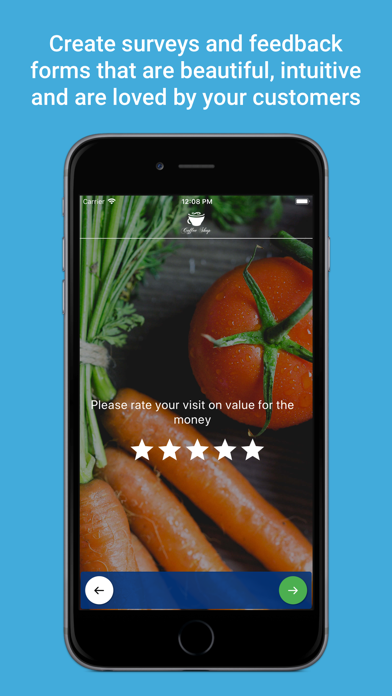
Brew Survey allows you to create surveys & feedback forms that are beautiful, intuitive and are loved by your customers. Brew Survey App is a mobile survey & feedback solution. You can capture feedback from anywhere, even offline. Design your own surveys from our dashboard and publish it to your devices to get real-time insights.
Brew Survey allows you to collect feedback from your customers on phones & tablets. It is designed intelligently to provide consistent user experience on mobile phones & tablets. You can create surveys in multi-screen (one question per screen) presentation format. This helps customers to focus on the question at hand and also allows you to brand survey with your logo.
FEATURES
* Remotely manage surveys and results from the dashboard
* Support for Skip Logic/Conditional Branching
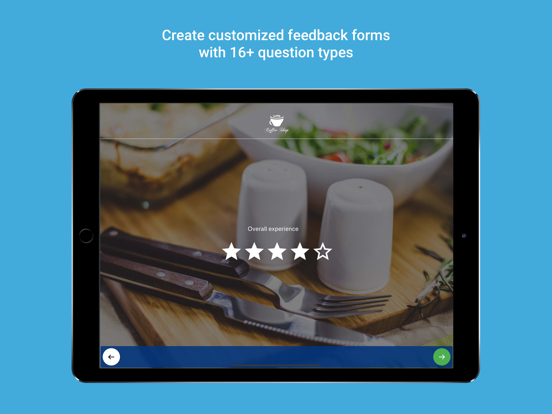
* Customized feedback forms
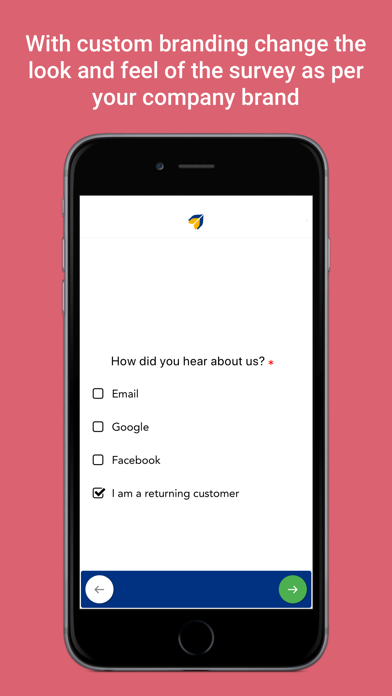
* Add your own logo to create custom branding for the surveys
* 16+ types of questions to choose from and option to make question mandatory
* Custom start screen with survey name, description and logo
* Auto feedback submission when customers leaves the survey midway
* Introducing Matrix Question Type
* Export responses in CSV/Excel
* Supports portrait and landscape mode across all devices
* Get survey results in real-time on the dashboard
* Advance survey performance analytics like average time to complete survey, survey completion ratio, GPS locations of responses collected etc.
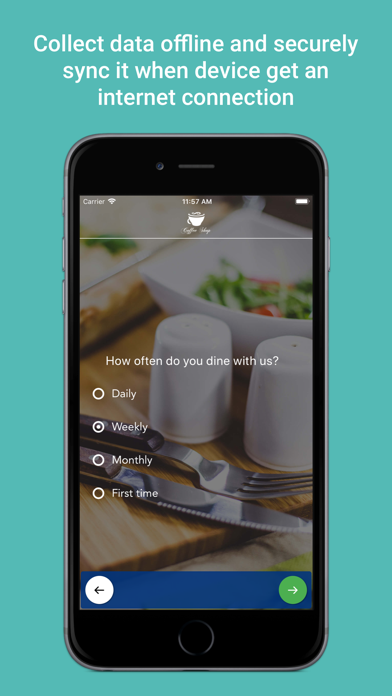
* In offline survey mode collect data and securely sync it when device get an internet connection
HOW IT WORKS
Step 1 : Install Brew Survey - Offline Feedback App & signup with your corporate email Id
Step 2 : Visit the Dashboard and Login into your account
Step 3 : Create Survey online, publish them to your devices & collect unlimited responses
Step 4 : Analyze responses and monitor survey performance in real-time.
AREAS OF USE
1. Customer Feedback Surveys
2. Market Research
3. Customer Satisfaction Surveys
4. Offline Survey Data Collection