iPKO biznes

iPKO biznes Summary
iPKO biznes is a mobile iOS app in Finance by PKO BP S.A.. Released in Apr 2017 (9 years ago). It has 4.00 ratings with a 4.00★ (good) average. Based on AppGoblin estimates, it reaches roughly 52 monthly active users . Store metadata: updated Apr 9, 2026.
Data tracking: SDKs and third-party integrations were last analyzed on Feb 14, 2025.
Store info: Last updated on App Store on Apr 9, 2026 .
4★
Ratings: 4.00
Screenshots
App Description
Mobile banking for business customers of PKO Bank Polski.
Do you use the iPKO biznes internet banking system? Activate iPKO biznes mobile app:
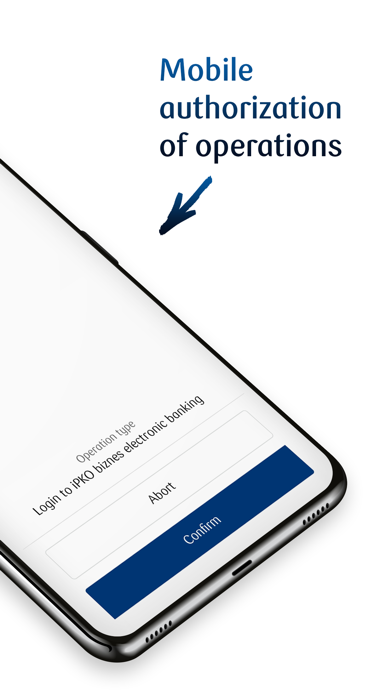
- Use mobile authorization that allows you to confirm the ordered transactions, among others, in the iPKO biznes service without the need to rewrite one-time codes generated by the token.
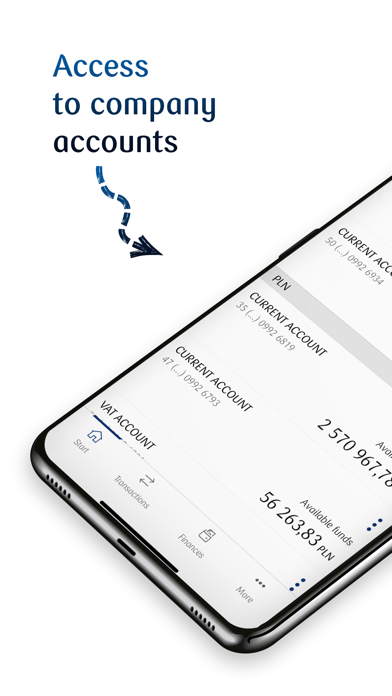
- Order domestic transfers, transfers to the Social Insurance Institution (ZUS), split payment and transfers to own accounts.
- Pay with BLIK online or at payment terminals and withdraw cash from ATMs.
- Review account history and redo or return the transfers.
- Download PDF confirmations of operations from account history.
- Sign and send transactions to be processed (e.g. transfers, transfer bundles, applications).
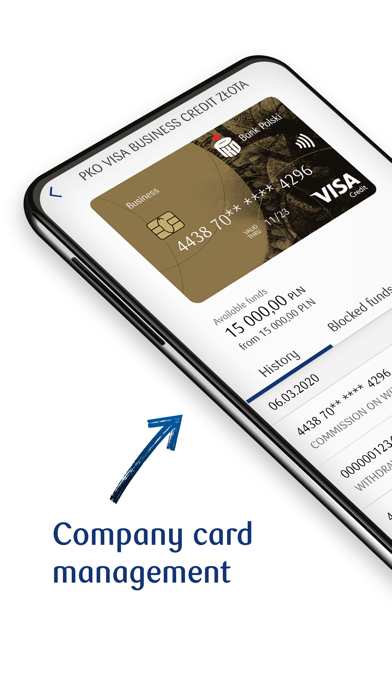
- Check funds available on the card, the history of transactions and limits on your business cards.
- Confirm online card payments with 3D-Secure.
- Activate your payment cards, assign or change PINs and, if necessary, cancel your cards in the application.
- Use the temporary card block whenever you do not have your card at hand.
- Log in to the application using biometrics.
Do you have a business card issued by PKO Bank Polski? Activate the application mode for payment card users:
- Check funds available, the history of transactions and limits on all your business cards in the bank.
- Download PDF confirmations of operations from card history.
- Pay with BLIK-code for your online shopping or at payment terminals (only for credit and charge cards).
- Confirm online card payments with 3D-Secure.
- Activate your payment cards, assign or change PINs and, if necessary, cancel your cards in the application.
- Use the temporary card block whenever you do not have your card at hand.
- Log in to the application using biometrics.
More about app activation and features: https://www.pkobp.pl/pkobppl-en/electronic-banking/ipko-biznes/mobile-app/
More about authorization methods: https://www.pkobp.pl/pkobppl-en/electronic-banking/ipko-biznes/authentication/
More about BLIK https://www.pkobp.pl/en/ipko-biznes-online-banking/blik