RCON Game Server Admin Manager

RCON Game Server Admin Manager Summary
RCON Game Server Admin Manager is a mobile iOS app in Tools by GENOVA Softworks. Released in Feb 2017 (9 years ago). It has 50 ratings with a 3.30★ (mixed) average. Based on AppGoblin estimates, it reaches roughly 149 monthly active users . Store last updated Oct 2, 2022
RCON Game Server Admin Manager SDKs Summary
App not yet scanned for SDKs.
3.3★
Ratings: 50
Screenshots
App Description
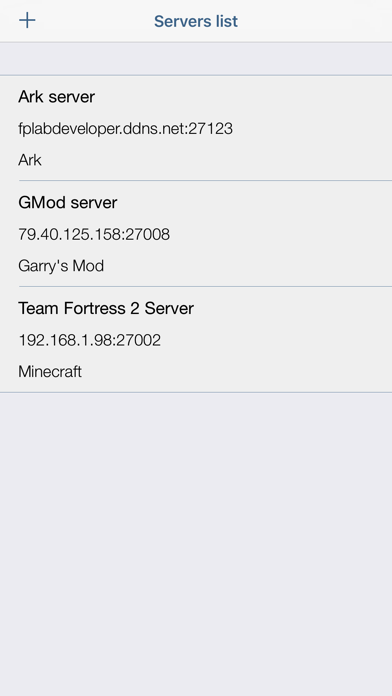
If you're running a game server this app will be a must have! Send commands remotely through the RCON, be updated on what happens on the server, manage everything thanks to your mobile device.
Supported Game Servers:
• Minecraft;
• Ark: Survival Evolved (supports the GetChat)*;
• Rust**;
• SRCDS Servers (Source RCON Protocol);
• Counter Strike: Global Offensive;
• Counter Strike: Source;
• Team Fortress 2;
• Insurgency;
• Day of Defeat: Source;
• Garry's Mod;
• Half Life 2: Deathmatch;
• Left 4 Dead 2;
• Conan Exiles;
• Reflex;
What does the app offer?
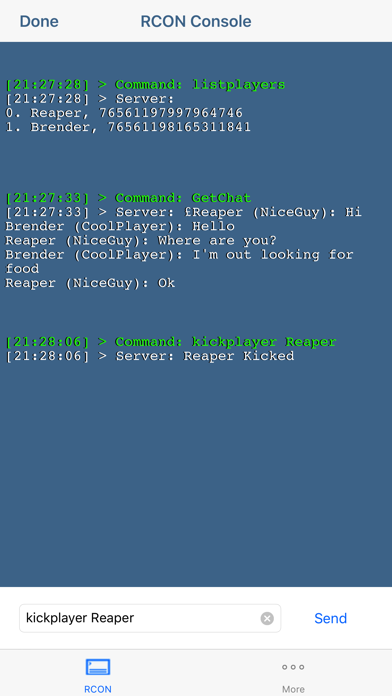
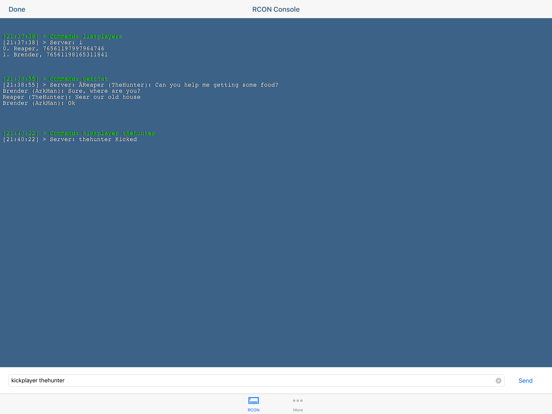
You will be able to manage your server sending commands remotely through the RCON just like if you were typing on the server console.
This includes any command supported by the game server.
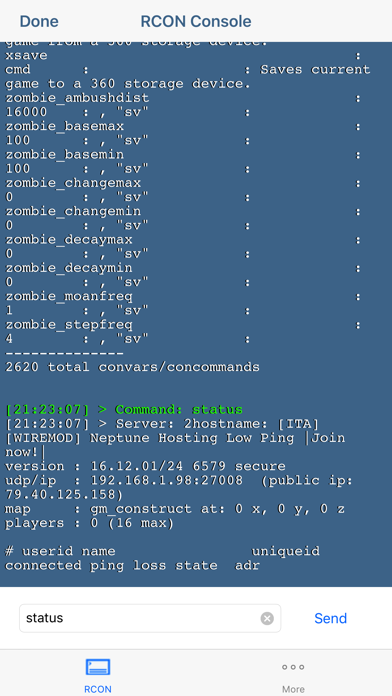
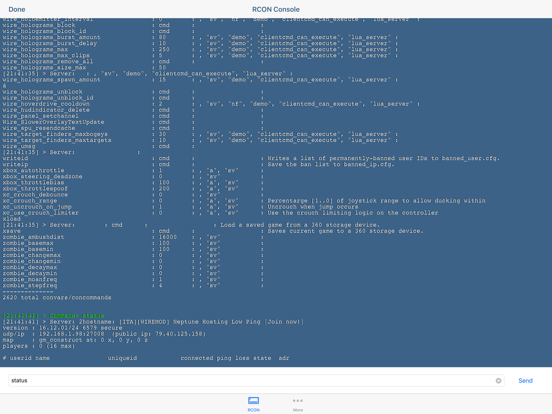
After the command is typed you will see the server response, for example if you have typed "status" in a Garry's Mod server you would receive all the information regarding the server status including name, players, etc.
The app supports any command supported by the game server. You will also be able to kick, ban and send broadcast messages!
*The port parameter refers to the Rcon port chosen using the ?RCONPort=xxxxx? command at the server startup.
**Add +rcon.web 0 at server startup or the authentication will not work.
Port refers to the rcon.port value (default 28016) which can be set at the server startup, not the server port.
The app has been tested on pc game servers, it is not guaranteed that it will also work for console games.
For any question don't hesitate to contact the support.