ChordFlow

ChordFlow Summary
ChordFlow is a mobile iOS app in Music And Audio by Dmitrii Klochkov. Released in Apr 2017 (8 years ago). It has 156 ratings with a 4.63★ (excellent) average. Based on AppGoblin estimates, it reaches roughly 3.00 monthly active users . Store metadata: updated Dec 5, 2018.
Store info: Last updated on App Store on Dec 5, 2018 .
4.63★
Ratings: 156
Screenshots

App Description
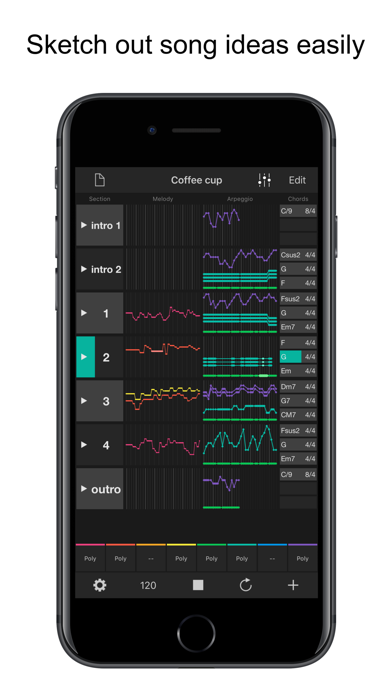
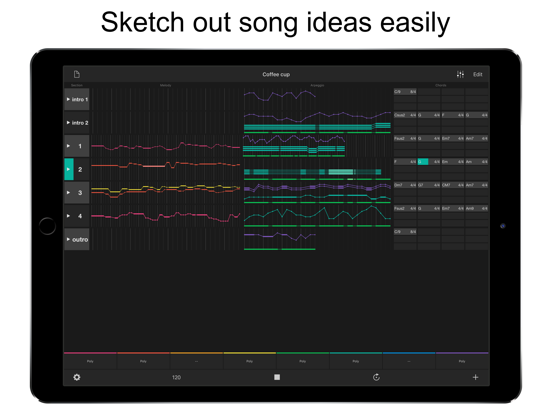
ChordFlow is a songwriting sketchpad that will help you create amazing chord progressions and melodies for your songs fast and easily.
HOW TO USE IT?
1. Create a chord progression.
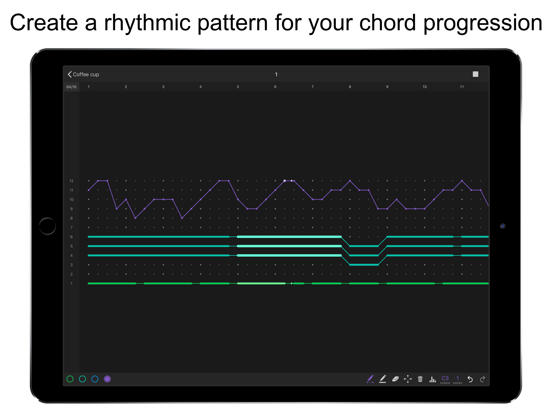
2. Draw an arpeggio – a rythmic pattern for your chords.
3. Compose a melody.
4. Build a complete song adding more sections.
5. Save your song, share or export to your favourite DAW as a MIDI file.
CHORD PROGRESSION
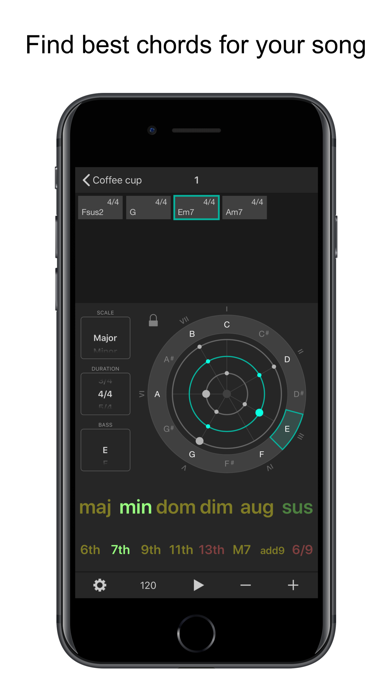
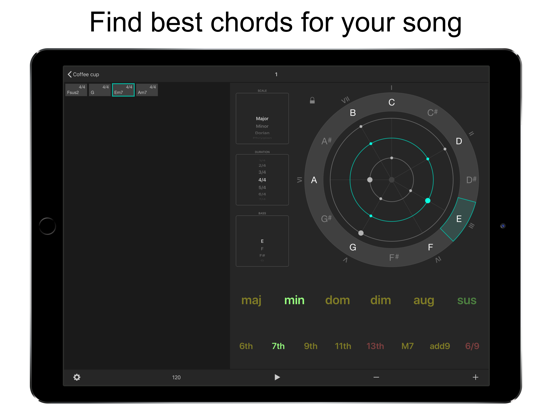
- Create chord progression of any length using intuitive chord selector.
- Select a scale of your chord progression.
- The chord selector will show you which chords are matching the selected scale.
- Move chords around within chord progression using drag and drop gestures.
- Transpose the chord progression by rotating the key wheel (with the lock button unlocked). Or transpose the key of the scale while keeping the existing chords unchanged (with locked mode).
- See the notes of the selected chord and how the relate to the notes of the chord before and the one after the selected.
ARPEGGIO
- When you draw the arpeggio you are not specifying absolute notes but relative steps of the chords. When played, the pattern will be translated to the absolute notes depending on the currently played chord.
- Specify the length and rate of the arpeggio grid. Length defines the number of steps in the sequence and rate define the speed at which the sequence is played.
- Add up to 4 tracks to your arpeggio grid. Each track has it’s color, octave and number of parallel voices.
To edit a track you select it with the track selection button, and then choose the required tool.
- Draw complex curves spanning several rows and columns of the arpeggio grid with just one move with Dots tool
- Draw long horizontal lines with Line tool
- Move entire track along the grid using the Move tool
- Clear a region of the selected track with the Eraser tool
- Remove the selected track entirely using the Trash button
- Set Loop region to repeatedly play only the selected section of your arpeggio.
- Adjust notes velocities
MELODY
- Create up to 4 melody tracks.
- Melodies are edited in their own grid, which also has length and rate params as the arpeggio grid.
- Select the root note and the scale for the melody grid. You can also show and hide non-scale notes using the “Chromatic” switch.
- Melody grid features the same collection of drawing tool as the arpeggio grid does.
- While drawing yo