BiLibre DjVu and PDF Reader

BiLibre DjVu and PDF Reader Summary
BiLibre DjVu and PDF Reader is a mobile iOS app in Education by Konstantin Bukreev. Released in Jun 2017 (9 years ago). It has 794 ratings with a 4.52★ (excellent) average. Based on AppGoblin estimates, it reaches roughly 708 monthly active users . Store last updated Jul 4, 2017
BiLibre DjVu and PDF Reader SDKs Summary
App not yet scanned for SDKs.
4.52★
Ratings: 794
Screenshots
App Description
The application for reading and cataloging books, textbooks, reference books and documents in DjVu and PDF formats in a modern, user-friendly style. Designed mainly for working with technical, scientific and educational literature.
COMFORTABLE READING MODE
• Crops a page margins in manual and automatic mode.
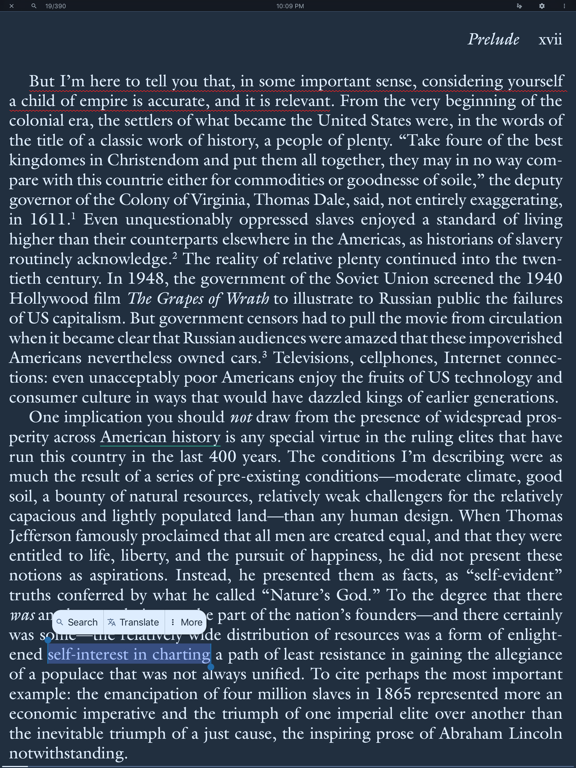
• Themes, color schemes for reading (day, night, sepia and more).
• Page turn with scroll, curl and slide.
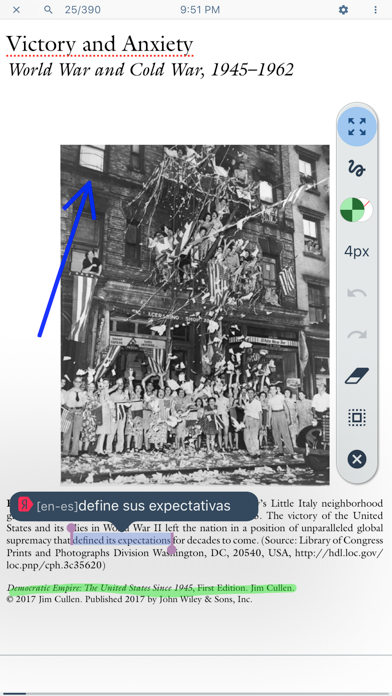
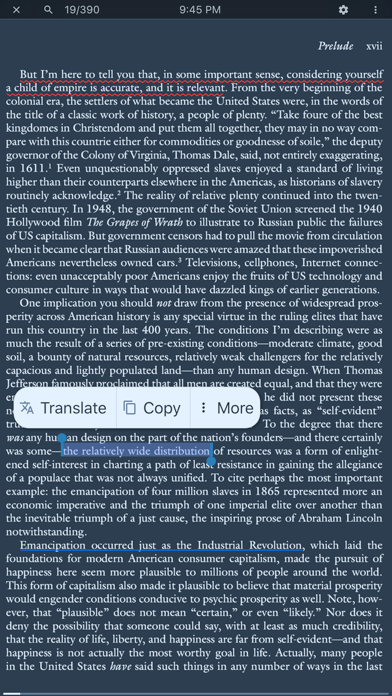
POWERFUL ANNOTATIONS
• Notes, stickers and scraps.
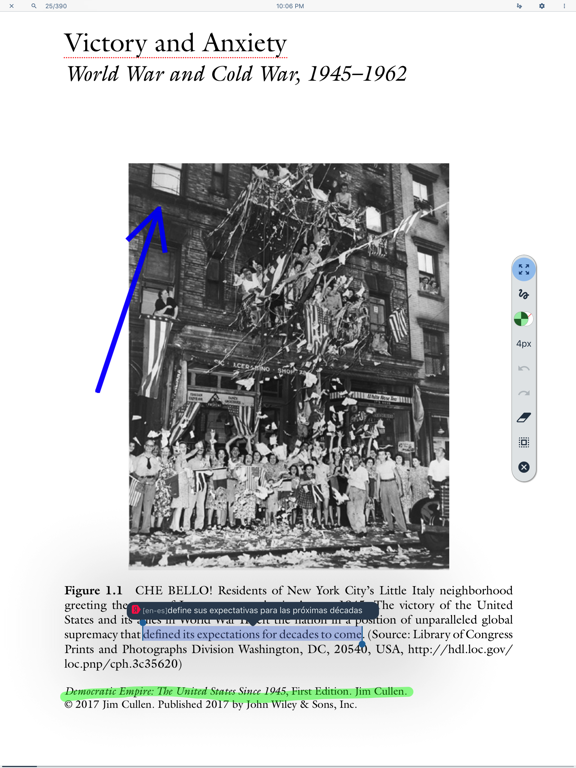
• Drawn annotations (Apple Pencil support and just by touching).
• Exports annotations in HTML, PDF, RTF formats.
• Synchronization of annotations and drawings in iCloud.
• Unified view and management of all annotations in all the books at once.
BUILT-IN THE SUMMARY EDITOR
• Markdown formatting.
• Exports summaries in HTML, PDF, RTF formats.
• Synchronization of summaries in iCloud.
ADVANCED FEATURES FOR DJVU
• Text recognition of pages in DjVu (for documents without OCR layer).
• Splits a scanned double-page spread in DjVu into separate pages.
WORKING WITH FRAGMENTS OF TEXT
• Translation of separate words or complete sentences in different languages.
• Full text searching in a book (textual, fuzzy and regular).
• Built-in search for a selected text on the Internet, Wikipedia and Wolfram|Alpha.
• Search for a word definition in a dictionary.
• Text-to-speech in books.
• Smart zoom by double-tap.
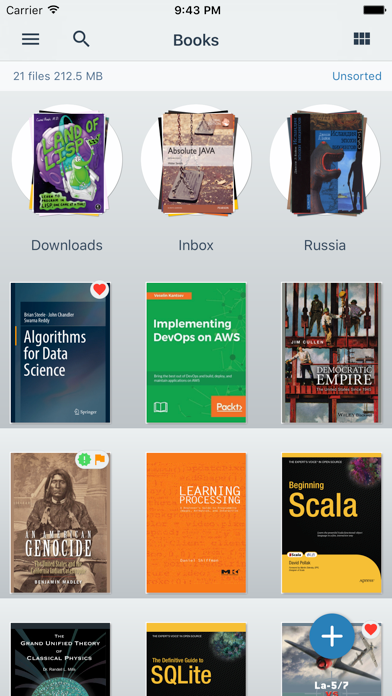
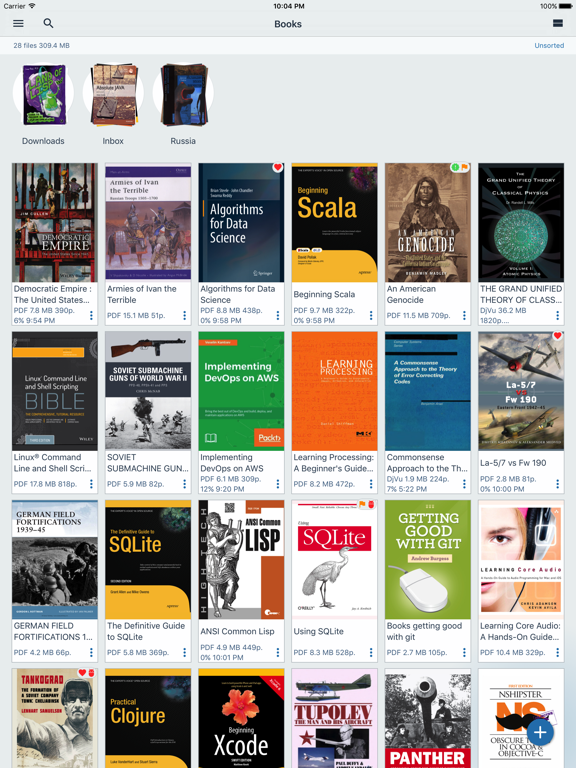
CATALOGUER
• Grouping by categories: by authors, subjects, sequences, publishers, tags, popular, recent, new, read and reading now.
• Using tags to categorize documents.
• Customizable search for books in the library by various metadata fields in different modes.
• Search for textbooks on the Internet through arXiv.org, Library Genesis and Google.
• Own folders tree and flexible bookshelf settings for layout and sorting.
• Arranging books on a bookshelf by dragging.
WORKING WITH A METADATA AND A TABLE OF CONTENTS OF A BOOK
• Automated extraction of a metadata from PDF and DjVu.
• Convenient editing of a metadata.
• Editing and creating a table of contents in manual and automatic mode.
• Synchronization of a metadata and a table of contents in iCloud.
STORAGE
• Locally on the device.
• In the Cloud Storage (iCloud Drive, Google Drive, Yandex Disk).
• Content server for accessing files on the device via a local network.
• Import