DoseChecker

DoseChecker Summary
DoseChecker is a mobile iOS app in Medical by Massachusetts Eye and Ear Infirmary. Released in May 2017 (9 years ago). It has 5.00 ratings with a 4.00★ (good) average. Based on AppGoblin estimates, it reaches roughly 13 monthly active users . Store metadata: updated Mar 23, 2018.
Store info: Last updated on App Store on Mar 23, 2018 .
4★
Ratings: 5.00
Screenshots
App Description
DoseChecker is the first and only app that helps clinicians develop a safe dosing regimen for hydroxychloroquine. Tested and approved by physicians from the Harvard-affiliated hospitals Massachusetts Eye and Ear Infirmary and Massachusetts General Hospital, this app is intended for use by physicians and other health care providers who prescribe hydroxychloroquine to their patients or who monitor the ocular effects of this medication on their patients.
1. The app uses the Actual Body Weight method, following American Academy of Ophthalmology 2016 guidelines.
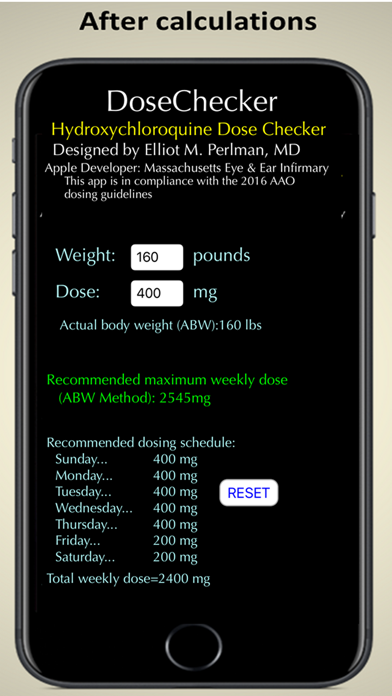
2. The app uses an adjustable weekly dosing schedule. Instead of placing the patient on either 400 mg per day or 200 mg per day (the drug comes only as a 200 mg tablet), the app suggests a weekly dosing regimen using a combination of 400 mg and 200 mg daily doses. This dosing regimen will yield the highest therapeutic dose attainable without exceeding the toxic limit defined by the Actual Body Weight method.
The DoseChecker app is simple to use. The clinician just enters the patient’s weight in pounds or kilograms and touches the calculate button. The recommended weekly dosing appears immediately. In addition, the dosing recommendations always fall within the approved drug labeling (which also obviates the need for FDA mobile medical app registration). Thus, all physicians can use the app to rapidly and efficiently determine the safest dose of hydroxychloroquine--the most important step in preventing irreversible vision loss from hydroxychloroquine retinopathy.
How to use DoseChecker:
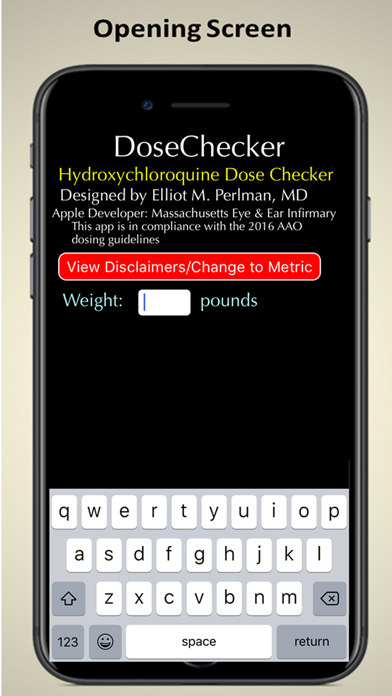
1. Download from the App Store and install in your iPhone. (If the top letters in the app are not “DoseChecker” in large white text, then rotate the phone 90 degrees (horizontal position) and then back to vertical. The title should appear.
2. If you want to use the metric system for patient data entry, tap the Disclaimer/Change to Metric button. Then tap Metric button. Phone will stay in metric mode unless the power is turned off.
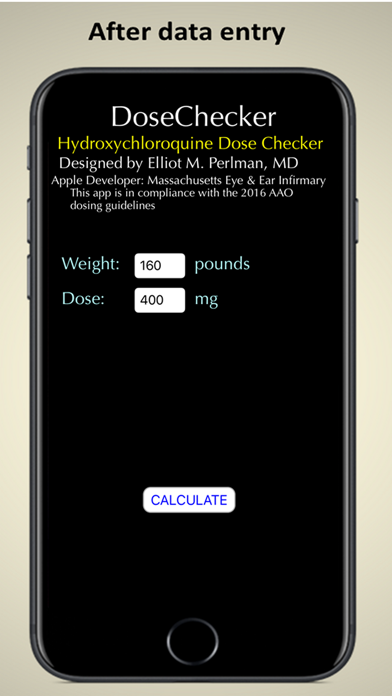
3. Blinking cursor is at left of Weight entry text box. Enter the patient’s weight in pounds or kg. Tap “return”
4. Blinking cursor is to the right of the default entry for patient’s current Dose (400 mg). If this correct, just tap “return”. The only time you would change the entry is if the patient was on 200 mg daily; then you would replace the 400 with 200 and t