Supremo Remote Desktop
Supremo Remote Desktop Summary
Supremo Remote Desktop is a with in-app purchases iOS app in Productivity by Nanosystems S.r.l.. Released in May 2017 (9 years ago). It has 18 ratings with a 3.72★ (average) average. Based on AppGoblin estimates, it reaches roughly 68 monthly active users and generates around $<10K monthly revenue (100% IAP / 0% ads). Store metadata: updated Oct 8, 2025.
Store info: Last updated on App Store on Oct 8, 2025 .
3.72★
Ratings: 18
Screenshots
App Description
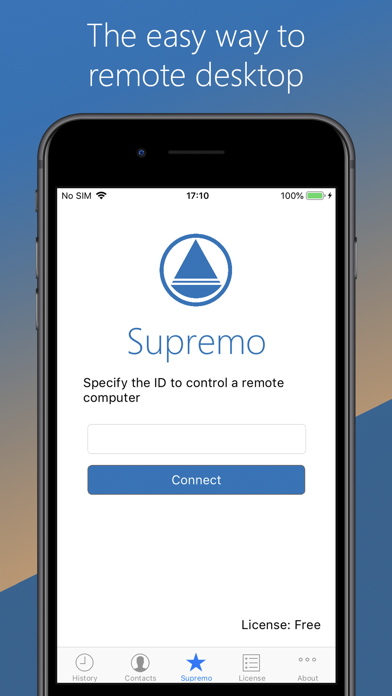
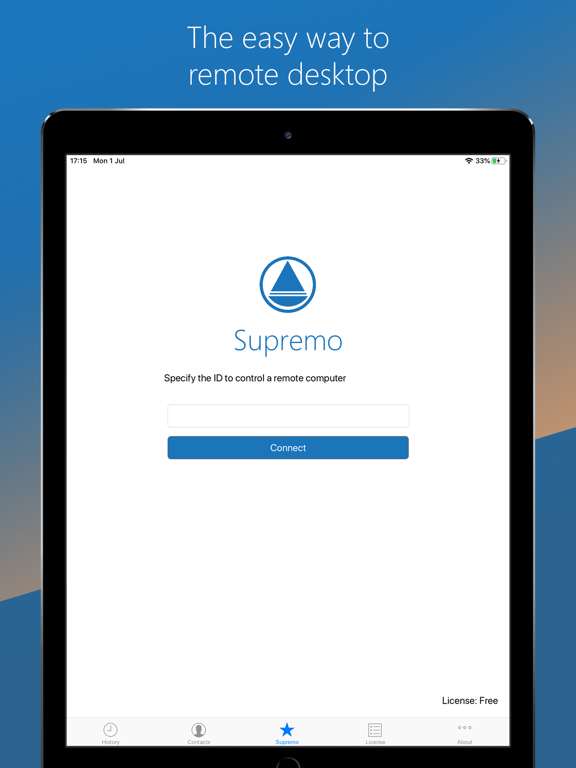
Supremo Remote Desktop is a powerful, easy and complete solution for remote desktop control and support. It allows to access a remote PC in just a few seconds. Supremo is also compatible with Supremo Console, the IT Management Console.
Download, access, control.
With Supremo Remote Desktop you can:
• Remote control PCs and servers, from your personal devices
• Chat with the remote user
Features:
• Secure remote control, protected by AES 256-bit encryption
• Full mouse and keyboard support, including special keys
• Zooming and screen scrolling
• Integrated chat
• Multi-display support
• UAC-compliant
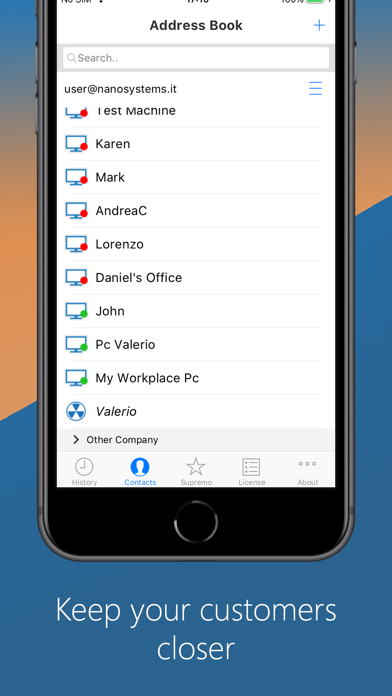
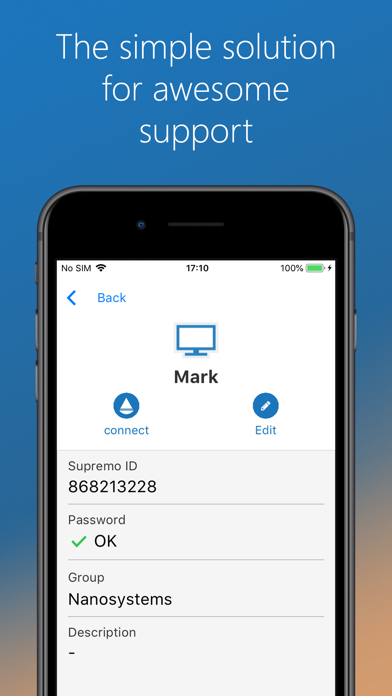
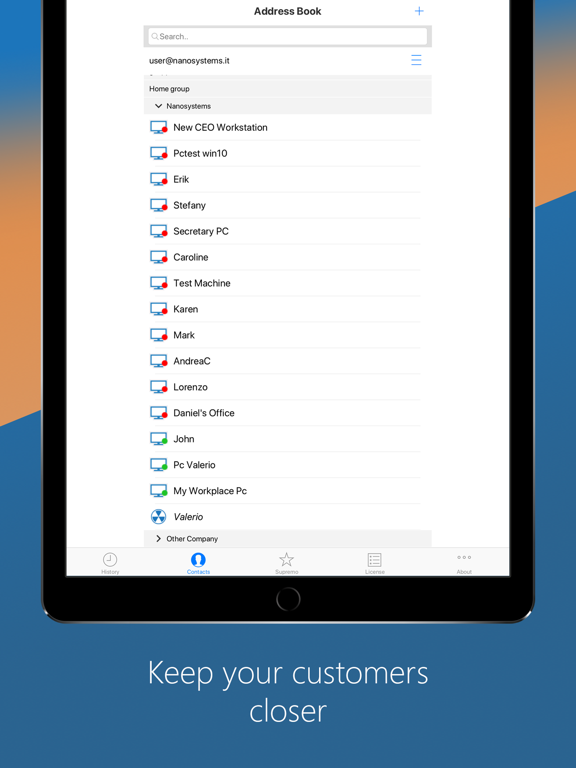
• Cloud-synced address book powered by Supremo Console
Get started:
1. Install Supremo Remote Desktop
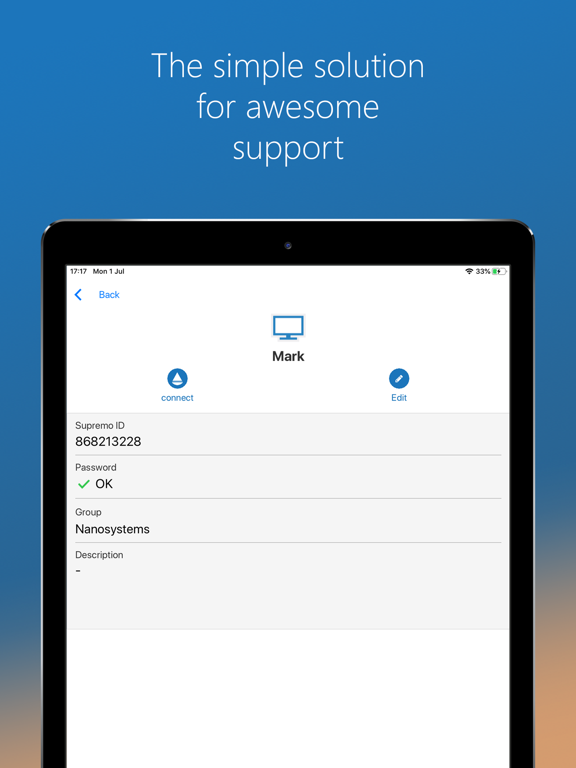
2. Download and launch Supremo for Windows from the PC/server you need to remote control, take note of ID and password
3. Launch Supremo Remote Desktop and specify ID and password
4. Remote control the machine!