Mobile Timing

Mobile Timing Summary
Mobile Timing is a mobile iOS app in Sports by RunnerCard, LLC. Released in May 2017 (9 years ago). It has 2.00 ratings with a 3.00★ (mixed) average. Based on AppGoblin estimates, it reaches roughly 21 monthly active users . Store metadata: updated Nov 2, 2017.
Store info: Last updated on App Store on Nov 2, 2017 .
3★
Ratings: 2.00
Screenshots
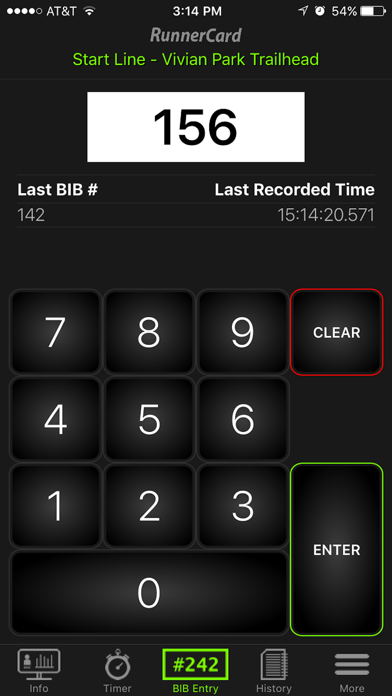
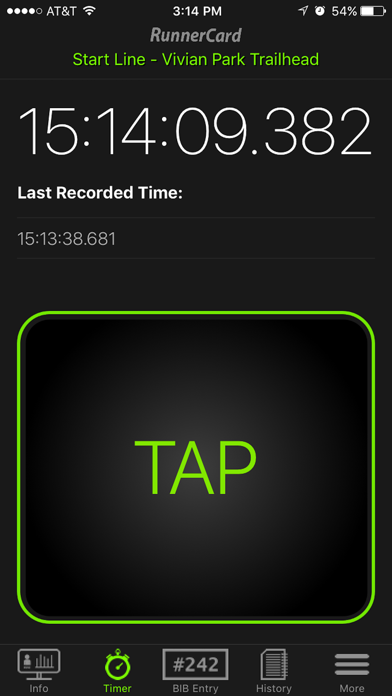

App Description
The RunnerCard Mobile Timing app is used in conjunction with RunnerCard Timing software available from RunnerCard, LLC.
This app allows anyone to time racing events directly from their mobile device.
To Get Started:
1. Download this free app.
2. Open the app and login to your event.
3. Input your Event's Invite Code.*
4. Select your Timing Location.
5. Follow any instructions on the Event Info screen for your timing location, and ...
6. Begin timing using either the Bib Entry Mode, Timer Mode, Scan Mode, or Gun Start Mode.
If you don't know your event's "Invite Code" contact your event coordinator.
If you are asked to help with a timing location that is password protected contact your event coordinator to gain access.
* Validating an Event Invite Code requires you to be connected to the internet.
Want to set up RunnerCard Mobile Timing for your racing event? Contact us at RunnerCard.com.
- RunnerCard LLC - 2017