BEEP - Expiry Date Tracking

BEEP - Expiry Date Tracking Summary
BEEP - Expiry Date Tracking is a with in-app purchases iOS app in Productivity by BGPworks. Released in Jun 2017 (8 years ago). It has 1.3K ratings with a 4.69★ (excellent) average. Based on AppGoblin estimates, it reaches roughly 2.3K monthly active users and generates around $<10K monthly revenue (100% IAP / 0% ads). Store metadata: updated Dec 18, 2025, version 122.
Data tracking: SDKs and third-party integrations were last analyzed on May 29, 2026.
Store info: Last updated on App Store on Dec 18, 2025 (version 122).
SDKs, Trackers & Permissions
BEEP - Expiry Date Tracking was last scanned for SDKs 2026-05-29. Below is the overview of third party companies detected in the app. The full list of raw SDKs, app permissions and unknown SDKs is available here.
AppGoblin saw BEEP - Expiry Date Tracking uses 1 Ad Networks
 Facebook
AppGoblin saw BEEP - Expiry Date Tracking uses 5 Development Tools
 OpenID
 Sentry.io
 Google
 nanopb
AppGoblin saw BEEP - Expiry Date Tracking uses 1 Analytics: Product
 Firebase
AppGoblin saw BEEP - Expiry Date Tracking uses 1 Analytics: Attribution
 AppMetrica
App Details
App Store
Ads & App-Ads.txt
AppGoblin SDK Scans
4.69★
Ratings: 1.3K
Screenshots

App Description
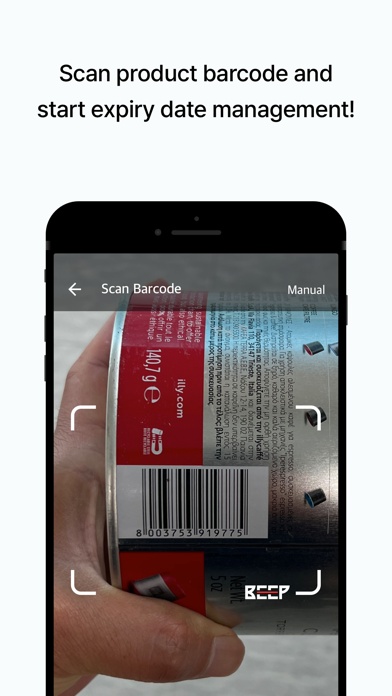
Track expiration dates in seconds with BEEP.
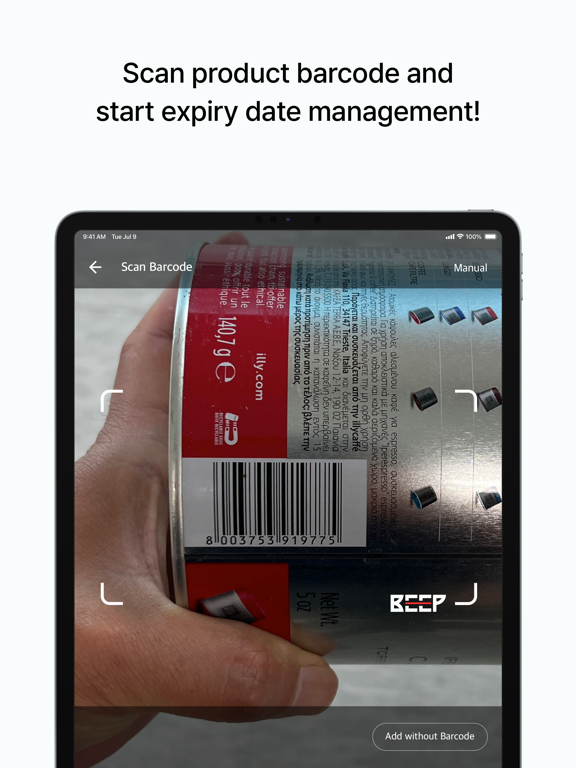
Just scan a barcode to add products and get reminders before they expire. BEEP makes it easy to track expiration dates and manage food in your fridge, pantry, or storage. Whether you're at home, running a restaurant, or managing retail inventory, BEEP helps you stay organized, reduce food waste, and keep everything fresh.
BEEP Features:
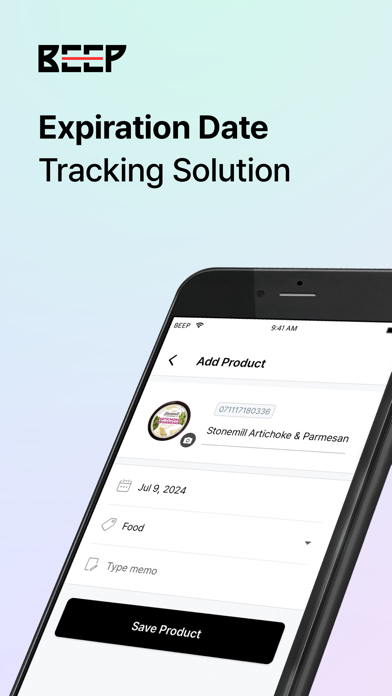
- Scan a product’s barcode to quickly add it to your team’s inventory. BEEP fills in the name and image so you only need to enter the expiration date.
- Invite others to your team to track items together. Great for families, coworkers, or anyone managing shared inventory.
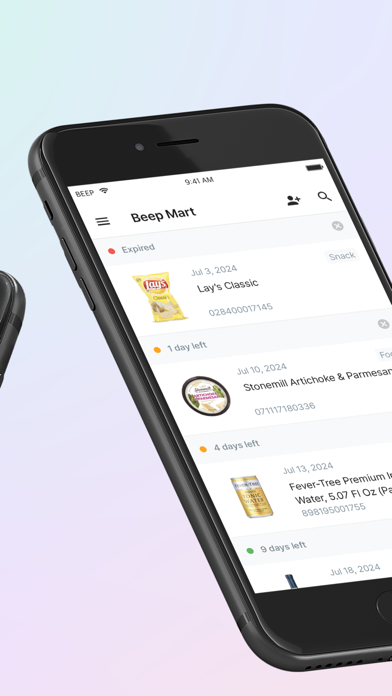
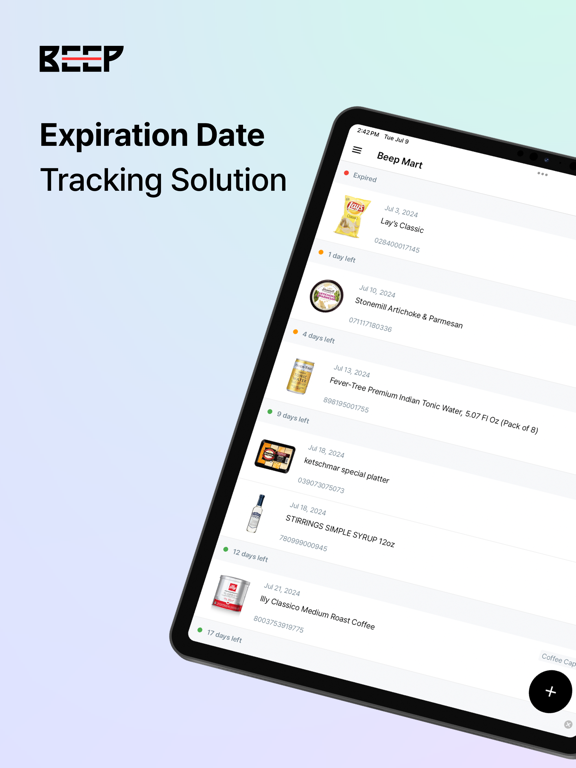
- Get notifications before items expire. Choose when you want to be reminded so you can use things up on time.
- Organize products into categories like snacks, frozen foods, or cleaning supplies. Set different alerts for each to stay in control.
- Search or scan to find any item fast. Check what’s expiring soon with just a quick tap.
- Your data stays safe and synced. Even if you change devices or reinstall the app, your info is always backed up.
Get started in seconds:
1. Download BEEP and create an account.
2. Scan a barcode or enter product details yourself.
3. Set an expiry date and receive custom alerts.
Join thousands of users keeping their products fresh and reducing waste with BEEP.
Download now!
Need help or have questions?
- Support: support@beepscan.com
- BEEP Official: https://www.beepscan.com
- BEEP User Guide: https://docs-en.beepscan.com