Artstudio Pro: Draw, Paint

Artstudio Pro: Draw, Paint Summary
Artstudio Pro: Draw, Paint is a with in-app purchases iOS app in Art And Design by Lucky Clan. Released in Dec 2017 (8 years ago). It has 4.8K ratings with a 4.57★ (excellent) average. Based on AppGoblin estimates, it reaches roughly 12.6K monthly active users and generates around $<10K monthly revenue (100% IAP / 0% ads). Store metadata: updated Oct 10, 2025.
Recent activity: 12 new ratings this week View trends →
Store info: Last updated on App Store on Oct 10, 2025 .
4.57★
Ratings: 4.8K
Screenshots

App Description
Introducing Artstudio Pro, the most powerful painting and photo editing app available for both iOS and macOS. The successor to our famous ArtStudio app has been redesigned bringing many new features and improvements taking full advantage of the latest technologies Metal, iCloud Drive, Apple Pencil, and optimized for 64-bit multi-core processors to achieve the smoothest possible workflow.
Powerful engine
App is based on the powerful GPU accelerated ArtEngine developed by Lucky Clan. It allows working with multiple documents, supports large canvas sizes and an unlimited number of layers. Incredible optimization ensures smooth work even with large canvases.
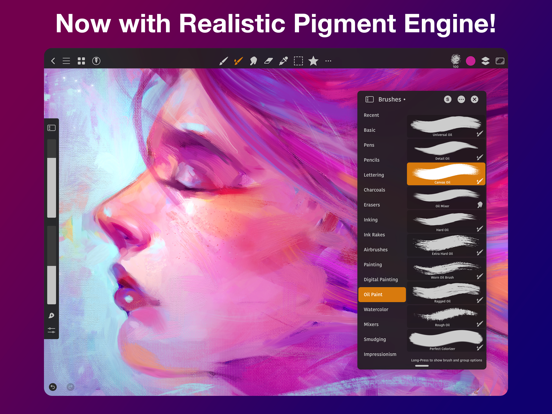
• Realistic Color Pigment Blending
• Canvas size up to 64Mpix
• Unlimited layers
• Multiple open documents
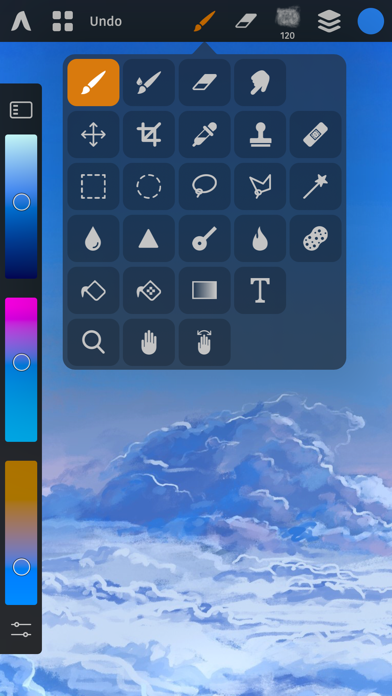
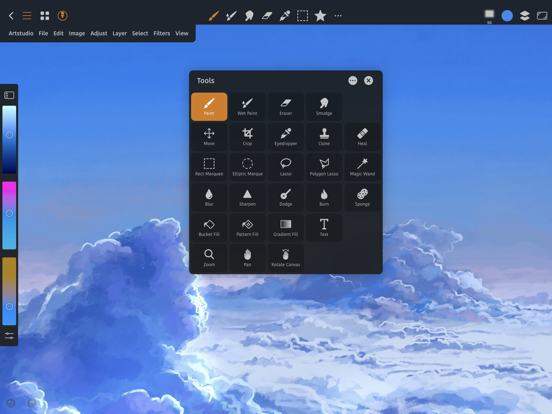
• 27 tools: Move, Select, Crop, Eyedropper, Paint, Wet Paint, Eraser, Bucket/Pattern/Gradient Fill, Smudge, Dodge, Burn, Sponge, Text, Heal, Clone, and more
• Full iCloud integration
Flexible layer system
Artstudio Pro introduces a new layer system with grouping, non-destructive layer effects, and adjustment layers.
• Groups
• Masks, clipping masks
• Adjustment Layers
• 9 layer effects: Bevel/Emboss, Stroke, Inner Shadow, Inner Glow, Outer Glow, Color/Gradient/Pattern Overlay, Drop Shadow
• Text layers
Advanced Brush engine
Perfectly optimized, lag free mechanism generating smooth, real looking strokes, making the most of Apple Pencil.
• Brush size up to 4000x4000
• 64-bit painting with pattern, double stamp, wet brush, dynamics
• Brush editor with over 100 customizable settings
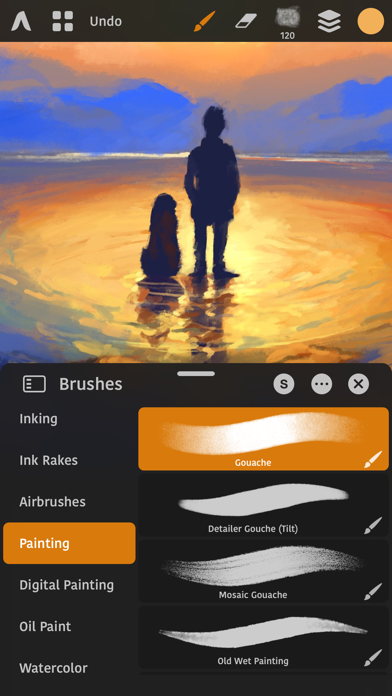
• Over 150 built-in brushes divided into multiple groups: Pens, Pencils, Oil Painting, Inking, Charcoals, Airbrushes, Watercolor and many more
• Symmetric painting
Professional photo editor
Photo editing options developed in cooperation with professional photographers. Each feature was tested in several scenarios and light conditions.
• 15 adjustments available as non-destructive layer or simple adjustment: Brightness/Contrast, Levels, Curves, Exposure/Gamma, Shadows/Highlights, Vibrance, Hue/Saturation, Color Balance, Temperature/Tint, Black and White, Gradient Map and more
• 4 auto adjustments: Auto Contrast, Levels, Lightness, Saturation
• Transform: Basic, Perspective, Warp
• Dozens of filters with realtime preview and the ability to generate seamless patterns
• Inpaint, Elastify