Record it! :: Screen Recorder

Record it! :: Screen Recorder Summary
Record it! :: Screen Recorder is a free, ad-supported, with in-app purchases iOS app in Tools by DIGISET LLC. Released in Jun 2017 (9 years ago). It has 942K ratings with a 4.62★ (excellent) average. Based on AppGoblin estimates, it reaches roughly 2.5M monthly active users and generates around $200K+ monthly revenue (30% IAP / 70% ads). Store last updated Oct 2, 2026
Recent activity: 980 new ratings this week View trends →
SDK intelligence: AppGoblin detected 2 ad networks(e.g. Google), 2 development tools,and 1 analytics: product integrated into Record it! :: Screen Recorder. View full SDK list →
Record it! :: Screen Recorder SDKs Summary
Record it! :: Screen Recorder was last scanned for SDKs on 2026-10-08. Below is the overview of third-party companies detected in the app. The full list of SDKs, permissions and unknowns is available here.
 Google
 AdMob
AdMob Firebase
 Alamofire
 MongoDB
4.62★
Ratings: 942K
Screenshots

App Description
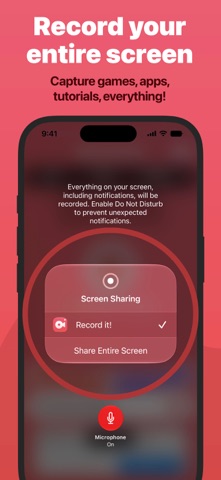
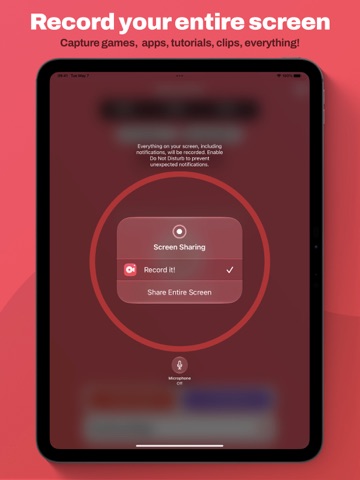
Record It! is a screen recorder for iPhone and iPad. Capture anything on your screen in one tap: games, app demos, tutorials, training videos, then trim it, add a face-cam reaction, and share it without leaving the app.
RECORD
• One tap to start recording your entire screen
• Capture games, apps, tutorials, and walkthroughs
• Configure bitrate, audio channels, video encoder, and quality.
• A Live Activity keeps recording status visible in the Dynamic Island
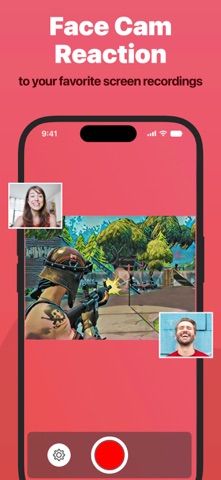
FACE CAM REACTIONS
• Overlay your camera live while you record, on supported iPad models
• Or add a face-cam reaction to any recording afterward
• React to videos from your camera roll
• Set the reaction's shape, position, and size
AUDIO COMMENTARY
• Record audio-only commentary over your video
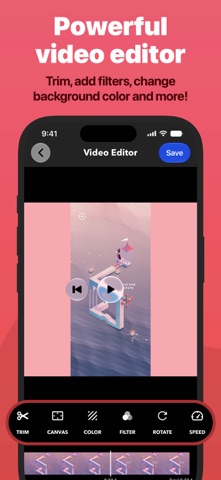
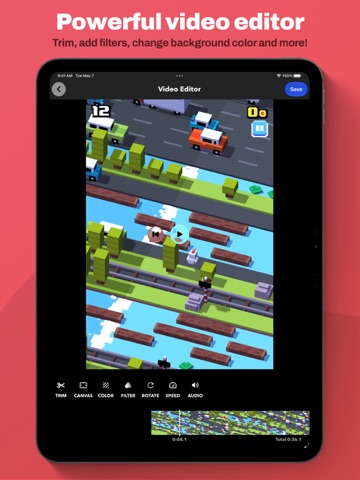
VIDEO EDITOR
• Trim, rotate, and adjust playback speed
• Apply video filters
• Change the canvas and background color
ORGANIZER
• Every recording in one place, with quick access to what you need
SHARE
• Save straight to your camera roll
• AirDrop to a Mac or another device
• Export to Files, email, or any app that accepts video — including desktop editors for more specialized work
Face-cam reactions are the fastest way to put yourself in the frame: let people watch you play, or walk someone through a task in your own voice.
Sharing is limited to 10-minute videos. Upgrade to Record It! Pro to share longer recordings (In-App Purchase).