Kannada Bible: Holy Scripture

Kannada Bible: Holy Scripture Summary
Kannada Bible: Holy Scripture is a free, ad-supported, with in-app purchases iOS app in Books And Reference by Dzianis Kaniushyk. Released in Jun 2017 (9 years ago). It has 133 ratings with a 4.55★ (excellent) average. Based on AppGoblin estimates, it reaches roughly 368 monthly active users and generates around $<10K monthly revenue (60% IAP / 40% ads). Store last updated Sep 13, 2026
Kannada Bible: Holy Scripture SDKs Summary
App not yet scanned for SDKs.
4.55★
Ratings: 133
Screenshots
App Description
Kannada Holy Bible has got all chapter of Old Testament and New Testament.
The first attempt to translate Bible into Kannada was by the Serampore missionaries and they appear to have it completed by 1809. However this manuscript was lost in the 1812 fire at the Serampore press.
Some parts of the Bible were translated into Kannada in 1812. In 1823 The New Testament was published. In 1831 the complete Bible was published in Kannada. Translators included John Hands, founder of the London Missionary Society station in Bellary in 1810, and William Reeve at Bellary and Bangalore.
A revised version of the New Testament was published in 1850, and a further revised version was released in 1854. The LMS missionaries continued the work and the complete Bible was published by the year 1865.
Benefits of application:
- The application works without an internet connection (offline);
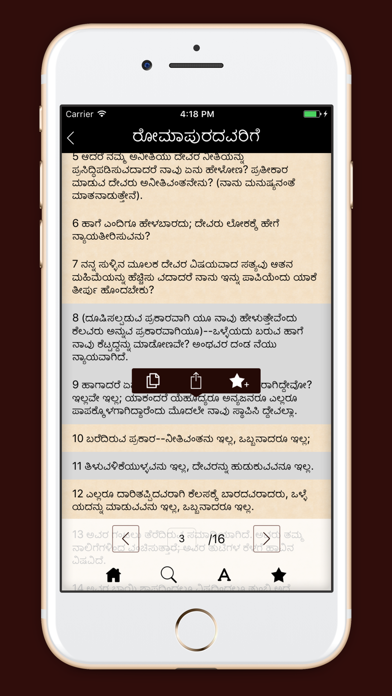
- Ability to search;
- Ability to increase / decrease the font;
- Ability to create an unlimited number of tabs to a particular verse, one of the books;
- If you are interested in the allocation of poems you can copy or send a message;
- Ability to scroll through the volume buttons.
Our team is not in place, and aims to expand its functional applications.
User guide:
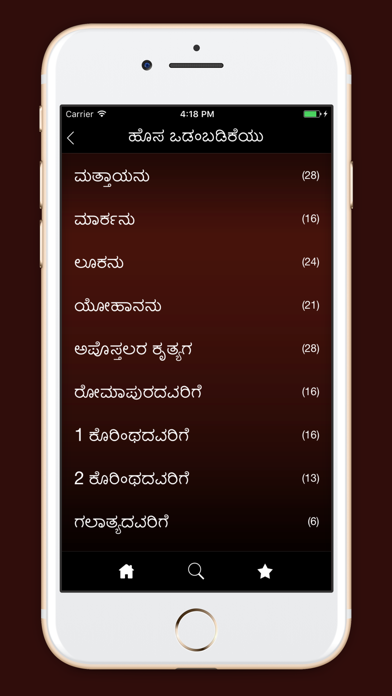
Each menu item is a separate book, and each separate page in one of the books is the chapter.
Place the cursor instead of the chapter number and enter the chapter number. Thus, you will not have to scroll all the chapters, selecting interesting.
Terms of Use - http://apple.nsource.by/terms-of-use.html
Privacy Policy - http://apple.nsource.by/privacy-policy.html