Diary With Password

Diary With Password Summary
Diary With Password is a free, with in-app purchases iOS app in Productivity by 帆 杨. Released in Jun 2017 (9 years ago). It has 105K ratings with a 4.72★ (excellent) average. Based on AppGoblin estimates, it reaches roughly 268K monthly active users and generates around $<10K monthly revenue (100% IAP / 0% ads). Store last updated Aug 11, 2026
Recent activity: 31 new ratings this week View trends →
Diary With Password SDKs Summary
Diary With Password was last scanned for SDKs on 2026-09-23. No known SDKs were detected. Check the raw list of SDK parts detected here and feel free to request unknown SDKs be added to AppGoblin.
4.72★
Ratings: 105K
Screenshots



App Description
Track life's progress
Log a little bit about each day
Look back at the emotions and the opinions and even mundane aspects of your life
Write out all your emotions in a space and no one will see
This is an electronic diary
Simple and friendly
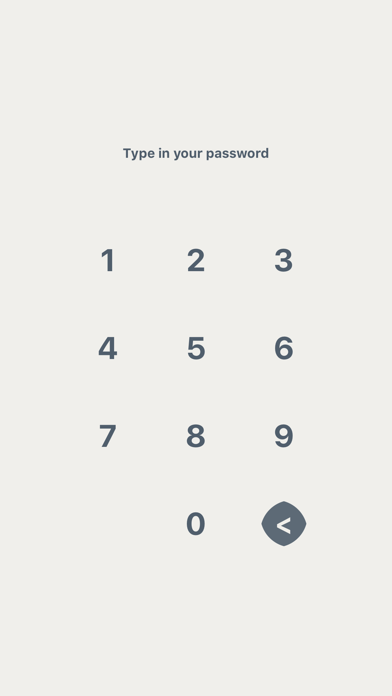
■ Password
-set a password to protect your diary secrets
■ Time Stamp
-note the time by touching the inconspicuous clock button
■ Reminder
-friendly reminder to write about your day
■ Delete
-swipe your finger to delete the diary you want to delete
■ Night Mode
-to make looking at a screen in a dark room easier on your eyes
■ iCloud
-back up your data/Restore the data on your iOS device
■ Export
-export your diary as a text/Export the diary to PDF file
(The exported file can be sent to you by email. Please make sure that a mail account has been set on the device. You can also choose to export your data to your iOS file system on your device)
■ Sizes
-choose a new font size from the font size list
■ Sign
-add a good diary to your favorites
■ Search
-full text search-able - search entries by containing text
■ Fonts
-to change the font type, in the font list, select a font
■ Touch ID / Face ID
-need the related hardware support (iPhone 5s+)
■ Pattern Lock
-security and ease