Videoleap: AI Video Editor

Videoleap: AI Video Editor Summary
Videoleap: AI Video Editor is a free, with in-app purchases iOS app in Photo And Video by Lightricks Ltd.. Released in Sep 2017 (9 years ago). It has 584K ratings with a 4.62★ (excellent) average. Based on AppGoblin estimates, it reaches roughly 256K monthly active users and generates around $<10K monthly revenue (100% IAP / 0% ads). Store last updated Sep 15, 2026
Recent activity: 65 new ratings this week View trends →
SDK intelligence: AppGoblin detected 2 ad networks(e.g. Facebook), 1 analytics: attribution, 1 business tools,and 1 development tools integrated into Videoleap: AI Video Editor. View full SDK list →
Videoleap: AI Video Editor SDKs Summary
Videoleap: AI Video Editor was last scanned for SDKs on 2026-08-04. Below is the overview of third-party companies detected in the app. The full list of SDKs, permissions and unknowns is available here.
 Facebook
 Snap Inc.
 AppsFlyer
 Fullstory
 ReactiveX
4.62★
Ratings: 584K
Screenshots


App Description
Experience seamless video creation with Videoleap by Lightricks!
With an intuitive editor, premade templates, and the latest AI tools, Videoleap is your go-to video editor catering to every need, for anyone.
Get access to hundreds of professional tools including video effects, filters, transitions, music and audio effects, green screen and more. Start from scratch or choose from our vast selection of ready-to-use templates for Reels, TikToks, YouTube Shorts, or wherever you like!
Download Videoleap now to start creating and sharing amazing videos today.
AI Video Editor:
Take advantage of our full AI video editor by streamlining video creation and transforming the styles of your videos into extraordinary content.
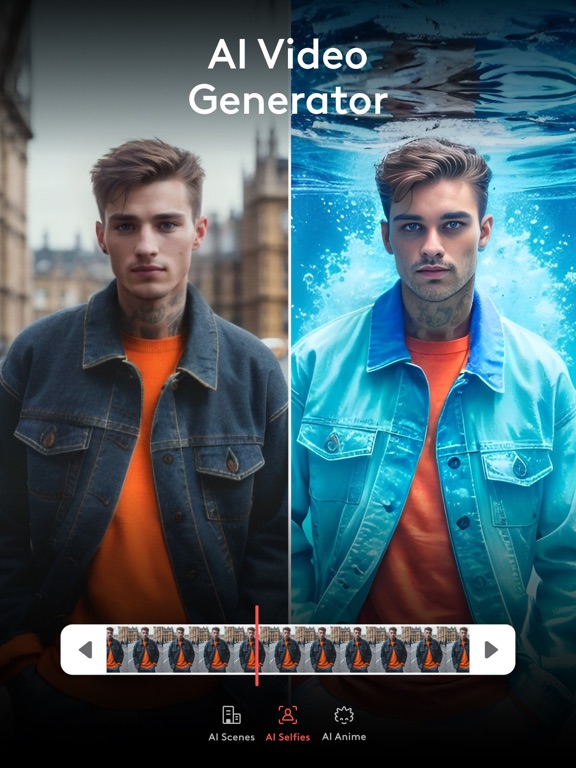
• AI Video Effects- Apply incredible AI presets to your images and videos in a tap.
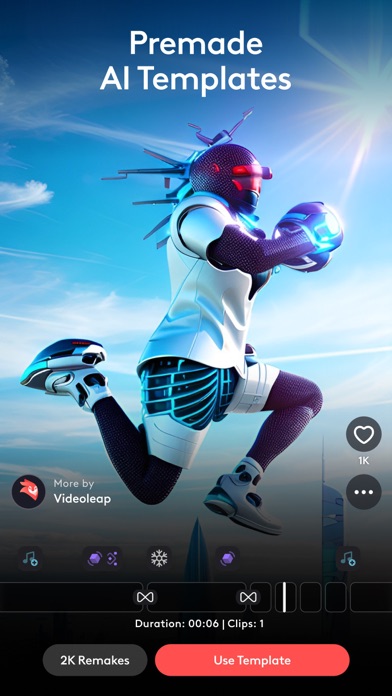
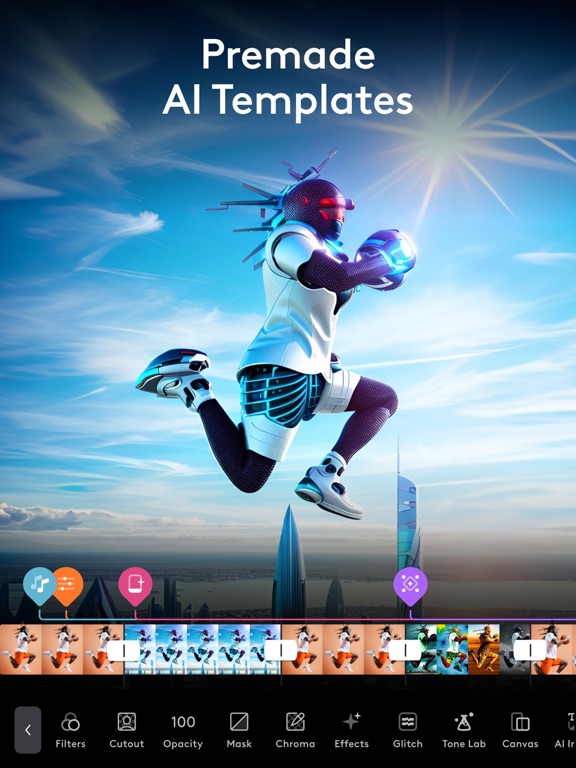
• Premade AI Templates-Remake 100s of mind-blowing AI templates using your own assets.
• Remove objects from video with AI-Vanish unwanted elements from videos.
Video Editing Tools:
• Keyframe animations.
• Green Screen/Chroma Key compositing.
• Fit video clips to format - place clips on blank or colored canvas.
• Non-destructive video editing.
• Unlimited undo/redo.
• Intuitive timeline with zoom for frame by frame precision.
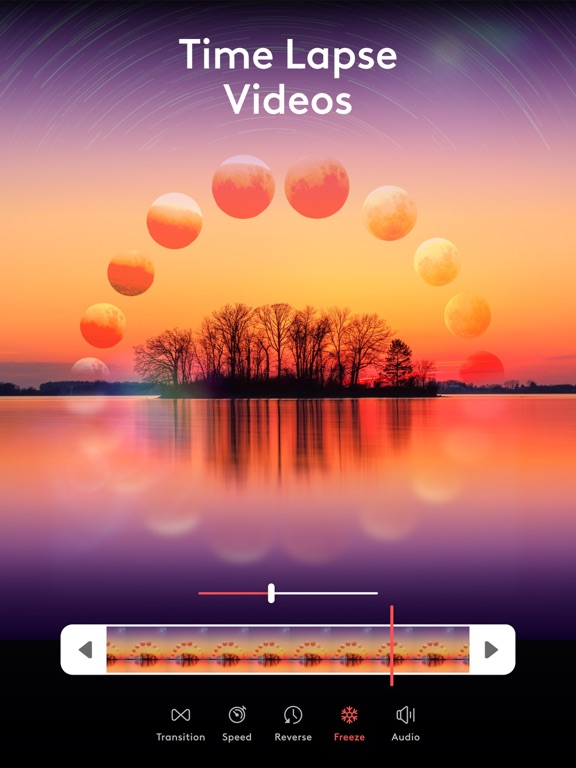
• Video speed controller- slow down for dramatic effects or speed up the action.
Creative platform:
• Remake trending edits with a tap from our community feed
• Connect with other creators
• Share your creativity and own templates with the community
Video Special Effects:
• Glitches, Rays, Flare, Prism, Defocus, Colorfy, Pixelate, Chromatic Aberration and more!
• Text: variety of trendy fonts, emojis, shadow, colors, opacity, and blending.
• Variety of unique filters to set the mood you want in a snap.
Creative Cinematic Compositions:
• Mix videos & images together to create double exposures and artistic looks.
• Layer-based editing! Add videos, effects, text and images then reorder them however you like.
• Customize layers with transformation, masking, and blending modes.
• Apply seamless, cinematic transitions to your clips such as Zoom, Fade, Dissolve.
• Motion tracking & keyframes- track and sync objects in footage with other elements to match their movement.
Precise Video Editing & Rich Possibilities:
• Clip editing: trim, split, duplicate, flip, mirror, transform.
• Color correction