SD Scan Tool

SD Scan Tool Summary
SD Scan Tool is a mobile iOS app in Tools by Wetrusty. Released in Jan 2018 (8 years ago). Store metadata: updated Jan 14, 2020.
Store info: Last updated on App Store on Jan 14, 2020 .
0★
Ratings: 0
Screenshots
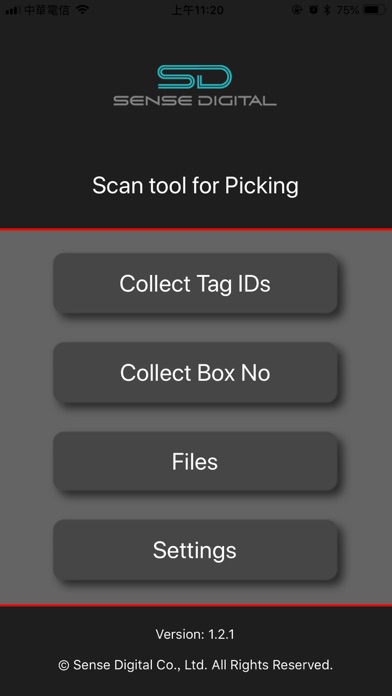


App Description
Wetrusty Tag Scan Tool for Picking
Three major steps to use this app.
Step 1. Pre-setting for filename prefix
Step 2. Scan tag and Generate Tag ID list Txt files
Step 3. Share files to PC to do post-processing
● Purpose of usage
- You can scan Wetrusty Tag ID list when picking goods.
- Or Match pickd Tag IDs to Package number or Logistics number.
- Send the Tag ID lists (Txt files) to PC via email to do post-processing
● Tag ID format
- Only Wetrusty Tag QR code or 16 digits Tag ID will be accepted.
- You can scan QR code or key in 16 digits Tag ID.
- Tag ID format can be customized set in [Settings]
● File name format:
{Site name prefix} + {Operation prefix} + {Date} + {Time} + .txt
- Site name prefix: This can represent the working place (Warehouse) or the user (phone).
- Operation prefix: This can represent the purpose of scan.
- Filename can be modified after scanning.
- You can go to [Settings] to modify prefixs.