Bluetooth Finder

Bluetooth Finder Summary
Bluetooth Finder is a mobile iOS app in Tools by Deucks Pty Ltd. Released in Jul 2017 (8 years ago). It has 5.6K ratings with a 4.07★ (good) average. Based on AppGoblin estimates, it reaches roughly 15.7K monthly active users . Store metadata: updated Feb 19, 2020.
Recent activity: 1.00 new ratings this week View trends →
Data tracking: SDKs and third-party integrations were last analyzed on Apr 14, 2025.
Store info: Last updated on App Store on Feb 19, 2020 .
4.07★
Ratings: 5.6K
Screenshots
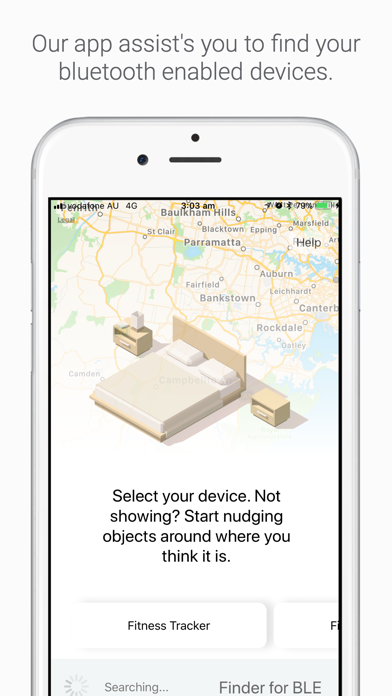
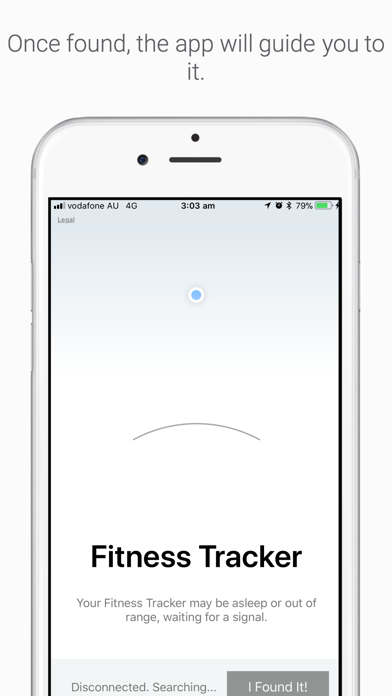
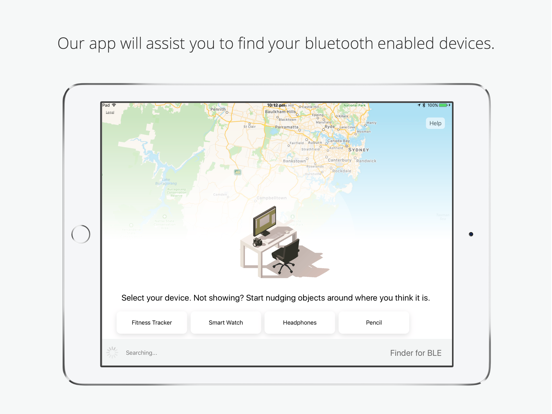

App Description
Bluetooth Finder helps you find your missing Bluetooth devices.
If you misplace your device, this app will let you use your iPad/iPhone that is paired to your device to help find it. Simply install this app, open it, and the app will guide you to your missing device. Bluetooth Finder will help you locate your missing device by trying to look and connect wirelessly to your device's wireless signature.
Your missing device may sleep soon after you have misplaced them, so download the app and start searching immediately to ensure you will be able to find your missing bluetooth device. Please check the limitations of the app at the bottom of description to see if you qualify.
FEATURES
• Find any of your missing Bluetooth devices
• Set by step process to guide you to find them
• Location approximation and triangulation
• A really slick user interface
Supported languages: English
REQUIREMENTS
• Bluetooth Finder requires iOS 8 or later.
• Bluetooth Finder will only work on an iPad that is paired to your device.
• Bluetooth Connectivity is also needed.
• Bluetooth Finder for iPad is needed to find your Pencil.
LIMITATIONS OF APP
• Bluetooth Finder may not work if you have disabled/re-enabled bluetooth after losing your Pencil.
• Bluetooth Finder will may not work if you have restarted your iPad after losing your device.
• Bluetooth Finder will not work if you have lost it over a large distance (e.g. lost in train, but trying to find it at home).
• Bluetooth Finder works best if you have lost in the last few minutes.