AnyFind: Find Lost Devices

AnyFind: Find Lost Devices Summary
AnyFind: Find Lost Devices is a with in-app purchases iOS app in Tools by Guilherme Verri. Released in Jul 2017 (8 years ago). It has 370 ratings with a 4.18★ (good) average. Based on AppGoblin estimates, it reaches roughly 2.5K monthly active users and generates around $<10K monthly revenue (100% IAP / 0% ads). Store metadata: updated Sep 17, 2022.
Store info: Last updated on App Store on Sep 17, 2022 .
4.18★
Ratings: 370
Screenshots

App Description
Find your Lost AirPods, Earbuds, Headphones, Fitbit, Fitness Tracker, and many more!
AnyFind is certified to work with the following bluetooth devices (it works with any Bluetooth 4.0 device, but the following were the ones I personally tested):
• Apple: Airpods
• Beats: Solo 3, Powerbeats 3, BeatsX, Studio, Pill
• Bose: AE2, SoundLink, SoundSport, Revolve, Color II
• Jabra: Move, Classic, Storm, Extreme2, Mini, Talk, PRO
• Jaybird: Freedom 1/2/F5, X3 Sport, Run
• JBL: Everest Elite/100, E65BTNC, J46BT, T450BT, E45BT, Reflect Contour/Mini
Important: The Device must be powered on and with Bluetooth activated in order to be found. This app can't find your lost AirPods if they are in the case, or the case itself, as it requires a Bluetooth signal.
We are confident that you will find your Airpods, so we'll offer you a FULL REFUND if your device isn't found. You have nothing to lose except your Airpods. Please send us an email before leaving a negative review.
Find my Device WORKS:
5/5 "Fast and easy to use led me straight to my Airpods" by Mumbo33
5/5 "I was cutting firewood and dropped my beats somewhere in the leaves and didnt notice for about 20 min but I found this app and found my headphones in the dark and in the woods! The best $5 ever!" by DPartrick
5/5 "I lost my Fitbit and I used this to be able to find it. Works great!!" by Blake Awesomeness
HOW IT WORKS:
• Launch the app
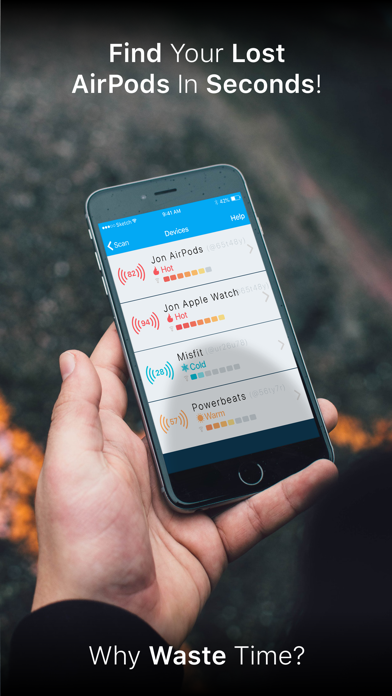
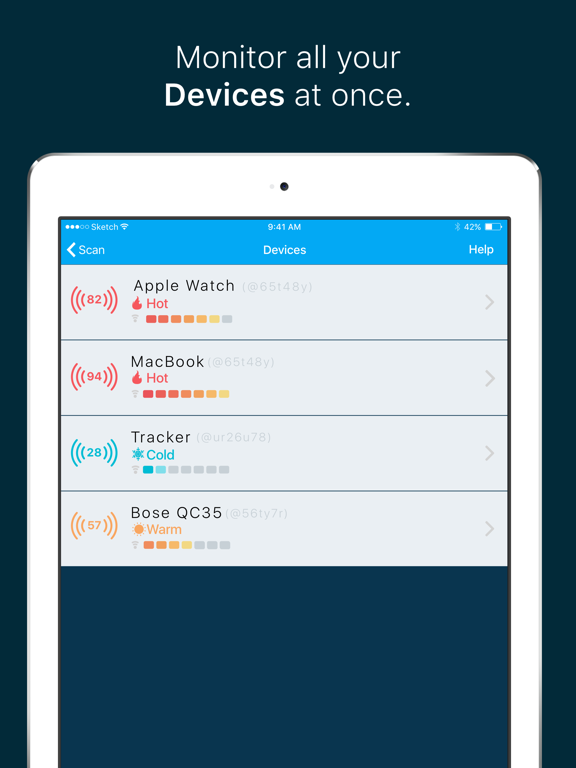
• If your lost device is powered on and within range you will see it in the list. Select it.
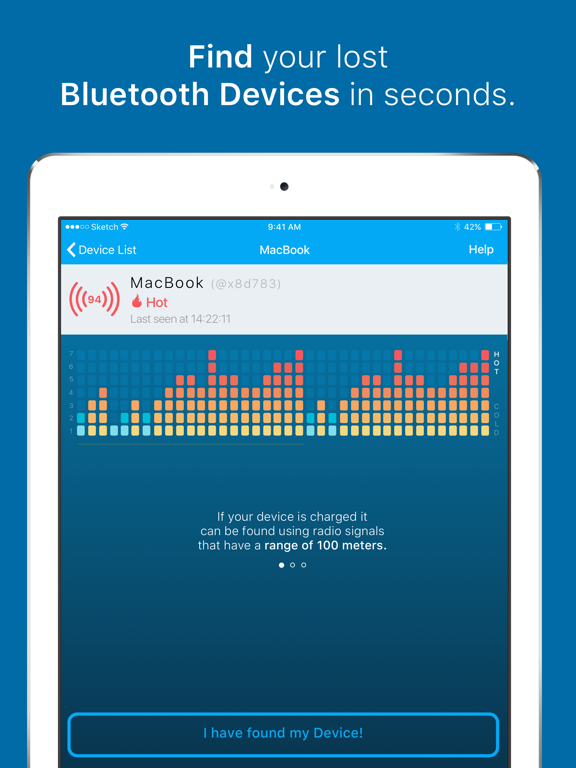
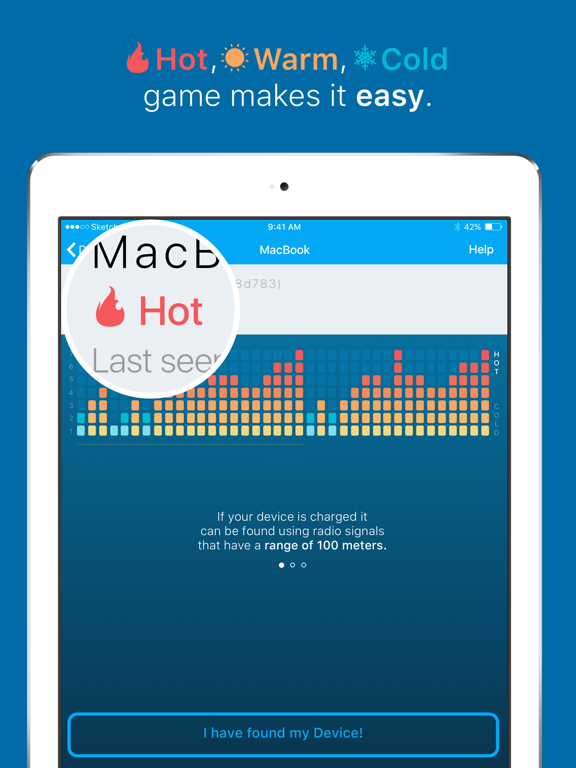
• Walk around slowly. As you move closer to your lost device the graph will change from 1 to 7, and the indicator from Cold, to Warm and Hot.
• When you are 3-4 feet away from your device the graph will indicate 6-7 and the indicator will display Hot.
• That's it! You found it!
* If you are having trouble and no device is being displayed, please read the instructions and try to disconnect your device from your iPhone/iPad Bluetooth.
* The app cannot find devices that have a dead battery or are more than 80-100ft away from your iPhone/iPad
FEATURES
• Hot, Warm & Cold indicator
• Unique device identifier
• Sound feedback so you don't need to keep looking at the app
• Can find any device that has battery and is in range
• Full signal information so you can find it faster
• Works both indoors and outdoors
• Works with: iPhone 4s, 5, 5c, 5s, 6, 6 Plus