Noteshelf 2
Noteshelf 2 Summary
Noteshelf 2 is a mobile iOS app in Productivity by Fluid Touch Pte. Ltd.. Released in Oct 2017 (8 years ago). Store last updated Jul 24, 2025
Noteshelf 2 SDKs Summary
App not yet scanned for SDKs.
0★
Ratings:
Screenshots
App Description
A new version of Noteshelf is available on the App Store as a free download. Search for "Noteshelf 3" on the AppStore to find it. We’ll continue to support “Noteshelf 2" (this app). However, if you are a new user, we recommend "Noteshelf 3". It has the latest features to enhance your note-taking experience.
Digital note-taking, simplified! Student, working professional, or bullet journalist, Noteshelf is a perfect note-taking app for you. Take beautiful notes in your natural handwriting just as you would on a notepad, but only better. You can type, annotate PDFs & record audio.
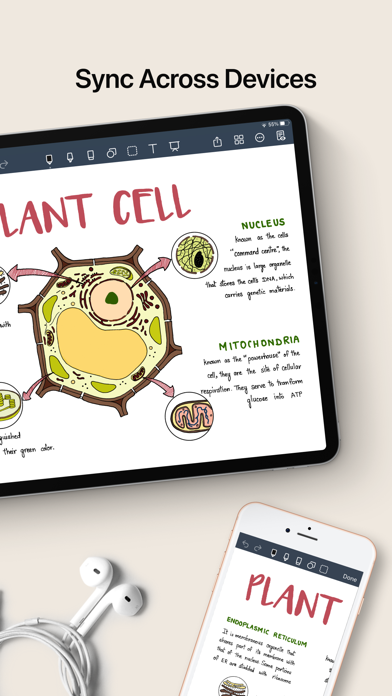
You can also personalize your notes with beautiful covers and organize them the way you want. What's more - you can sync and share them with your colleagues, friends, and family!
FLUID HANDWRITING
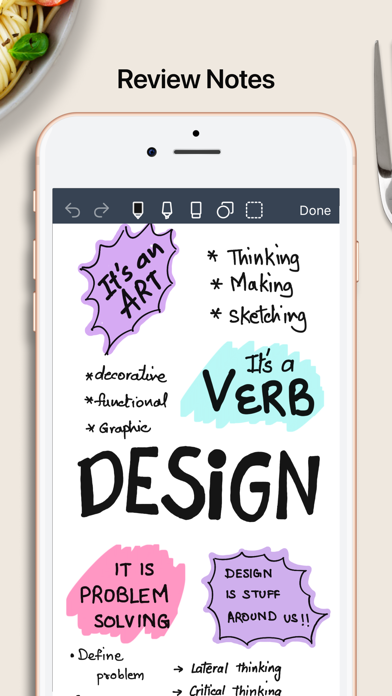
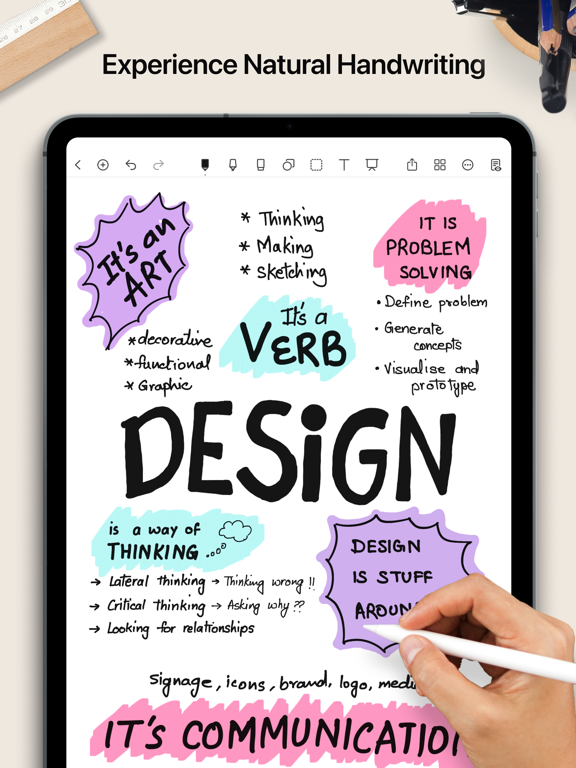
Experience natural writing in Noteshelf—as smooth and fluid as writing on a notepad. Choose from a range of pens, pencils, and highlighters; a wider range of colors and sizes to suit your needs. Our fountain pen makes your handwriting look gorgeous!
SEARCH/ CONVERT HANDWRITTEN NOTES/ OCR
You can search through the notes taken on your own handwriting and even convert handwriting to text. We provide handwriting recognition in 65 different languages.
MARKUP DOCUMENTS & IMAGES
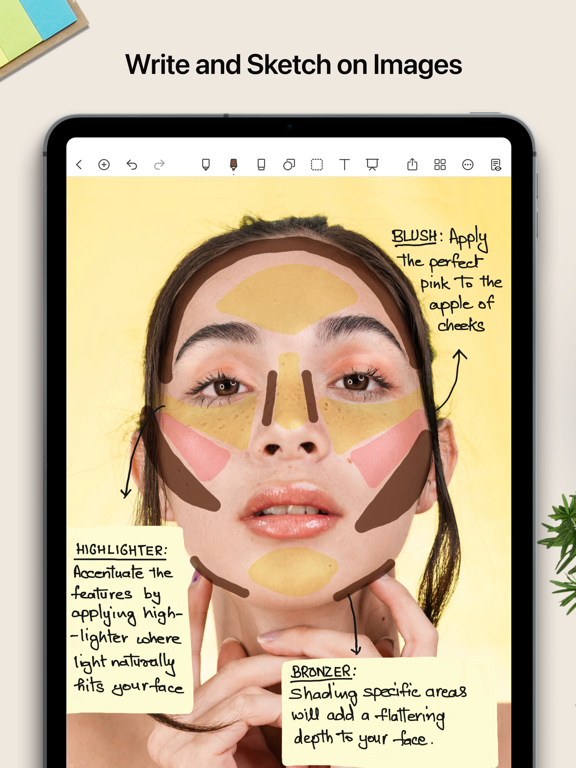
Import PDFs, MS Office documents or images; or add them to your existing notebooks. Highlight, underline or write notes on your documents/images.
TYPE TEXT, CREATE OUTLINES & CHECKLISTS
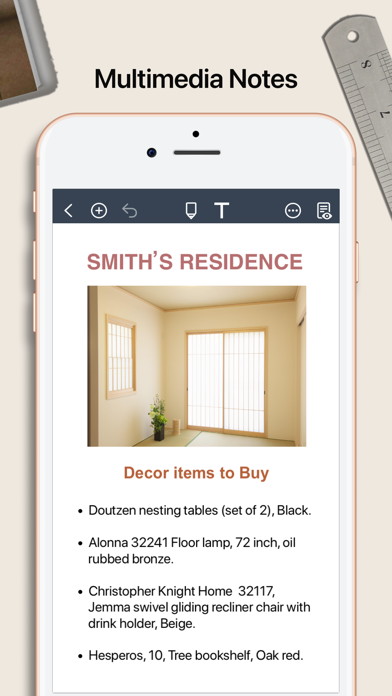
Noteshelf brings you the convenience of typing too. You can choose from many styles and formatting options like bulleted/ numbered lists, and checkboxes.
RECORD AUDIO NOTES
Record audio as you take notes so you never miss anything important at school or work. Add as many recordings as you want and play them back anytime, even as you take handwritten notes. Loved by students while taking lecture notes!
MULTI-TASK LIKE A PRO
Open up multiple windows of Noteshelf and work simultaneously with ease. This multi screen workflow of using 2 notes side by side will work only on iPads running on the iPad OS.
GO HANDS-FREE WITH APPLE WATCH
Create voice notes with Noteshelf for the Apple Watch. You needn’t have your iPhone or iPad nearby. Auto-save all your recordings to the iPhone and use iCloud to sync them across devices. Take notes later as you listen to those recordings.
DO MORE THAN JUST BOOKMARK
Sometimes notebooks might