Canvas Remote

Canvas Remote Summary
Canvas Remote is a mobile iOS app in Health And Fitness by Canvas Medical, Inc.. Released in Jan 2022 (4 years ago). It has 5.00 ratings with a 5.00★ (excellent) average. Based on AppGoblin estimates, it reaches roughly 20 monthly active users . Store metadata: updated Jan 25, 2022.
Store info: Last updated on App Store on Jan 25, 2022 .
5★
Ratings: 5.00
Screenshots
App Description
Canvas Remote is an iOS app that integrates with Canvas Medical’s EMR and Practice Management software and allows users to upload images and text recordings into the Canvas platform.
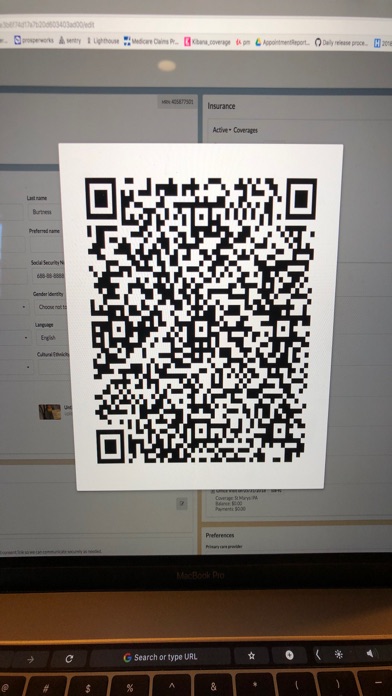
For use in patient registration: while logged into Canvas in your web browser and on a patient’s registration page, click on the “Link your phone” button in the navigation bar to open up a QR code. Next, pull your iPhone out, open up the Canvas Remote app, and scan the QR code. Your phone will then display a list of possible actions you can take: update patient profile picture, capture identification card, and capture front/back of insurance card (for each insurance that the patient has). Choose the action you wish to take, snap the picture, and voila -- the content will be uploaded into Canvas in your web browser and saved to the patient’s appropriate demographic area.
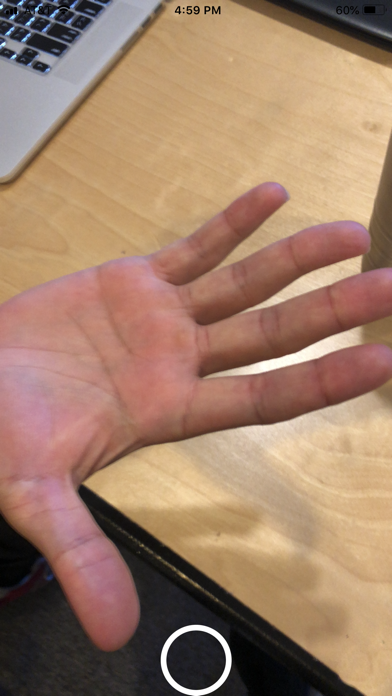
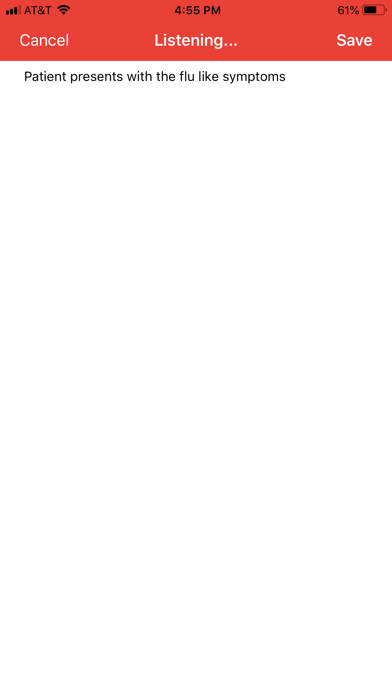
For use in clinical charting: while charting in a patient’s note, click on the phone link button in the note header to open up a QR code. Next, pull your iPhone out, open up the Canvas Remote app, and scan the QR code. Your phone will then display a list of possible actions you can take: document a visual finding, dictate history of present illness, dictate vitals, and dictate instructions. If you choose to document a visual finding, the camera will appear and you can snap the photo and it will immediately appear in Canvas in the chart note on your web browser. If you choose one of the dictation actions, you can immediately start speaking and your words will appear on the phone as you talk. Click done and the text will be uploaded into Canvas in the chart note on your web browser.