PDF Converter and Editor + AI
PDF Converter and Editor + AI Summary
PDF Converter and Editor + AI is a ad-supported, with in-app purchases iOS app in Tools by OFFIWIZ, S.L.. Released in Sep 2017 (8 years ago). It has 166 ratings with a 4.28★ (good) average. Based on AppGoblin estimates, it reaches roughly 639 monthly active users and generates around $<10K monthly revenue (22% IAP / 78% ads). Store metadata: updated Feb 6, 2025, version 6.
Data tracking: SDKs and third-party integrations were last analyzed on May 18, 2026.
Store info: Last updated on App Store on Feb 6, 2025 (version 6).
SDKs, Trackers & Permissions
PDF Converter and Editor + AI was last scanned for SDKs 2026-05-18. Below is the overview of third party companies detected in the app. The full list of raw SDKs, app permissions and unknown SDKs is available here.
AppGoblin saw PDF Converter and Editor + AI uses 1 Analytics: Product
 Firebase
AppGoblin saw PDF Converter and Editor + AI uses 3 Development Tools
 Alamofire
 Google
 nanopb
AppGoblin saw PDF Converter and Editor + AI uses 1 Ad Networks
AppGoblin saw PDF Converter and Editor + AI uses 1 Business Tools
 RevenueCat
App Details
App Store
Ads & App-Ads.txt
AppGoblin SDK Scans
4.28★
Ratings: 166
Screenshots


App Description
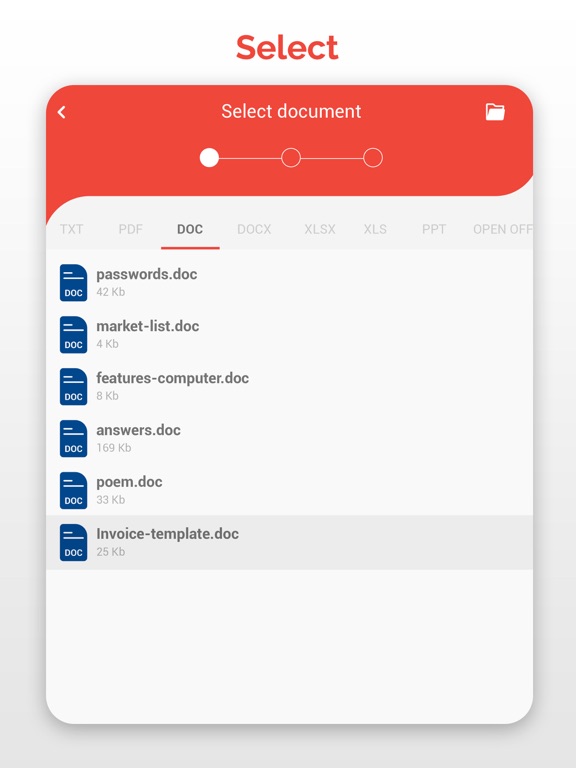
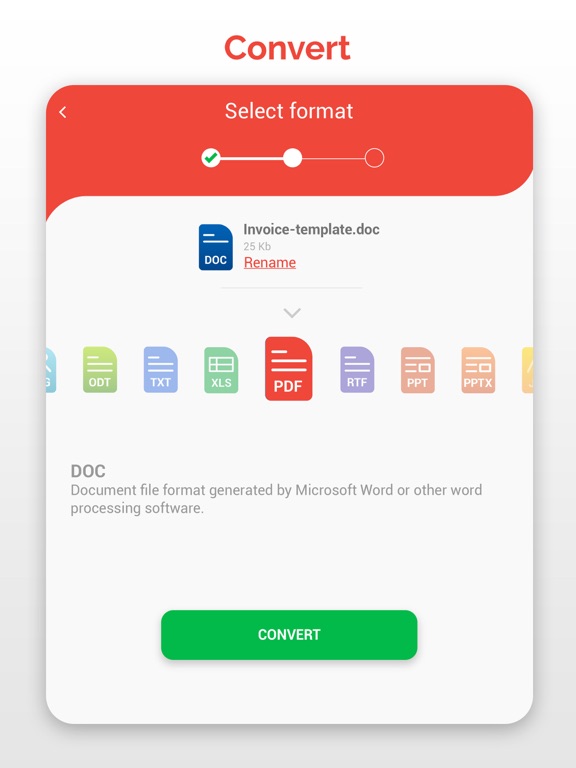
PDF Converter allows you to convert and create files and documents to other extensions like PDF, DOC, RTF, ODT, PPT, XLS and many more
Converts Doc to PDF, PPT to PDF, PPT to PDF, PDF to Doc, XLS to PDF, XLS to Doc PDF to ODT, PDF to RTF…
PDF Converter (doc ppt xls txt word png jpg wps..) is a document converter that allows you to transform files to other extensions: convert PDF to DOC, TXT, PPT, WORD, JPG, PNG, XLS, ODT, RTF and many more. PDF Converter (doc ppt xls ...) is also a PDF Reader and a PDF Editor. Choose the extension, an output format and convert any document, perfect for creating PowerPoint and PDF presentations.
PDF Converter (doc ppt xls txt word png jpg wps odt rtf..) - PDF Reader & PDF Editor:
- PDF Converter performs the following conversions:
Word to PDF, Word to TXT, PowerPoint to PDF, PPT to TXT, PDF to Doc, PDF to PowerPoint, PDF to XLS, PDF to TXT, XLS to PDF, XLS to TXT, TXT to PDF, TXT to Word, JPG to PDF, JPG to PNG, JPG to PPT, PNG to PDF, PNG to PPT, PNG to JPG, PDF to JPG, PDF to PNG PPT to JPG, PPT to PNG, PDF to ODT, PDF to RTF
- PDF Reader, PDF Creator and PDF Editor
Use the built-in PDF Reader document viewer or any other document viewer you already have installed. Modify your files with the connection to the Scanner Application and its PDF editor. Now creating customized PDFs and share them in the format of your choosing, is a reality.
- Document Scanner
Scan documents with the help of the Camera and Scanner application, which connects directly to the document converter, shares your files from the scanner and converts them to any format.
- Text recognition and document translator
Use the direct function to share your documents with the Camera Translator and Scanner application, in this way you can recognize the text of the documents or translate the text to any language in the world. More than 100 languages are compatible with the translator function.
- Ideal for work
Scans, copy, translate and convert any photo, image, table or excel graph. Also, modify and convert your photos and change the extension to the desired format, send the finished documents directly from the file converter.
- Share your files with other tools and applications
Share the documents you have converted with any other messaging, mail or social network application. Link your work with the Camera Scanner and the Camera Translator and comple