NFC Tap

NFC Tap Summary
NFC Tap is a mobile iOS app in Tools by STMicroelectronics. Released in Nov 2017 (8 years ago). It has 886 ratings with a 4.28★ (good) average. Based on AppGoblin estimates, it reaches roughly 2.1K monthly active users . Store metadata: updated Nov 25, 2025.
Recent activity: 1.00 new ratings this week View trends →
Data tracking: SDKs and third-party integrations were last analyzed on Feb 10, 2025.
Store info: Last updated on App Store on Nov 25, 2025 .
4.28★
Ratings: 886
Screenshots
App Description
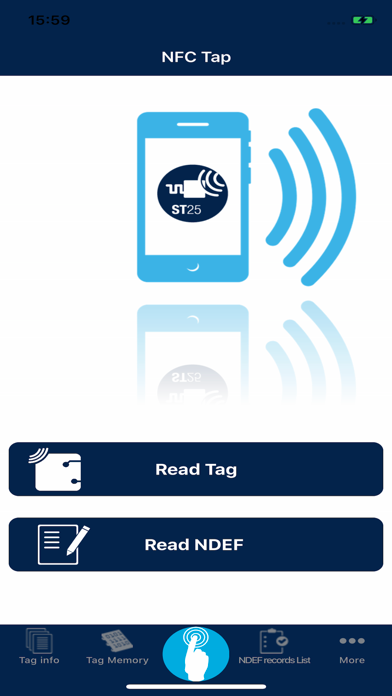
The NFC Tap iOS App leverages on the new NFC core feature of iOS 17, supporting the read an write of NFC
tags from iPhone 7 and later devices. It gives users a new experience based on the tag's NDEF content, making it easier and faster to perform recorded actions as described below.
Main Features:
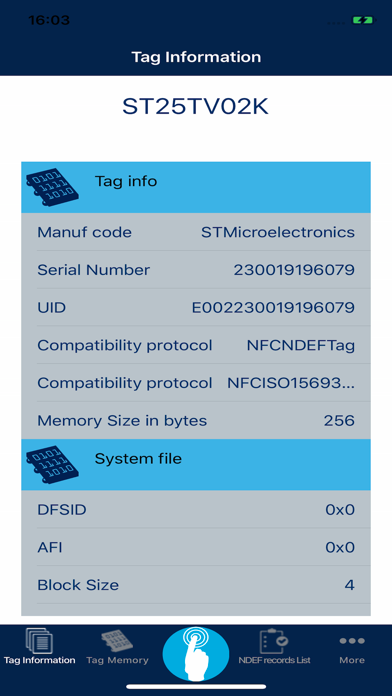
• Support every STMicroelectronics ST25 Type5 & Type4A series tags.
• App Clip based on URL https://www.myst25.com/clip
• Read/Write user memory for Type5 tags. This allows user to read, write or update the content of any Type5 tags.
• ISO15693/NFC Type5 commands list User Interface. This allows user to manage all ISO15693 commands.
• ISO15693/NFC Type5 custom commands list User Interface
• Fast Transfer Mode using STMicroelectronics ST25DV-I2C and ST25DVC tags.
• PWM Control user interface for STMicroelectronics ST25DV-PWM tags.
• Read/Write any kinds of NDEF Messages, NFC Forum compliant (URL, Text, SMS, email, Call, Map, VCard, Bluetooth, Wi-Fi®, Mime and Externals)
• Universal Link with URL : https://www.myst25.com
• Custom App URL Scheme “nfctap://”:
- This allows user to open our iOS app from any other iOS app or from the safari browser using the custom URL scheme “nfctap://”
In Details, the App features several functions enabled by the NFC tag content:
- Connect to Wifi devices identified by its SSID, Key password and encryption type.
- Connect to Bluetooth devices: Facilitates the pairing with Bluetooth Low Energy (BLE) devices. After tapping a tag with the phone, the NFC Tap iOS App will recognize any Bluetooth pairing NDEF record and connect the phone directly to the specified device.
- Open a URL in a browser: Opens a web page to the URL contained in the tag's NDEF record.
- Get contact information: Displays and saves contact information (including ID picture) by tapping a tag containing a business card(vCard) message.
- Geolocalize a position: Opens Apple Maps to the GPS location stored in the tag being tapped.
- Initiate an SMS or Email: Opens the relevant email or SMS application with information contained in the tag being tapped. The user can then choose to send the email/SMS or edit it before sending. Use cases include, but are not limited to, customer service information for warranty or loyalty programs.
- Initiate a phone call: Opens the phone service to the number contained in the tag's NDEF message.
- R