SwiftDocs: PDF Document Maker
SwiftDocs: PDF Document Maker Summary
SwiftDocs: PDF Document Maker is a with in-app purchases iOS app in Business by The Basic Software Company. Released in Sep 2017 (8 years ago). It has 49 ratings with a 4.63★ (excellent) average. Based on AppGoblin estimates, it reaches roughly 137 monthly active users and generates around $<10K monthly revenue (100% IAP / 0% ads). Store metadata: updated Jan 28, 2025.
Store info: Last updated on App Store on Jan 28, 2025 .
4.63★
Ratings: 49
Screenshots
App Description
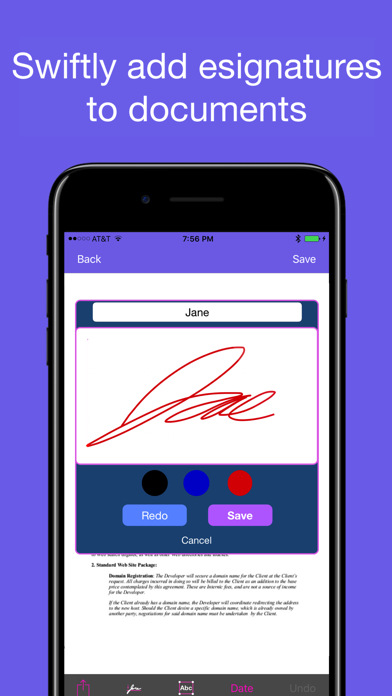
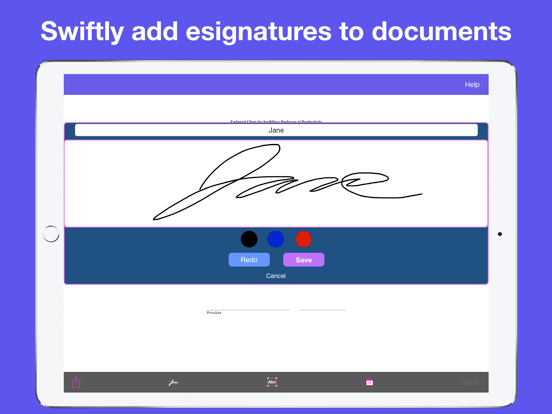
Sign, markup, scan, and convert documents to PDF with SwiftDocs. Our PureSign™ system smooths out signatures to recreate the appearance of ink on the page.
SwiftDocs brings the power of a desktop document editor to your fingertips, while enabling you to markup documents more swiftly than you would on your computer. Sign documents in a few seconds with PureSign, our system that removes shaky lines from your eSignatures. Overlay text onto PDFs to fill out forms, using presets to save you from having to type out commonly asked questions. Scan, import, and export PDFs to manage all of your documents. Never let being away from a computer, printer, or scanner slow you down again.
Sign documents professionally:
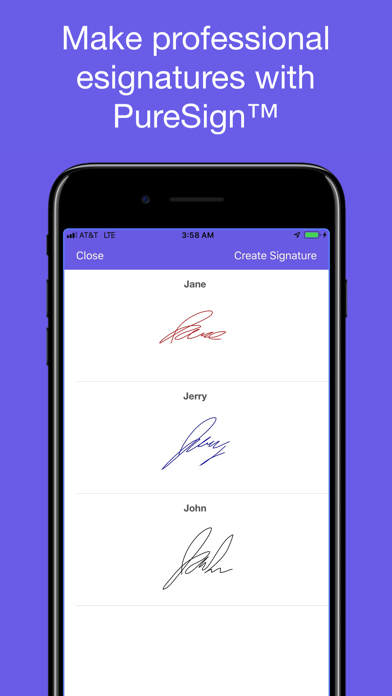
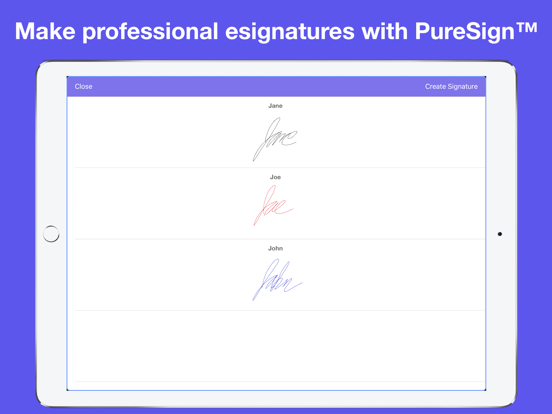
Quickly import a doc into the app, sign it, and send it. SwiftDocs allows you to create and store as many signatures as you want, perfect for if you need to initial or if you want to change the color of your signature. Esignatures usually have a tell-tale shakiness, but PureSign™ stabilizes your signature so it emulates the inking of a handwritten signature (it may look better than your actual signature). Save yourself a trip to the printer and the time involved.
Add text to docs:
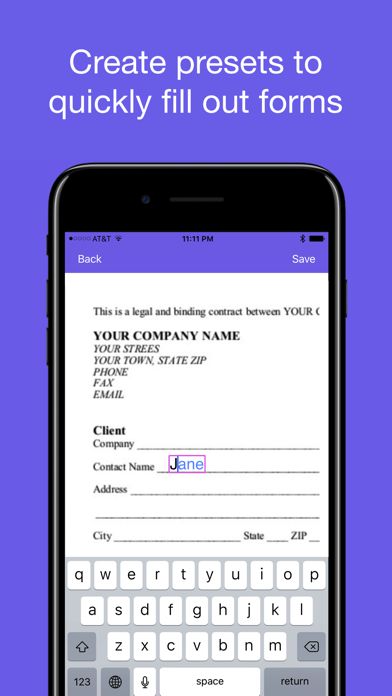
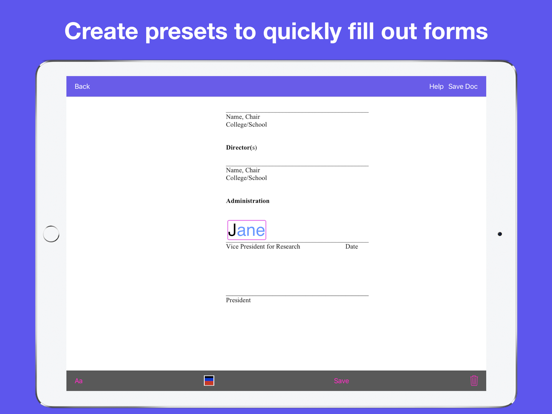
Markup your documents with text. SwiftDocs allows you to open up a text view in a single tap, making it quicker to edit on the app than on your desktop. You can also add preset values for your name, address, or other common pieces of information.
Manage documents swiftly:
SwiftDocs simplifies your whole work flow for document management. It is the little things that matter, like having a document open to the markup area when you first import it, or adding a text view with the current date in a single tap. This convenience is exemplified by our Swift Markup feature, which saves you time when just need to create and markup a one page document. The app gets out of your way so you can just scan and sign your name on the dotted line, and then have it ready for your records and to send it to where it needs to go.
SwiftDocs go anywhere you want them to:
SwiftDocs is the starting point for managing all of your documents on the go. From SwiftDocs you can print, email, airdrop, and even store your docs to your iCloud Drive. Is it a longer document you want to read? Save your doc to iBooks in just a tap. Anything you could possibly want to do with a document you can do from the a