Objective Calculator
Objective Calculator Summary
Objective Calculator is a with in-app purchases iOS app in Tools by Thiago Anderson Martins. Released in Sep 2017 (8 years ago). It has 90 ratings with a 4.57★ (excellent) average. Based on AppGoblin estimates, it reaches roughly 255 monthly active users and generates around $<10K monthly revenue (100% IAP / 0% ads). Store metadata: updated Aug 9, 2020.
Store info: Last updated on App Store on Aug 9, 2020 .
4.57★
Ratings: 90
Screenshots


App Description
Regular Calculator with Tabs, Notepad, Scientific Calculator and Currency Converter!
Objective Calculator was made for you! From simple calculations, like the total price of a purchase, to advanced trigonometric functions, it can handle it all!
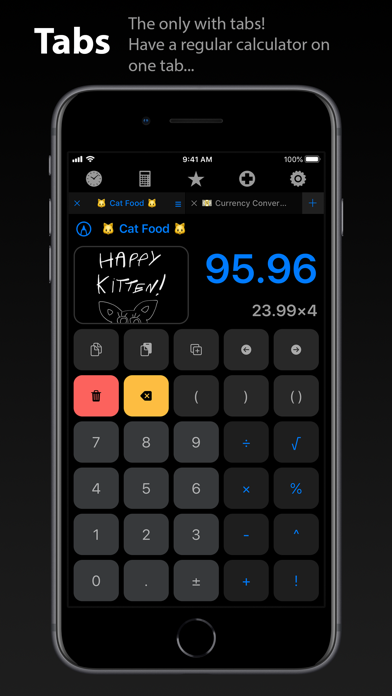
This is the only calculator app with tabs, and everyone loves it! You can calculate several different things at the same time, or break down a single problem without losing any number. You can even give a title to your tabs, so you can easily find it later.
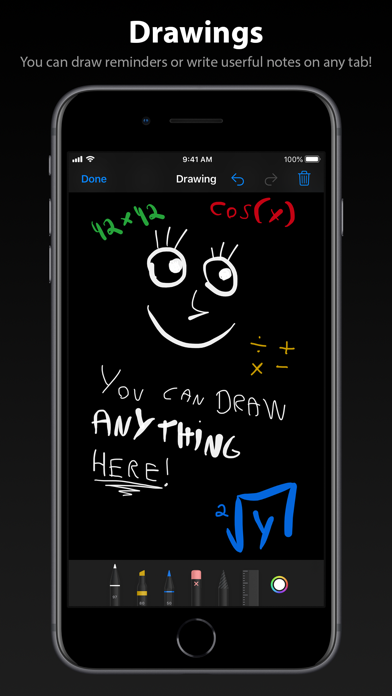
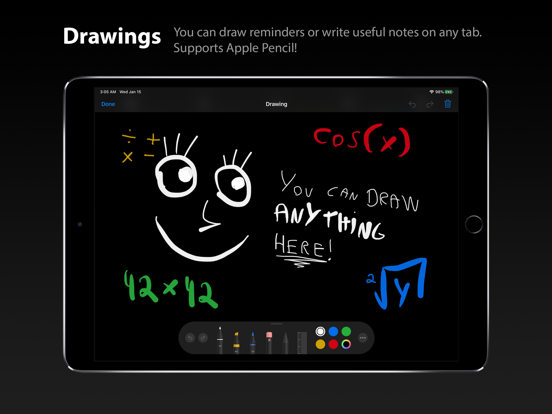
Objective Calculator is the only calculator app with the ability of taking drawing notes! Use your Apple Pencil or finger to record reminders or important informations about your calculations.
The best iOS technologies are implemented in this app, like 3D Touch, Drag and Drop, Haptic Feedback, Apple Pencil support and more. Get the most out of your latest device!
Features:
• Real-time Problem Solving - no need for an “equals” button. Objective Calculator gives the result as you type
• Tabs - innovative and useful for everyone
• Drawings - Add drawings to your tabs as notes or reminders! Supports Apple Pencil!
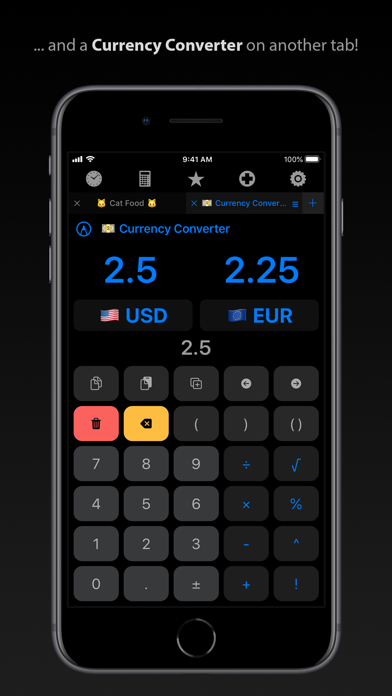
• Currency Converter - 33 currencies available
• Annotations - give titles to your tabs, you can even use emojis!
• Advanced History - search, reuse, edit, drag, email or delete history items
• Color Themes - several beautiful color themes available
• Real-time Editing - easily replace numbers, operators or functions
• Normal Mode - hide all scientific buttons if you don’t use them
• Complete Portrait - have access to all buttons, even on portrait mode
• Multitasking - Slide Over and Split View for iPad
• Drag and Drop - available for iPad and iPhone
• 3D Touch - useful quick actions on supported devices
• External Keyboard Support - over 30 keyboard shortcuts
• Dark and Light Mode - the whole interface adjusts to your current color theme
• Fast App Launch - the app launches very quickly, even on older devices
• Great Performance - it responds to every interaction without annoying lags
• Very easy to use
• Beautiful, modern and clean interface, without advertisements