App Icons – Widget & Wallpaper

App Icons – Widget & Wallpaper Summary
App Icons – Widget & Wallpaper is a free, with in-app purchases iOS app in Entertainment by Neosus. Released in Oct 2017 (9 years ago). It has 75K ratings with a 4.29★ (good) average. Based on AppGoblin estimates, it reaches roughly 160K monthly active users and generates around $<10K monthly revenue (100% IAP / 0% ads). Store last updated May 22, 2023
App Icons – Widget & Wallpaper SDKs Summary
App not yet scanned for SDKs.
4.29★
Ratings: 75K
Screenshots

App Description
Decorate your Home Screen with customized app icons and widgets!
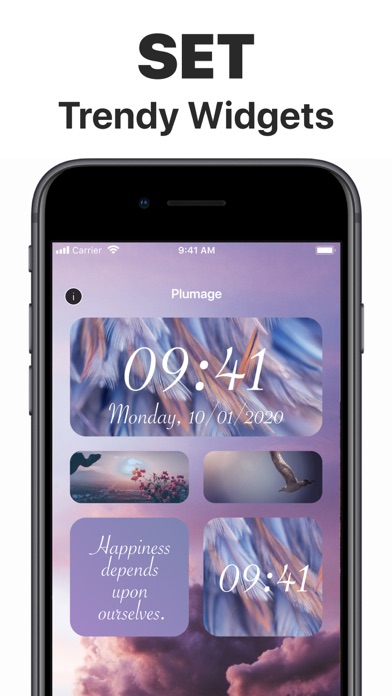
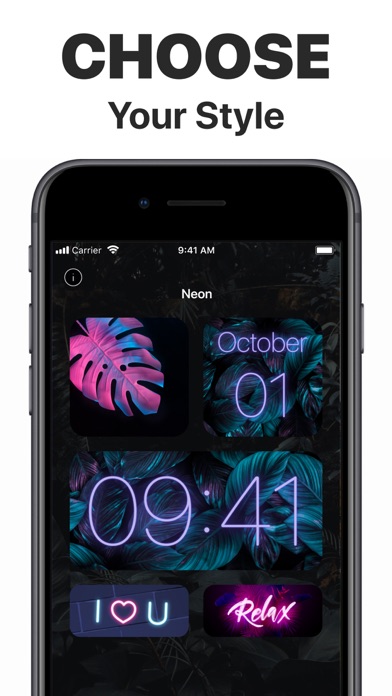
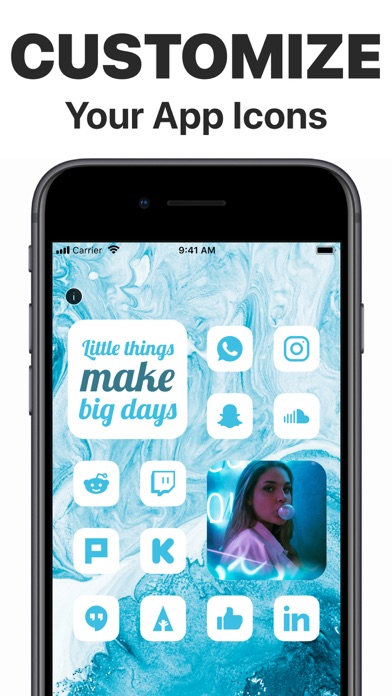
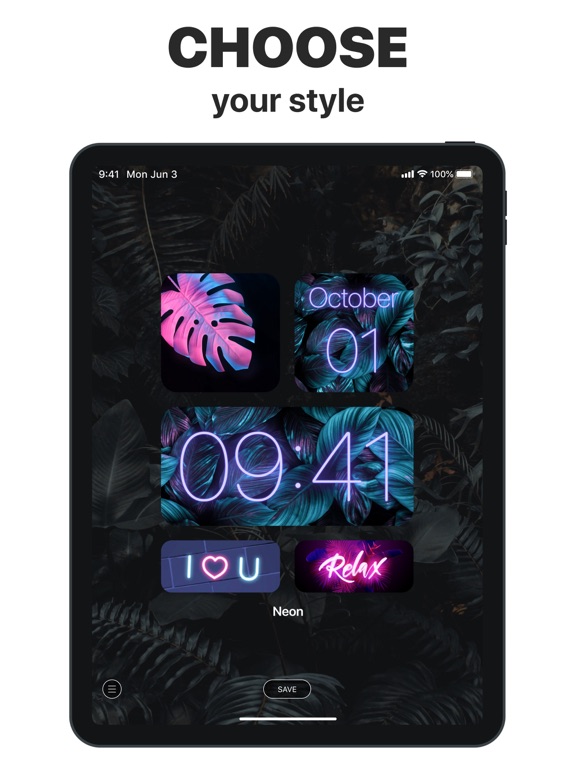
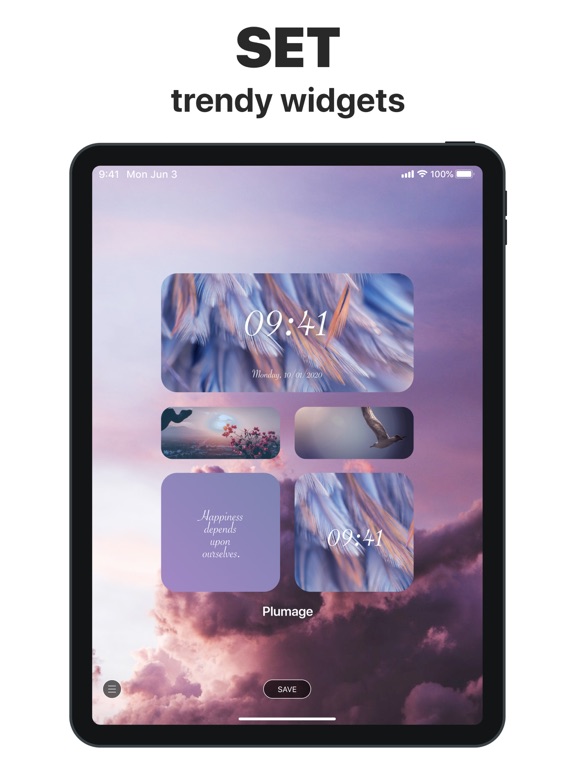
It’s time to replace your boring standard app icons and widgets with unique looking images that best suit your character or mood. Take any app on your iPhone and change its icon to the one you like. Add beautiful widgets with calendars and motivational quotes. Choose from tons of icons in different colors, styles and themes. Personalize your home screen like never before.
There are tons of images in different colors and styles available for you to customize your apps, and more coming soon! Show your creativity and Impress your friends with the way your iPhone home screen looks like.
Liven up your iPhone with gorgeous animated wallpapers of the highest quality. Explore the amazing collection of Lock Screens carefully crafted by our editors. Cherry-pick the very best ones for your device from various categories:
* Abstract
* Nature
* Extreme
* Fire
And even more to come!
Live animations work only on 3D-touch devices. Without 3D Touch, you can only set Live Wallpapers as non-animated.
Here’s how to set your brand-new moving wallpaper:
- Pick one of the spectacular wallpapers and tap Save
- Set the live background you selected as your Lock Screen wallpaper
- Press and hold your Lock Screen to see the magic
* Subscriptions Information:
- 1 Month Subscription
- 3 Months Subscription
- 6 Months Subscription
- 1 Year Subscription
* Subscription with a free trial period will automatically renew to a paid subscription.
* Please note: any unused portion of a free trial period (if offered) will be forfeited when you purchase a premium subscription during the free trial period.
* You can cancel a free trial or subscription anytime cancelling your subscription through your iTunes account settings. This must be done 24 hours before the end of a free trial or subscription period to avoid being charged. The cancellation will take effect the day after the last day of the current subscription period, and you will be downgraded to the free service.
Additional Subscription Information
– Payment will be charged to your iTunes Account at confirmation of purchase
– Your subscription will automatically renew unless auto-renew is turned off at least 24-hours before the end of the current period
– Your account will be charged for renewal within 24-hours prior to the end of the current period and th