monday.com - AI Work Platform

monday.com - AI Work Platform Summary
monday.com - AI Work Platform is a free iOS app in Business by monday.com Ltd.. Released in Oct 2017 (9 years ago). It has 99K ratings with a 4.80★ (excellent) average. Based on AppGoblin estimates, it reaches roughly 414K monthly active users . Store last updated Oct 4, 2026
Recent activity: 111 new ratings this week View trends →
SDK intelligence: AppGoblin detected 6 development tools(e.g. Google), 2 ad networks, 1 analytics: product,and 1 business tools integrated into monday.com - AI Work Platform. View full SDK list →
monday.com - AI Work Platform SDKs Summary
monday.com - AI Work Platform was last scanned for SDKs on 2026-09-23. Below is the overview of third-party companies detected in the app. The full list of SDKs, permissions and unknowns is available here.
 Google
 Airbnb Engineering
 nanopb
 Alamofire
 Facebook
 Snap
Snap Firebase
 Pusher
4.8★
Ratings: 99K
Screenshots


App Description
Make monday.com your central work hub and
join 70,000+ teams who get more done, together!
No. 1 Productivity App (2019 Webby Award Winner)
“With thousands of customers... it’s becoming a major player in the collaboration and project management space.”
- PC Mag
“monday.com is a great addition and a direct extension of our team today. The mobile app is also really excellent.”
- Tina S. (verified review from G2)
Why choose monday.com:
Teamwork Game Changers
• Keep everyone in the loop with real-time updates
• Contact the right people (call or @mention)
• See how your work fits into the big picture
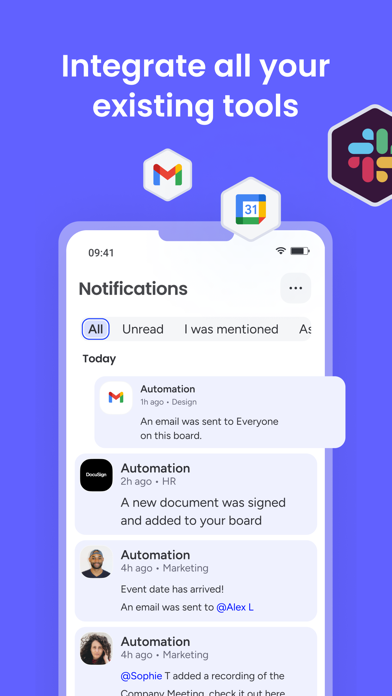
• Sync with your favorite tools
• Quick setup & adoption
Manage for Success
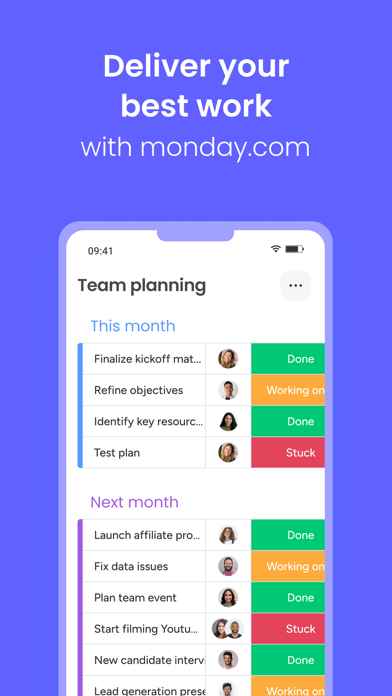
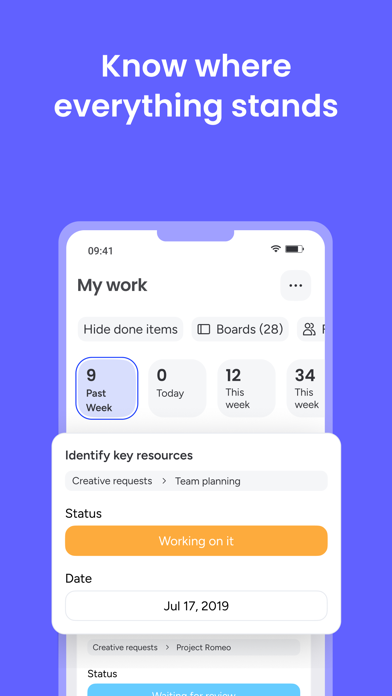
• Know where things stand at a glance
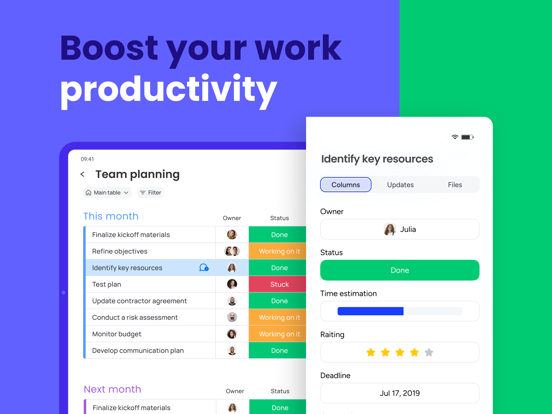
• Track time and progress
• Visually analyze your data with multiple views
• Assign owners with ease
• See who’s working on what
Productivity Hacks
• Prioritize with custom notifications
• Automate repetitive work
• Access your work anytime, anywhere
• Get a head start with pre-made templates
• Sync data in real time
• Invite teammates to view your progress
So Customizable
• Pick a template & edit any section
• Add everything that needs to get done
• Organize it (drag & drop) and get started
… It’s that easy!
Questions? We’re here to help!
Access customer support 24/7