AR Ruler - AR Measuring Kits

AR Ruler - AR Measuring Kits Summary
AR Ruler - AR Measuring Kits is a with in-app purchases iOS app in Tools by YIM KING LO. Released in Oct 2017 (9 years ago). Store last updated Oct 15, 2017
AR Ruler - AR Measuring Kits SDKs Summary
App not yet scanned for SDKs.
0★
Ratings:
Screenshots


App Description
3D AR Ruler turns your phone into a ruler you can use anytime, anywhere.
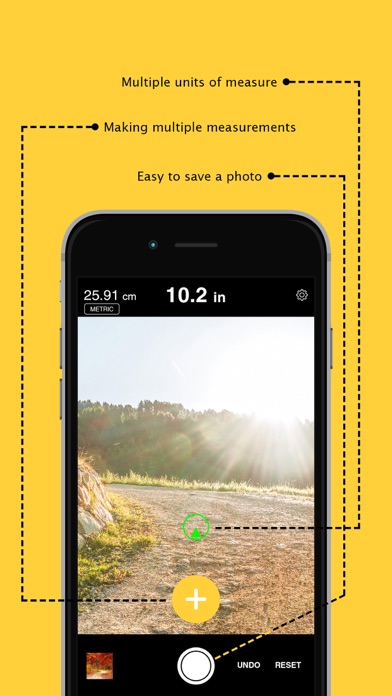
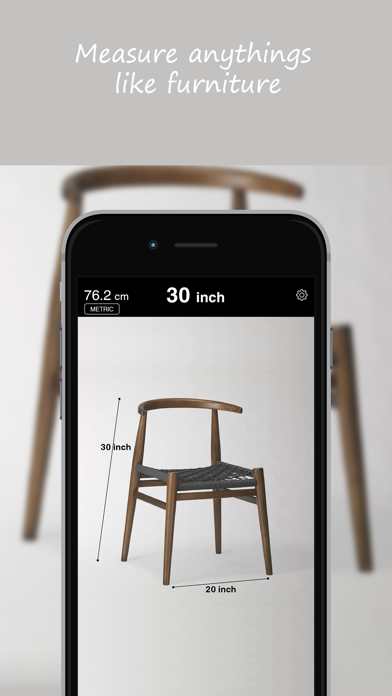
Just point your phone and click a point to measure almost anything. The app uses the power of Augmented Reality to measure the distance between points in 3D space. So you can measure things like furniture, doors, plates, desks, carpets, paintings, chairs, etc etc etc.
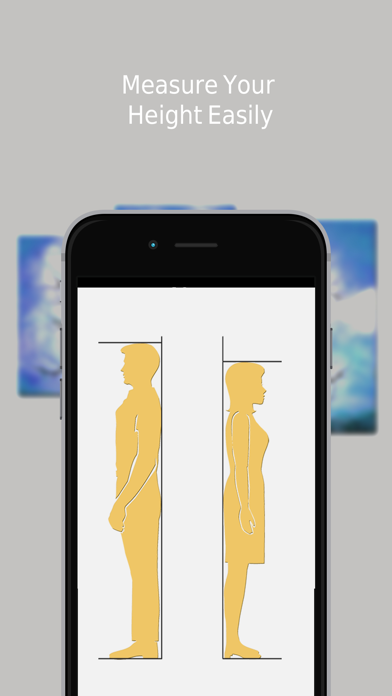
this app helps users measure anything from small distances to far away points and heights. There are also additional tools that aid users with specialized tasks such as calculating a person’s height, previewing virtual furniture in a room, adding laser levels to a wall or drawing in 3D space.
Take Pictures - Save your measurements for later.
Simple Measurement - Two taps and you have a simple measurement. Simply choose the start and end points and their distance
Area & Volume Measurement - Measure areas and volumes. Precisely change the position of the points with a 3-coordinate picker.
Height Measurement - Why not track your daughter's growth with your phone? No more wall ruler.
Totally Customizable - Choose between a light and dark mode, visualize the distance directly in augmented reality, save your height in the Health app and even decide the colors and size of the points.