Blip!

Blip! Summary
Blip! is a free iOS app in Business by BrightHR. Released in Jul 2018 (8 years ago). It has 4.7K ratings with a 4.33★ (good) average. Based on AppGoblin estimates, it reaches roughly 13K monthly active users . Store last updated Sep 28, 2026
SDK intelligence: AppGoblin detected 4 development tools(e.g. Google), 1 ad networks,and 1 analytics: product integrated into Blip!. View full SDK list →
Blip! SDKs Summary
Blip! was last scanned for SDKs on 2026-07-24. Below is the overview of third-party companies detected in the app. The full list of SDKs, permissions and unknowns is available here.
 Google
 Airbnb Engineering
 nanopb
 SDWebImage
 Firebase
4.33★
Ratings: 4.7K
Screenshots
App Description
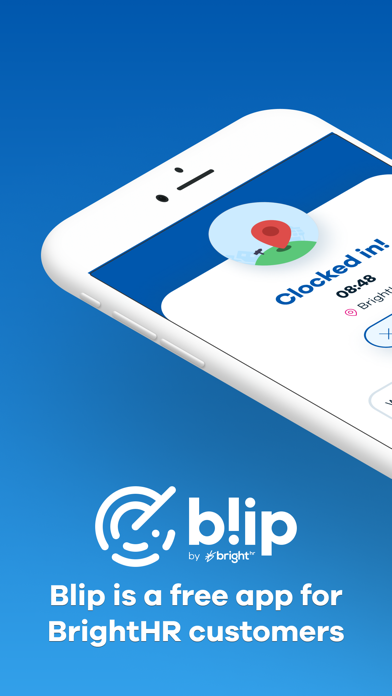
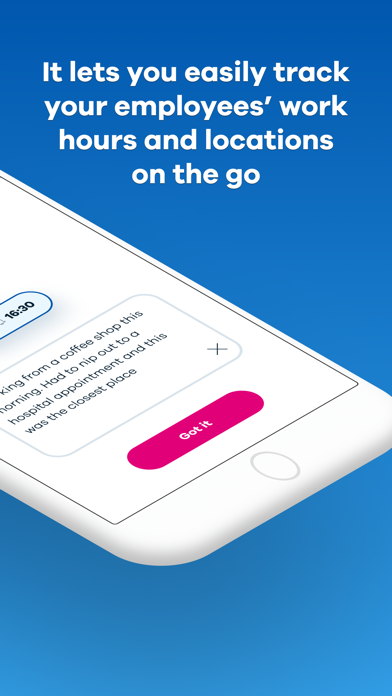
Blip is a free app for BrightHR customers. It lets you easily track your employees’ work hours and locations on the go. Here’s how it works:
Geolocation
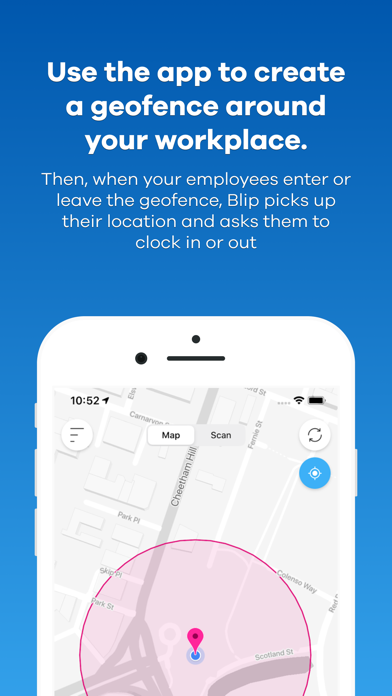
Use the app to create a geofence—a virtual boundary—around your workplace. Then, when your employees enter or leave the geofence, Blip picks up their location and asks them to clock in or out, helping you to know exactly where your staff have worked and how long for.
QR codes
Alternatively, you can use Blip’s smart scanning system to record your employees’ work hours instead.
Your staff use Blip to scan a QR code—a type of barcode—when they arrive and leave work. Then, each time they scan the code, Blip will register them as clocked in or out. It’s that simple.
Breaks
Blip makes it easy to track breaks, too. At the tap of a button, your staff can log the start and end of their breaks, so you can see how long and how often they take downtime.
How Blip helps you:
- Check your employees’ work hours and track their location in an instant.
- Keep an eye on your employees’ breaks and make sure they’re getting enough downtime.
- Change an incorrect shift or break time in a few quick taps.
- Create multiple locations and easily track where your employees have worked.
- View a full history of an employee’s work hours and filter the date range easily.
- Export the work history for an individual or team and save it as a spreadsheet for your records.