Site Report Pro+ Punchlist App

Site Report Pro+ Punchlist App Summary
Site Report Pro+ Punchlist App is a mobile iOS app in Productivity by Pipe Flow Software. Released in Nov 2017 (8 years ago). It has 432 ratings with a 4.59★ (excellent) average. Based on AppGoblin estimates, it reaches roughly 1.4K monthly active users . Store metadata: updated Mar 30, 2026.
Recent activity: 1.00 new ratings this week View trends →
Store info: Last updated on App Store on Mar 30, 2026 .
4.59★
Ratings: 432
Screenshots


App Description
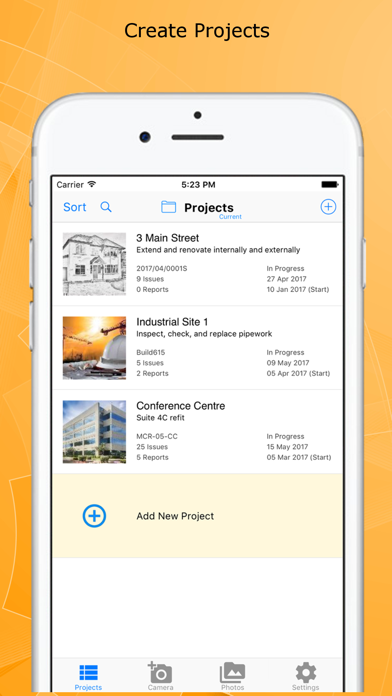
Site Report Pro is the #1 mobile app for generating a field inspection report or professional punch list report as a PDF or XLS file (Excel document). Fast and easy to use, with powerful features not found in other punch list and site inspection report apps, we are confident it will revolutionize the way you manage projects, highlight deficiencies, perform risk assessments and generate your inspection or field report.
Whether you are an individual or a team, you can benefit from tools to mark up and blur photos, simple issue assignment, powerful filter & sort capability, and generation of PDF inspection reports in a choice of 40 premium themes that will amaze clients and colleagues.
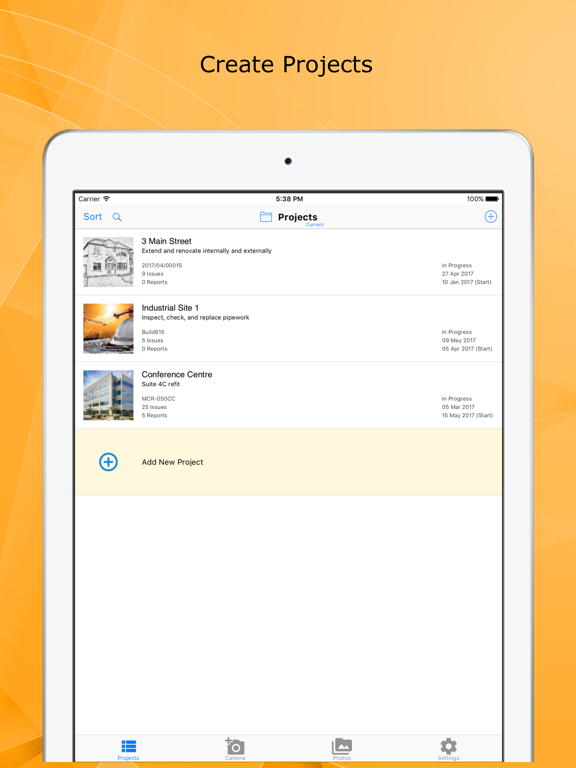
Customizable for a specific trade or industry, Site Report Pro is used worldwide for site walks, reporting punch list items, producing a custom site inspection report, performing risk assessments, tracking construction projects and much more.
The Site Report Pro App makes it easy to create and share a site inspection report, field report, or punch list report, as an XLSX file (Excel document) or as a professional PDF report, all while on the job site using only your iPhone or iPad.
Benefit from the following features that are generally not found in other site inspection report, punch list, and field inspection apps:
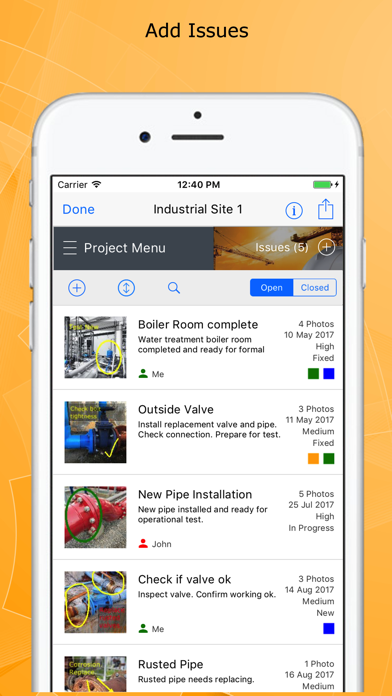
- Add up to 8 photos per issue to ensure all observations are captured in the report. Add multiple photos at once or instantly create issues from your selected images.
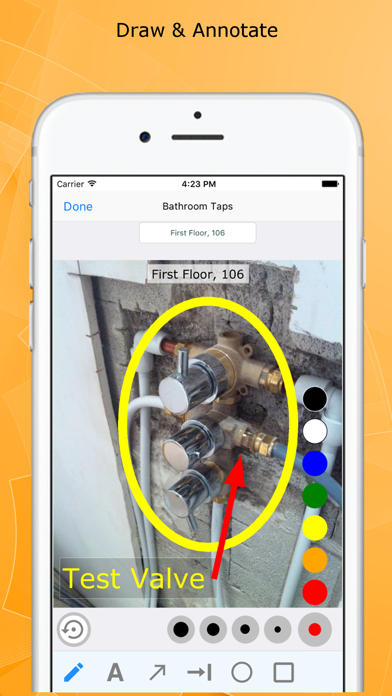
- Mark up and blur each photo to highlight issues using powerful annotation tools — don't worry if you make a mistake, annotations can be moved and resized.
- Add professional sign-off signatures to your reports — generate from your name, draw your own, or import an existing signature.
- Produce and share professional punch list PDFs & site inspection reports via e-mail or third-party tools such as Dropbox.
- Choose from 40 available report themes.
- Configure each Excel document (XLS, XLSX) or PDF inspection report using powerful customization, sorting and filtering tools — e.g. generate and send each trade or contractor a report of outstanding issues.
- Powerful ordering, sorting, searching and filtering of projects, issues & punch lists.
- Use the flexible tagging capability to categorize the inspection report or punch list any way you want.
- Assign and send issues to your team me