E-Stethoscope & Auscultation

E-Stethoscope & Auscultation Summary
E-Stethoscope & Auscultation is a free, ad-supported, with in-app purchases iOS app in Medical by Cherrysoft limited. Released in Jun 2018 (8 years ago). It has 1.3K ratings with a 4.11★ (good) average. Based on AppGoblin estimates, it reaches roughly 2.8K monthly active users and generates around $<10K monthly revenue (38% IAP / 62% ads). Store last updated Feb 27, 2026
Recent activity: 1.00 new ratings this week View trends →
SDK intelligence: AppGoblin detected 2 development tools(e.g. Google), 1 ad networks, 1 analytics: product,and 1 business tools integrated into E-Stethoscope & Auscultation. View full SDK list →
E-Stethoscope & Auscultation SDKs Summary
E-Stethoscope & Auscultation was last scanned for SDKs on 2026-07-11. Below is the overview of third-party companies detected in the app. The full list of SDKs, permissions and unknowns is available here.
 Google
 nanopb
 Firebase
 RevenueCat
4.11★
Ratings: 1.3K
Screenshots

App Description
Turn your smartphone into an advanced tool for capturing and analyzing heart and bodily sounds with our user-friendly app.
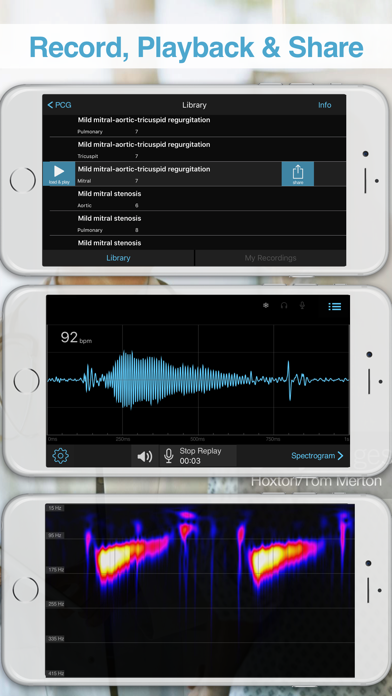
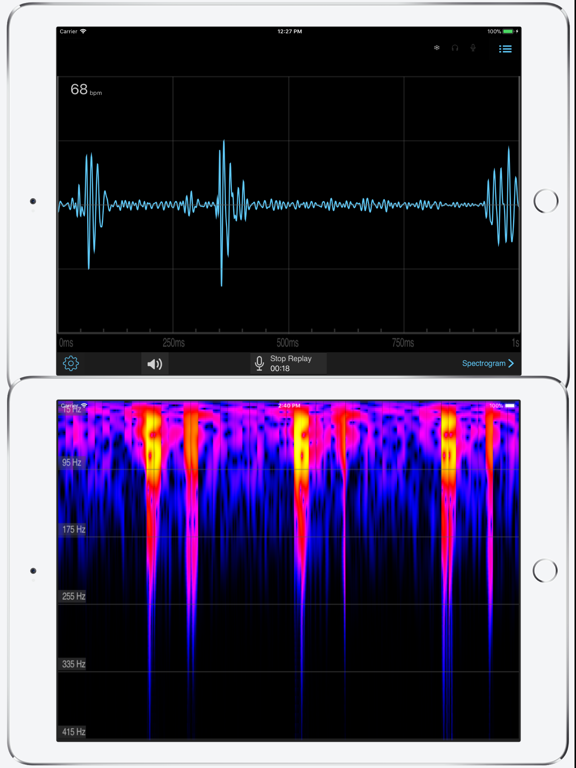
Utilizing your device's built-in microphone, this app captures heart and bodily sounds and displays them in both time and frequency domains in real-time.
Experience the uniqueness of your own heartbeat - record, visualize, and share your heart's waveform with ease. Our intuitive app allows you to record and playback your own sound files, and even share them with friends for collaborative learning.
Enhance your medical knowledge and skills with our comprehensive library of recorded heart sounds. Play, listen, and analyze these sounds using our sophisticated spectrogram and graphical interface. This tool is perfect for learning and identifying various heart conditions.
Dive into our heart sound simulator to create and study different conditions: from various murmurs and clicks to lung sounds. The app's advanced processing and filtering capabilities ensure the best auditory and visual experience, with real-time control over filter parameters and live spectrogram display.
How to Use with Airpods:
◆ Wear your Airpods.
◆ Press your device’s microphone to your chest, ideally at the apex of your heart below the left nipple.
How to Use with Headphones:
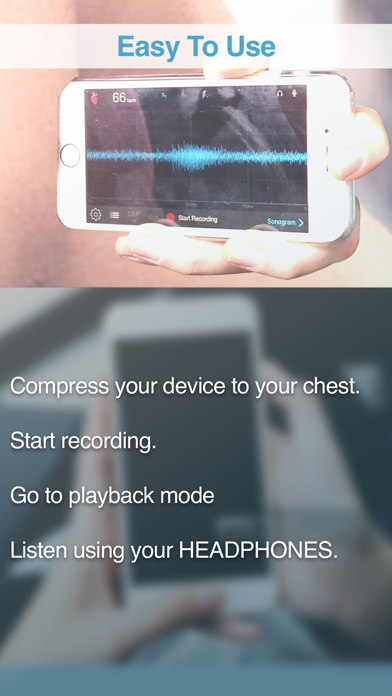
◆ Mute the microphone via the app to prevent feedback.
◆ Position the device’s microphone directly against your skin, at the heart's apex.
◆ Start recording and then switch to playback mode to listen to your heartbeat through headphones.
Disclaimer: This program is not meant for diagnosis of any medical condition. The data provided can be inaccurate and should only be used for entertainment purposes. This app records and playbacks recorded sound just like any other sound recording app. The quality or validity of the recorded sound is strictly limited to the performance of the built in microphone.
Premium Membership Benefits:
◆ Unlock full library access.
◆ Explore frequency domain views.
◆ Save multiple recordings.
Subscription with a free trial period will automatically renew to a paid subscription unless auto-renewal is turned off. Payment will be charged to iTunes Account at confirmation of purchase. Subscription automatically renews unless auto-renew is turned off at least 24-hours before the end of the current period. Account will be charged for renewal within 24-h