VPN for iPhone - Unlimited VPN

VPN for iPhone - Unlimited VPN Summary
VPN for iPhone - Unlimited VPN is a with in-app purchases iOS app in Productivity by Super Unlimited Inc.. Released in Feb 2018 (8 years ago). It has 949 ratings with a 4.04★ (good) average. Based on AppGoblin estimates, it reaches roughly 3.7K monthly active users and generates around $<10K monthly revenue (100% IAP / 0% ads). Store metadata: updated Aug 17, 2022, version 220816.
Data tracking: SDKs and third-party integrations were last analyzed on Apr 14, 2026.
Store info: Last updated on App Store on Aug 17, 2022 (version 220816).
SDKs, Trackers & Permissions
VPN for iPhone - Unlimited VPN was last scanned for SDKs 2026-04-14. Below is the overview of third party companies detected in the app. The full list of raw SDKs, app permissions and unknown SDKs is available here.
 Alamofire
 Facebook
App Details
App Store
Ads & App-Ads.txt
AppGoblin SDK Scans
4.04★
Ratings: 949
Screenshots


App Description
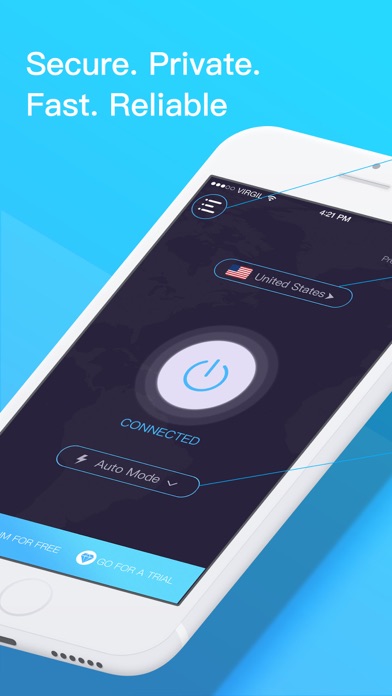
VPN for iPhone turns any public hotspot into a secure WiFi network and VPN with bank-grade data encryption to keep your information safe from hackers.
FEATURES
1.Get Bank-Grade Encryption
We utilize the same encryption technologies that the leading banks deploy, so you can rest assured that your information stays secure and private.
2.Browse Anonymously
Mask your online activities and location with our no-log VPN. We encrypt your personal information and don't track or store your online activity or location.
3.Choose your location
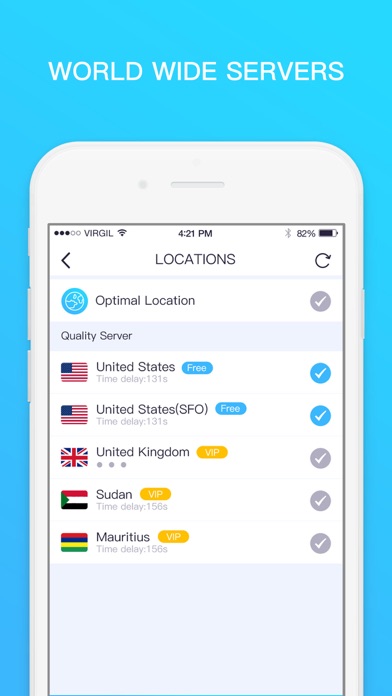
It also comes with other advantages such as choosing your location and staying anonymous. If you travel and need access from different locations, you can use SecureLine VPN to connect to servers around the world (e.g. in the UK and USA) to access online content, browse websites anonymously and get private access.
4. Fast and smart
It automatically detects your location and connects you to the nearest server. So your connection is much faster than other providers.
SUBSCRIPTION
If you purchase our Premium subscription you will also be able to enjoy the following advanced features:
- Uninterrupted Connection: Reconnect automatically when switching from data to Wi-Fi
- Priority Support.
You can be a premium user through auto-renewing subscription:
Free Trial Unlimited VPN: free of charge, cancel any time;
Weekly Unlimited VPN: $2.99, about $12/mo
Monthly Unlimited VPN: $9.99/mo, Save 17%
Yearly Unlimited VPN: $6.66/mo, Save 45%
- Payment will be charged to iTunes Account at confirmation of purchase
- Subscription automatically renews unless auto-renew is turned off at least 24-hours before the end of the current period
- Account will be charged for renewal within 24-hours prior to the end of the current period, and identify the cost of the renewal
– Subscriptions may be managed by the user and auto-renewal may be turned off by going to the user’s Account Settings after purchase
- You may cancel a subscription during its free trial period via the subscription setting through your iTunes account. This must be done 24 hours before the end of the subscription period to avoid being charged. Please visit http://support.apple.com/kb/ht4098 for more information
- You may turn off the auto-renewal of your subscription via your iTunes Account Settings. However, you are not able to cancel the current subscription during its ac