Manga Viewer - CBZ(CBR) Reader

Manga Viewer - CBZ(CBR) Reader Summary
Manga Viewer - CBZ(CBR) Reader is a free, ad-supported, with in-app purchases iOS app in Books And Reference by kim juyoung. Released in Nov 2017 (8 years ago). It has 4.3K ratings with a 4.69★ (excellent) average. Based on AppGoblin estimates, it reaches roughly 13K monthly active users and generates around $<10K monthly revenue (28% IAP / 72% ads). Store last updated Oct 28, 2026
Recent activity: 1.00 new ratings this week View trends →
SDK intelligence: AppGoblin detected 4 ad networks(e.g. Google) integrated into Manga Viewer - CBZ(CBR) Reader. View full SDK list →
Manga Viewer - CBZ(CBR) Reader SDKs Summary
Manga Viewer - CBZ(CBR) Reader was last scanned for SDKs on 2026-10-26. Below is the overview of third-party companies detected in the app. The full list of SDKs, permissions and unknowns is available here.
 Google
 Facebook
 Vungle
 Pangle
4.69★
Ratings: 4.3K
Screenshots

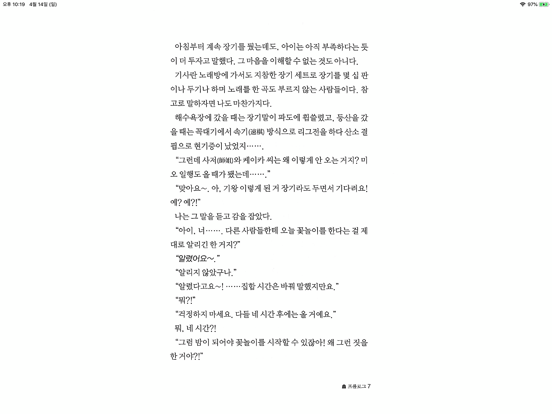
App Description
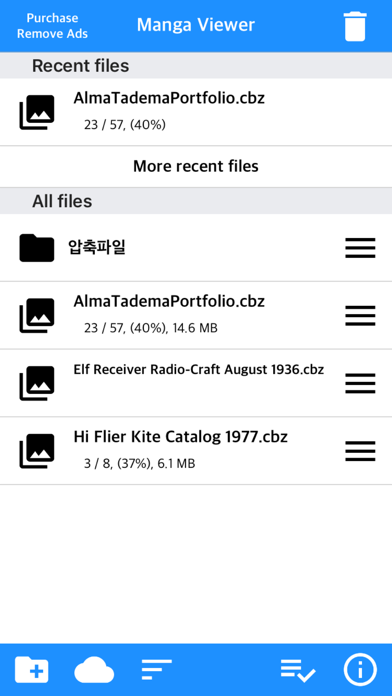
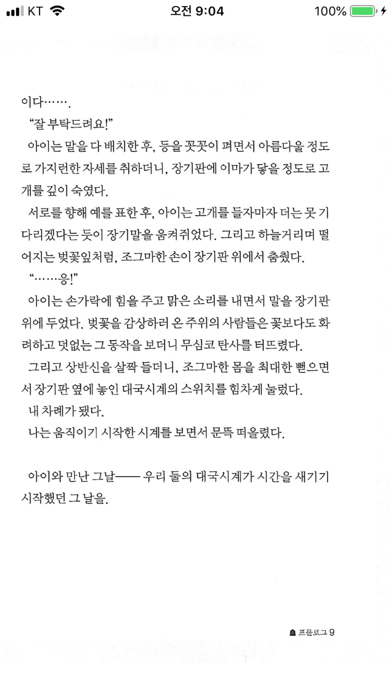
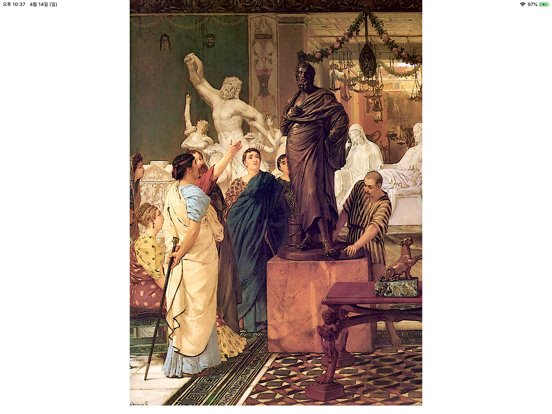
The simplest viewer app for viewing comic, fictional image archives
Such as a cartoon or a novel, on a smartphone
You can see it anywhere.
Now that you've installed the app
Try transferring files on your PC with WiFi
* Some functions may not be supported on Mac(Apple Silicon)
** Characteristic **
- zip, rar, 7z, cbz, cbr, cb7 compressed files are supported (png, jpeg, jpg, gif, bmp, tif, tiff, jxl(iOS 26+), heif(iOS 18+) extension images are included, webp format is supported from iOS14)
- Support for locked files (zip, rar, 7z, pdf)
- PDF file support
- TIF/TIFF file support (like PDF file, change in settings)
- Upload via PC web browser (WIFI)
- Import files from cloud apps such as iCloud, dropbox, circle drive, and Box
- FTP support: browse, download
- SSHFTP support
- Secure FTP not supported
- Cloud apps support file copy from mail attachments
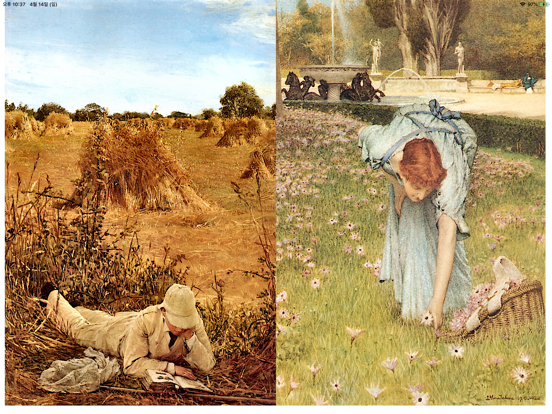
- one page view, two page view
- Sharpen image filter
- IPhone, iPad, Mac(Apple Silicon) support
- Rotate the screen both horizontally and vertically
- Image next page Zoom-in keep-alive function: Apply the previous book's zoom-in status in the following book. Please change your settings.
- Screen off option: When set to ON, the screen automatically turns off at the time the device turns off.
- Last file view, On / Off in setting
- Next book auto-switching options: If you automatically change the next book switching option in Settings, tabs on the last page will automatically switch to the next book. (Default manual)
- iCloud Sync : Synchronize the information (read location) of the read file and open the same file on another device (signed in with the same iCloud account) so that you can see it again.
- Two pages in landscape mode: Two pages in landscape rotation, one page in vertical rotation, iPad only
-Vertical scroll mode (= webtoon mode): scrolls vertically like webtoons, one-page mode is fixed, and some options are fixed and not applied.
- Image / PDF Night mode: Invert color / Image brightness (1 to 3 steps), in-app purchase required
- Night Mode - Invert Color: Invert the white background to black (gray) and black to white. This mode is suitable for viewing novels.
- Night Mode - Image Brightness: You can change the brightness of the image in three steps without changing the screen brightness of the device.
- Bluetooth keyboard: Supports page switching and screen closing function, direction key (