XlsBox Cloud office for XLS
XlsBox Cloud office for XLS Summary
XlsBox Cloud office for XLS is a with in-app purchases iOS app in Productivity by SSA. Released in Dec 2017 (8 years ago). It has 4.00 ratings with a 2.00★ (poor) average. Based on AppGoblin estimates, it reaches roughly 17 monthly active users and generates around $<10K monthly revenue (100% IAP / 0% ads). Store metadata: updated Dec 7, 2017.
Store info: Last updated on App Store on Dec 7, 2017 .
2★
Ratings: 4.00
Screenshots

App Description
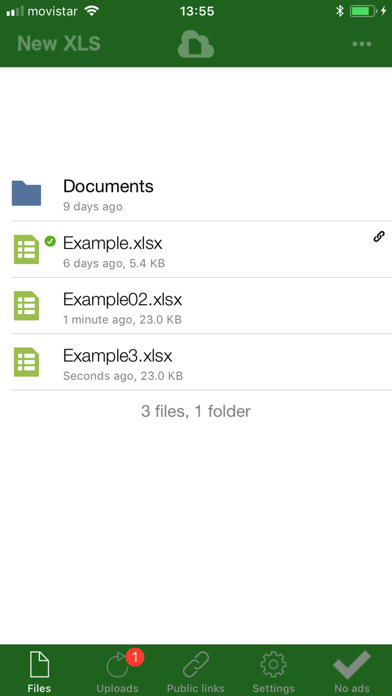
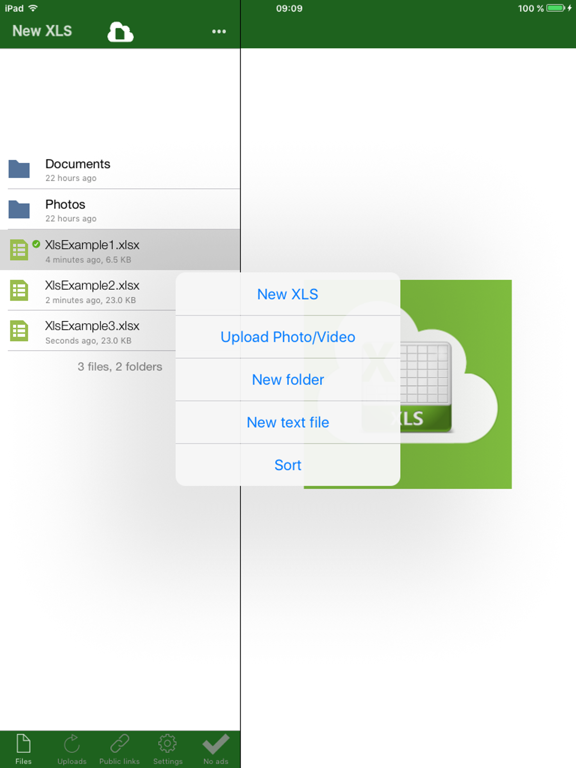
XlsBox is a free cloud storage service with a XLS editor for sharing and storing your spreadsheets and any other file. It allows to create spreadsheets, folders, synchronize and share any local files you have with your cloud storage and your friends. The spreadsheets, and any of your file, can be shared with others by providing them with a link to your cloud folders.
XlsBox is like adding a XLS editor to the services DropBox, Box.net, Google Drive and other cloud storage services, but the accounts are created automatically when you open the app. You will have a identifier that you can use to also login in the web interface located in https://www.redcoolmedia.net.
The main features are:
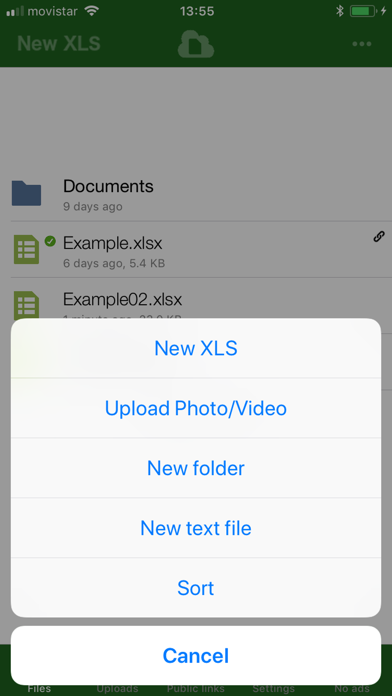
- Create spreadsheets.
- Create txt files in your Cloud Server
- Create folders in your Cloud Server
- Edit spreadsheets files from OpenOffice, LibreOffice or Microsoft Excel.
- Upload your private spreadsheets, pictures and documents on your Cloud server
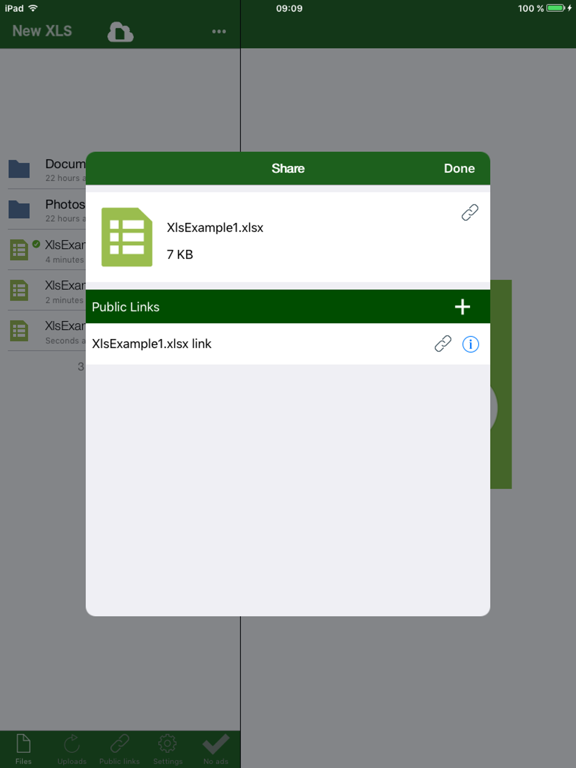
- Share your pictures and documents using a link to your Cloud
- Send password protected public links
- Access to your private pictures and documents using the website provided by RedcoolMedia
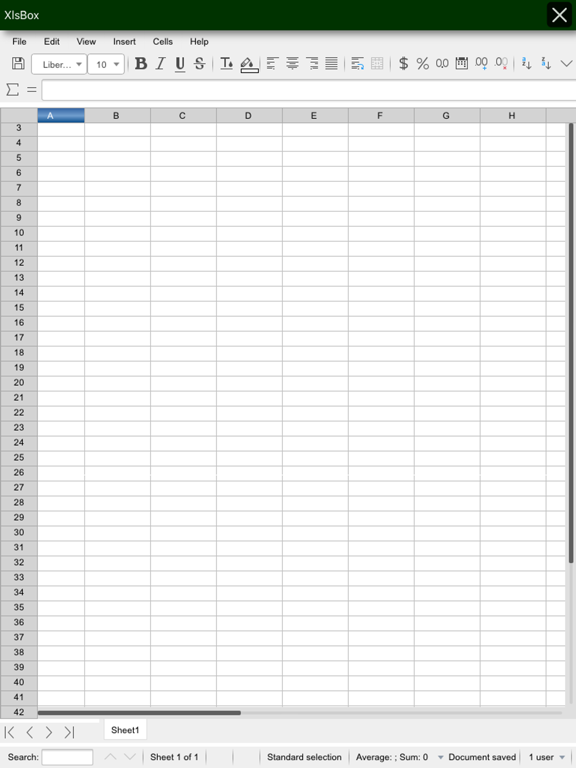
- Spreadsheet funcionality:
· Cell styles management.
· Search for texts.
· Insert columns / rows.
· Delete rows / columns.
· Find & replace.
· Formulas
- Spreadsheet formats supported are the OpenDocuments formats (.ods and .ots), but in addition to them this app can open the following spreadsheet formats:
· Microsoft Excel 97/2000/XP (.xls, .xlw, and .xlt)
· Microsoft Excel 4.x–5.0/95 (.xls, .xlw, and .xlt)
· Microsoft Excel 2003 XML (.xml)
· Microsoft Excel 2007 XML (.xlsx, .xlsm and .xltm)
· Rich Text Format (.rtf)
· Text CSV (.csv and .txt)
The subscription inside the app consists on the following:
- The subscription title is "XlsBox without ads".
- It removes the ads showed inside the app
- The length of the subscription is 1 month
- The price of the subscription is $0.99
- There is not any trial for this subscription.
- The subscription will be auto-renewed every month so that you can continue enjoying the app without ads.
- Payment will be charged to iTunes Account at confirmation of purchase
- Subscription automatically renews unless auto-renew is turned off at least 24-hours before the end of the current period
- Account will be charged for renewal within 24-hours prior to the end of the current period, a