Text Viewer - txt file viewer

Text Viewer - txt file viewer Summary
Text Viewer - txt file viewer is a free, ad-supported, with in-app purchases iOS app in Books And Reference by kim juyoung. Released in Nov 2017 (8 years ago). It has 5K ratings with a 4.73★ (excellent) average. Based on AppGoblin estimates, it reaches roughly 12K monthly active users and generates around $<10K monthly revenue (27% IAP / 73% ads). Store last updated Aug 27, 2026
Recent activity: 1.00 new ratings this week View trends →
SDK intelligence: AppGoblin detected 1 ad networks(e.g. Google) integrated into Text Viewer - txt file viewer. View full SDK list →
Text Viewer - txt file viewer SDKs Summary
Text Viewer - txt file viewer was last scanned for SDKs on 2026-08-22. Below is the overview of third-party companies detected in the app. The full list of SDKs, permissions and unknowns is available here.
 Google
4.73★
Ratings: 5K
Screenshots


App Description
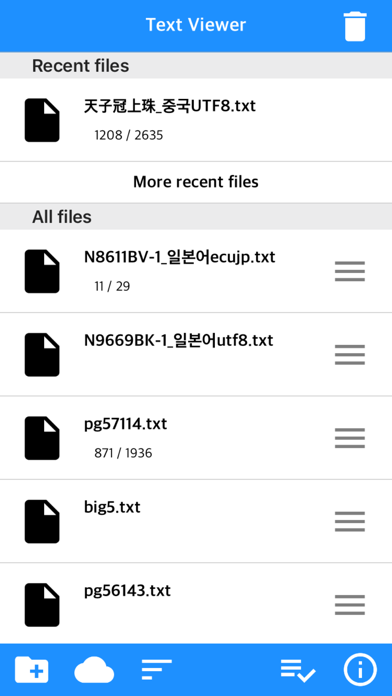
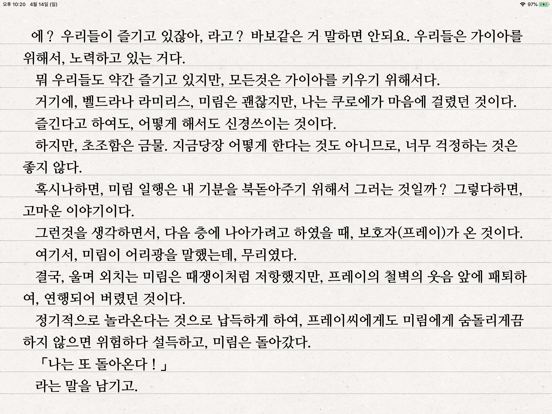
Simple text based novel viewer app that can view text file on your smart devices.
Now, you can read E-book of text-based novel
You can directly transfer text file from PC to App under identical Wi-Fi connection.
If you are using iCloud app, the text file uploaded to iCloud can be imported into this App.
It supports FTP and iTunes.
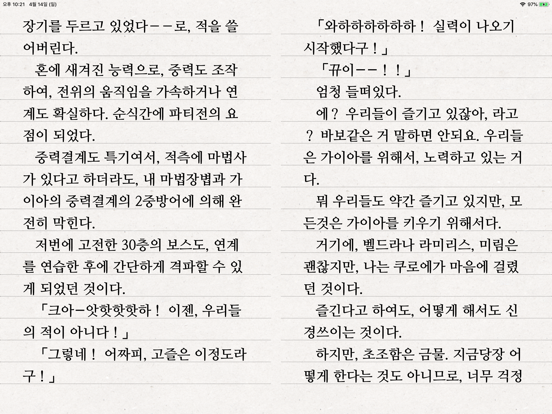
Pages can be switched using tapping, left-right/up-down dragging, or scrolling.
Each switching gesture feature can be turned on and off in the settings.
It supports automatic scrolling (in-app purchase required).
It is compatible with iPhone and iPad, and it can customize view mode as horizontal or vertical in the setting.
In addition, it supports various features such as cutting file, and changing font, color, and brightness.
Text viewer app is designed for viewing text-based novels (books) easily.
It is being continuously improved for facilitation.
If you have any questions or suggestions after installing app, please send an email to junhuloveapple@gmail.com, or click ‘send an email’ button located at the top right of your app's settings screen.
We will try to response and update quickly.
(It may take a day or so to answer if you ask using the comment system of Apple. If you need immediate response, please email us.)
** FEATURES **
- txt file extension
- UTF-8 and multilanguage encodings
- Writing direction: Function for languages that are read in the left direction (iOS 14+)
- Enables to upload using PC web browser with Wi-Fi
- File import from cloud apps such as iCloud, Dropbox, OneDrive, Mega, and Box etc.
- FTP: search, download
- SSHFTP
- Secure FTP not supported
- Enables to upload file using iTunes file sharing
- File copy in the cloud app or mail attachment
- Enables to set text size, space, and thickness
- Adds page transition animation effects
- Locks app and file
- phone/tablet
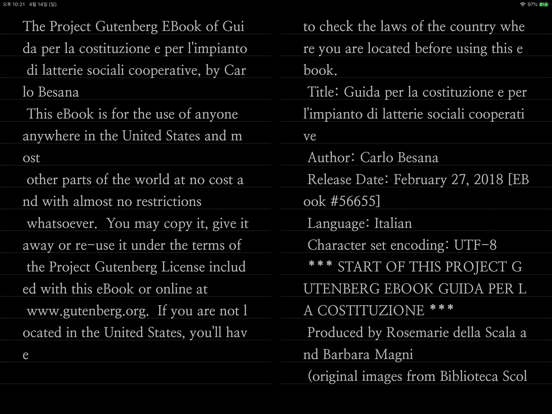
- Choose font types
- Adjust screen brightness
- Upload and search the compressed file including text file
- Cut file feature: split file over 2MB into files of fixed size
- Left / Right margin settings
- Background / text color settings
- Horizontal and vertical rotation for phone / tablet
- iPad multitasking screen support
- Create / delete / rename of folder
- Move / copy / delete of file
- Select multiple files
- Move the pages by tapping and left-right/up-down dragging
- Search and view the text file from compres