Music Speed Changer Lite 2

Music Speed Changer Lite 2 Summary
Music Speed Changer Lite 2 is a free iOS app in Music And Audio by Harald Meyer. Released in Dec 2017 (8 years ago). It has 46 ratings with a 2.59★ (poor) average. Based on AppGoblin estimates, it reaches roughly 126 monthly active users . Store last updated Sep 3, 2019
Music Speed Changer Lite 2 SDKs Summary
App not yet scanned for SDKs.
2.59★
Ratings: 46
Screenshots

App Description
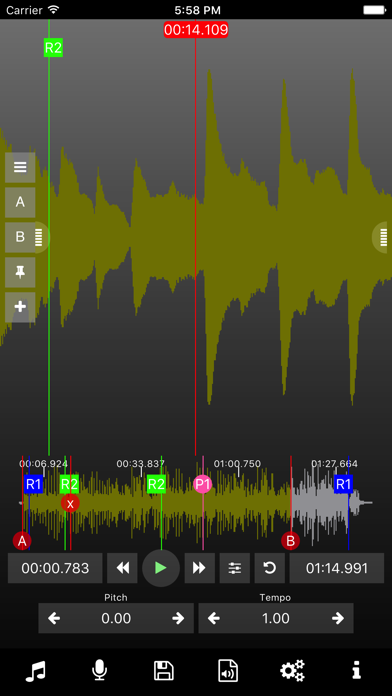
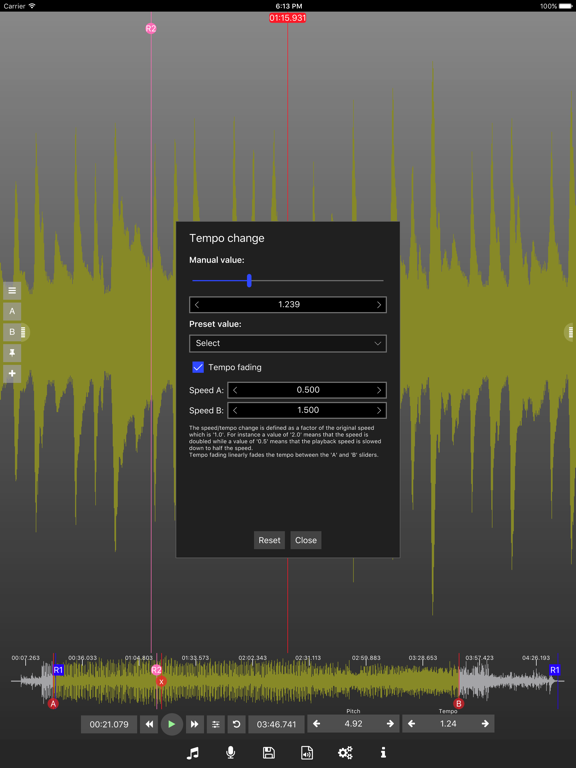
The Music Speed Changer app allows you to easily change the playback speed and the pitch (key) of audio in real-time and independently from each other. The app also supports video (with zooming), subtitles (e.g. for karaoke), images (e.g. for scores), and text.
Help: http://www.tequnique.com/apshelp
Full version: https://itunes.apple.com/us/app/audio-pitch-and-speed-player-pro/id1236781145?ls=1&mt=8
++ If you experience stops during playback then increase the buffer size in the app's settings. ++
## Features Lite ##
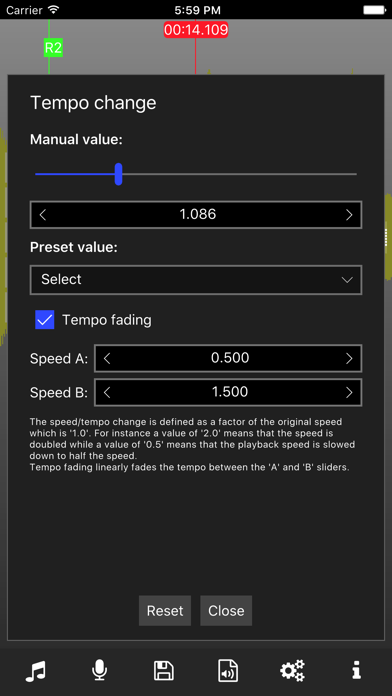
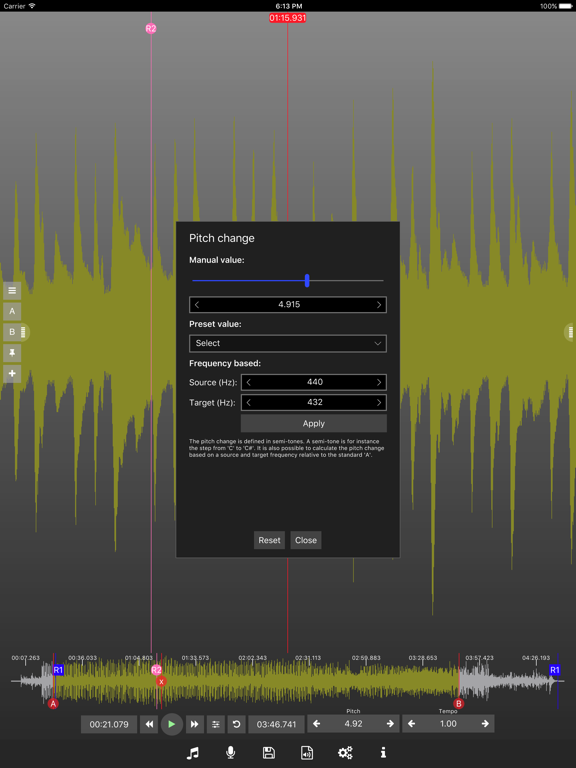
- Change pitch and tempo (speed, time-stretch) independently and in realtime using time and frequency domain algorithms.
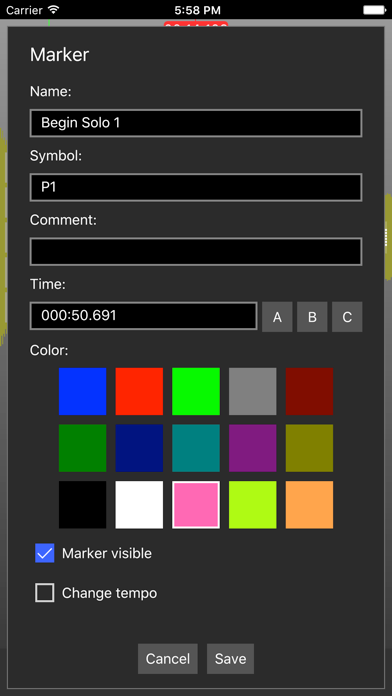
- Create range and position markers.
- Volume amplification, and simple voice reduction.
- Channel selection (left/right).
- Record audio directly in the app.
- Import various formats including mp3, wav, m4a, ogg, aac, mp4 video,...
- Import audio from: media gallery, iOS "Open in" (supported by many apps, including DropBox), iTunes File Sharing (USB), and Wifi upload.
## Features Pro ##
- Loop and select regions.
- Export/share and import songs with annotations (for instance for for sharing between music teachers and students).
- Playlists.
- Video view* with zoom support (for instance to get an exact view on a guitar player's hand).
- Text view with auto scrolling and monospace font support (e.g. useful for tabs).
- Subtitles view to show subtitles (for instance for karaoke).
- Image view with zoom support (for instance for displaying scores in image format).
- Export modified audio to wav, mp3, m4a, and flac.
- Batch conversion of files.
- Frequency conversion (for instance to 432Hz).
* An iPhone 6 or better is recommend for the best video experience. The recommended video resolution is 720p.
Use cases: music instrument training by adjusting tempo and pitch to anytune, transcription, karaoke, ...